Pages that stay the same for everyone
The page count, line endings and chapter breaks are decided once at conversion. A study group, a reviewer or a printer can then point to the same page of the same PDF.
Get a DRM-free ebook as fixed PDF pages you can print, cite by page or open on a device with no EPUB support.
Converting EPUB to PDF pours a reflowable book into fixed pages, so it can be printed or opened in apps and devices that read PDF but not ebooks. Page size, font and line breaks are settled at conversion and no longer adapt to the screen. Books protected by DRM cannot be converted.
Transfers use HTTPS, and files converted on the free tier are deleted within 24 hours, so the result is not a long-term archive. Quality depends on the source file, so open the PDF file once before you share it.
Need more PDF options? Open the PDF Converter hub.
EPUB (Electronic Publication)
An open ebook standard maintained by the W3C. An EPUB is a ZIP package of XHTML chapters, stylesheets, images and a navigation file, and its text reflows to fit the screen and the reader's chosen font and size.
PDF (Portable Document Format)
A page-description format in which every page has fixed dimensions and every line of text a fixed position. That makes it dependable for printing and nearly universal to open, but uncomfortable to read on a small phone screen.
The page count, line endings and chapter breaks are decided once at conversion. A study group, a reviewer or a printer can then point to the same page of the same PDF.
The book's table of contents generally turns into PDF bookmarks, and internal links such as footnote references often stay clickable. An ebook with missing or broken navigation produces few bookmarks or none.
Convert on the site with nothing installed, then download the PDF or copy a share link and open the book on the tablet app, office computer or older e-reader that has no EPUB support.
Choose the EPUB from your device or drop it on the box. Books sold with DRM are encrypted and cannot be converted, so use DRM-free files from publishers or public-domain libraries.
Leave the output on PDF and start the job. Page size, font and line breaks are settled at this step, while the progress bar shows the conversion running.
Open the bookmark panel in your PDF reader to confirm the chapters are listed, then check fonts and image placement before you print.
You get a PDF whose page size, font and line breaks were settled at conversion, so every reader and printer shows the same pages. The layout follows the stylesheet inside the EPUB instead of your reading app's settings, and fonts not embedded in the book are substituted. Page numbers will not match the print edition, and on a phone the result needs zooming and panning.
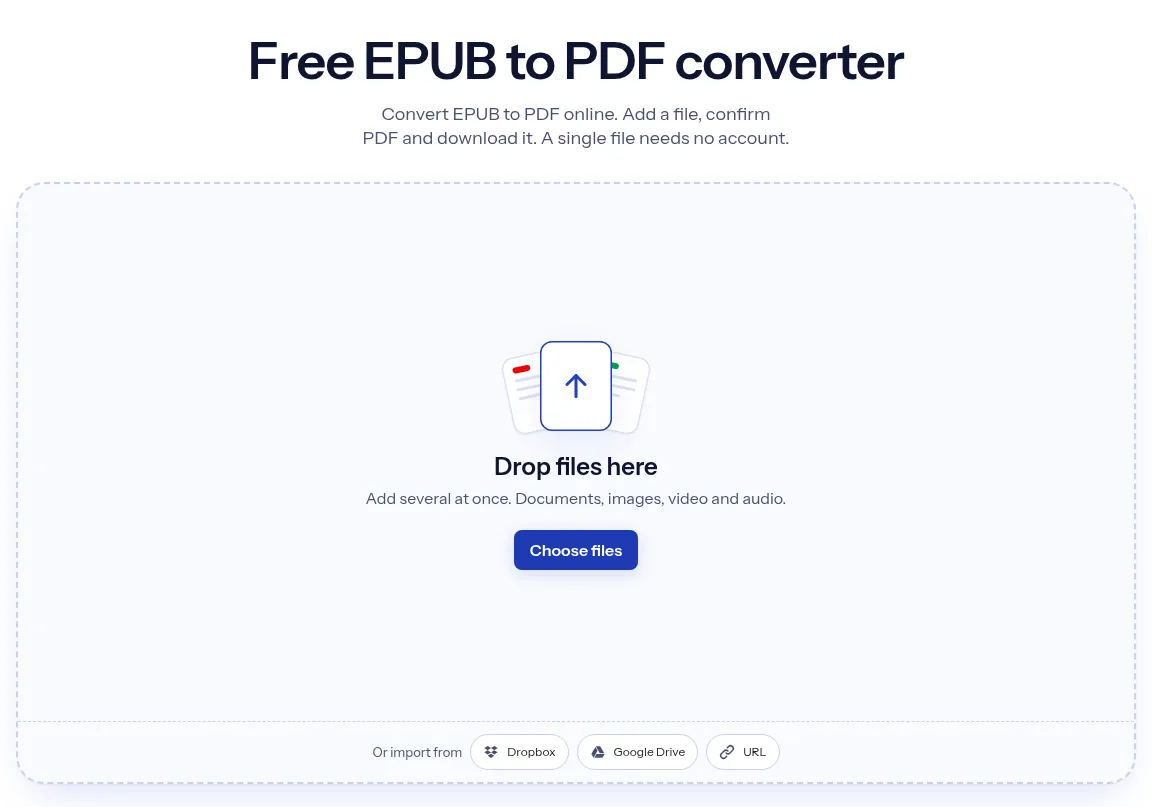
The upload box shows the live size limit before you add a file. Signing in raises it, and paid plans raise it further.
EPUB in, PDF out. Pick another output on the converter if you need a different format.
Files are encrypted in transit over HTTPS and processed on indox infrastructure.
Free-tier files are deleted automatically within 24 hours after the job finishes.
| What you see | Why | What to do |
|---|---|---|
| Conversion fails on a book you bought | Most purchased EPUB books have DRM, which keeps converters such as calibre from opening them | Only a DRM-free EPUB can be converted; the protection has to be dealt with where you bought the book |
| The page count differs from the printed book | An EPUB has no fixed pages, and a PDF's pages come from the layout chosen during conversion | Refer to chapters instead of page numbers |
| The text is tiny on a phone | A PDF has set page sizes and the text cannot rewrap to a narrow screen | Zoom in, or keep the EPUB for small screens; to go back from a PDF use PDF to EPUB |
| Compared on | EPUB | |
|---|---|---|
| Layout | Reflowable or fixed-layout, as the package declares | The layout of page-oriented documents |
| Built on | The Open Web Platform, packaged in a ZIP container | ISO 32000, a page-oriented format |
| Navigation | A navigation document, with optional page-list and landmarks | Bookmarks and hypertext links |
| Protection | Stores add DRM on top, and calibre cannot open such books | Encryption and password protection are available |
Facts checked on October 16, 2026
No tool matches that search.
Only if the file has no DRM. Many books bought from Apple Books, Kobo, Google Play Books and similar stores are encrypted so they open only in authorised apps, and a converter cannot read them. Kindle purchases are not EPUB at all, they use Amazon's own formats. DRM-free books from publishers and public-domain libraries convert normally.
No, almost never. An EPUB has no real pages, so the count in the PDF is created by whatever page size, margins and font are used when it is laid out. The same book can come out with very different page counts. Some EPUBs embed a print page list, but that is navigation data, not layout.
Generally yes. The EPUB's navigation document usually becomes a bookmark outline that PDF readers show in a side panel, and a contents page inside the book normally keeps its links. Results depend on how carefully the ebook was built, and files with missing or broken navigation produce a PDF with few or no bookmarks.
It depends on the screen. EPUB is more comfortable on phones and e-ink readers because text rewraps and you choose the size. PDF suits large tablets, desktop monitors and paper, and it wins whenever layout must be exact, as with tables, equations or forms. Converting to PDF trades reading flexibility for a predictable page.
Because your reading app was applying its own choices. Apps such as Apple Books or Kobo substitute fonts, margins, justification and night themes on top of the publisher's stylesheet. A conversion follows the stylesheet inside the file instead, so fonts, spacing and image placement can differ, and fonts not embedded in the EPUB are replaced with a substitute.
Technically yes, but the round trip is lossy. A PDF stores positioned lines, not paragraphs and chapters, so rebuilding reflowable text means guessing where paragraphs join, and headers, footers and hyphenation often end up in the body text. Keep the original EPUB as your master copy and treat the PDF as a print or sharing version.
Drop files here
Add several at once. Documents, images, video and audio.