Pick from nine paper sizes
Page size lists A0, A1, A2, A3, A4, A5, A6, Letter and Legal. The tool opens on A4, so change the list before you run the job if you need another size.
or drop a file anywhere here
Files other than PDF are converted first. Signing in raises the size limit.
Scaling a PDF changes the size of its pages to a paper size you choose. A document laid out for A4 can be turned into Letter for a printer in North America, and a large A3 sheet can be brought down to A4. On this page you add one PDF, pick a size in the Page size list and, if you need it, change the Scale factor. The list holds A0 to A6, Letter and Legal, and it opens on A4. The size you pick is applied to every page of the file. You download a new PDF, while the copy on your device keeps its old page size.
Page size lists A0, A1, A2, A3, A4, A5, A6, Letter and Legal. The tool opens on A4, so change the list before you run the job if you need another size.
The size you choose is sent once and applies to all pages. A file that mixes page sizes comes back with one size from the first page to the last.
Scale factor is a number from 0.1 to 5 that moves in steps of 0.1 and starts at 1. It is sent with the page size as a multiplier for the PDF engine. Leave it at 1 unless a test run shows you need another value.
If you type a value under 0.1 or over 5, the field shows Minimum is 0.1 or Maximum is 5 and no job starts. Text that is not a number gets the note Enter a number.
| You want to | Page size | Scale factor |
|---|---|---|
| Print an A4 document on US paper | LETTER | 1 |
| Print a US Letter document on A4 paper | A4 | 1 |
| Bring an A3 sheet down for a desktop printer | A4 | 1 |
| Leave a margin around the content | The size you need | Below 1, in steps of 0.1 |
| Fill the page more | The size you need | Above 1, but check that the edges stay inside |
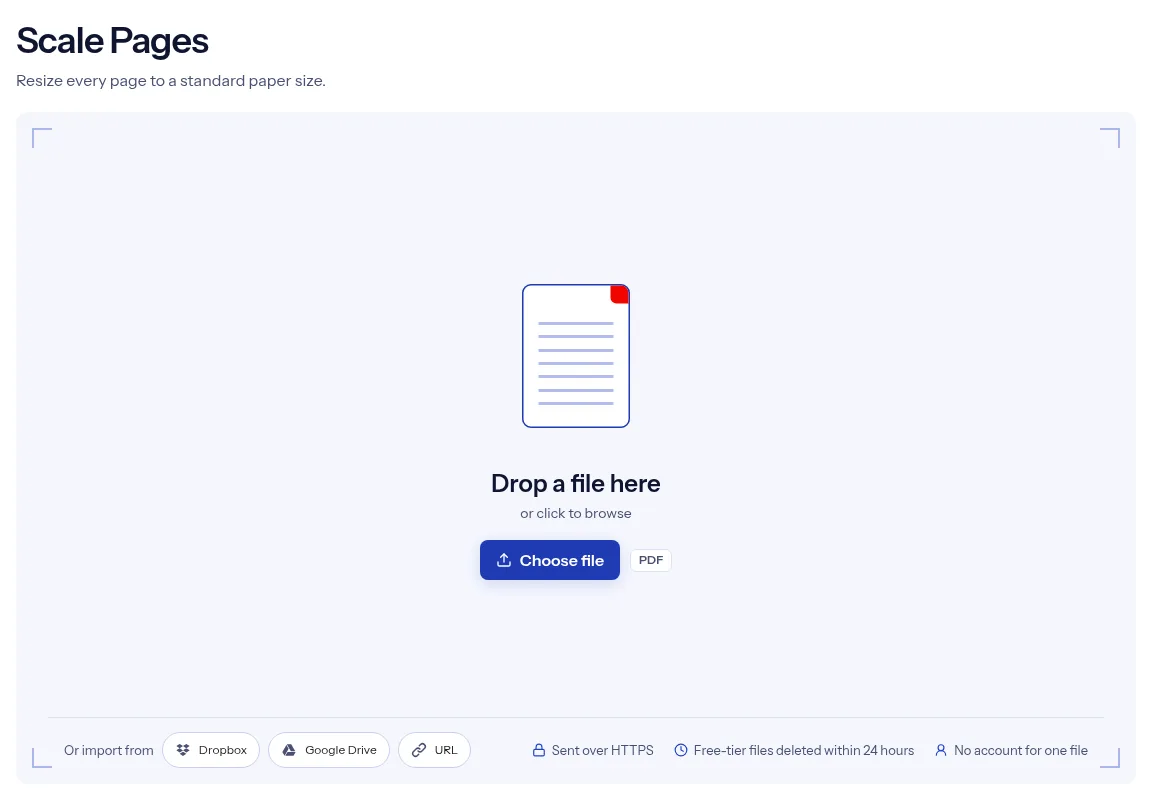
Drag the PDF you want to resize onto the upload box, or press Choose file. Scaling runs on one document at a time.
Open the Page size list and pick the paper you need, for example Letter. Keep Scale factor at 1, or type a number between 0.1 and 5.
Press Run Scale Pages. When the result card says your PDF file is ready, press Download and open a few pages to check the fit.
Two fields decide the whole job, and both are on screen before you start: a paper size and a scale factor. The size list covers the ISO A series from A0 to A6 plus Letter and Legal, so one tool handles a switch in either direction between the two paper systems. The number you type is checked on the page, and a value outside the allowed range is flagged before the job starts. A single file runs without an account. Your PDF is sent over HTTPS, and the free tier deletes the upload and the resized copy automatically within 24 hours after the job finishes. This page also says where the tool stops: it resizes all pages to one listed size, with no custom dimensions, no orientation switch and no preview.
| What you see | Why | What to do |
|---|---|---|
| Empty bands on the sides or at the top and bottom | The new size has a different shape from the old one, and the content is fitted without stretching | This is expected. Pick the size that matches the original shape, or crop afterwards with Crop PDF. |
| Content is cut off at the edge | A scale factor above 1 pushes it past the page | Run it again with a factor of 1 or less. |
| Landscape pages came out small | The size is applied in its portrait shape, and a wide page is fitted into it | The tool has no orientation setting, so expect that. Turn the result with Rotate PDF if you need landscape sheets. |
| Links or bookmarks stopped working | The result is built as a new document from drawn pages | Check them in the result. Rebuild bookmarks with Edit TOC. |
| The file asks for a password | The page has no field for one | Remove it with Unlock PDF, then resize the open copy. |
A PDF made for A4 goes to a printer loaded with Letter, or the other way round. Resize it first so the page matches the paper in the tray.
A large A3 poster or spreadsheet export has to fit an A4 handout. Pick A4 and run the job on the whole file.
Receipts, letters and forms scanned together often end up as pages of different sizes. One run puts them all on the same paper size.
Facts checked on October 16, 2026
No tool matches that search.
Choose Letter in the Page size list, leave Scale factor at 1 and press Run Scale Pages. The pages in the download measure 612 by 792 points, which is 8.5 by 11 inches.
A0, A1, A2, A3, A4, A5, A6, Letter and Legal. A4 is selected when the page opens.
It is a multiplier that the tool sends to the PDF engine along with the page size. It starts at 1 and accepts 0.1 to 5. The page does not explain it further, so test another value on a short file first.
No. The tool offers the nine listed paper sizes and has no field for your own dimensions.
No, the size applies to all pages. Use Extract pages to pull out the ones you need, then scale the extract.
Not on this page. Every entry in the Page size list sets a paper size, and there is no keep-current option.
The field is optional. An empty field is not sent, and the job runs with a factor of 1.
One file runs without an account. The transfer uses HTTPS, and on the free tier both the PDF you add and the scaled result are deleted automatically within 24 hours after the job finishes.