See every field the form contains
After you add the file, the page asks indox to read its form fields and lists them under Options. Each box carries the description the form's author gave the field, or the field's internal name when there is none.
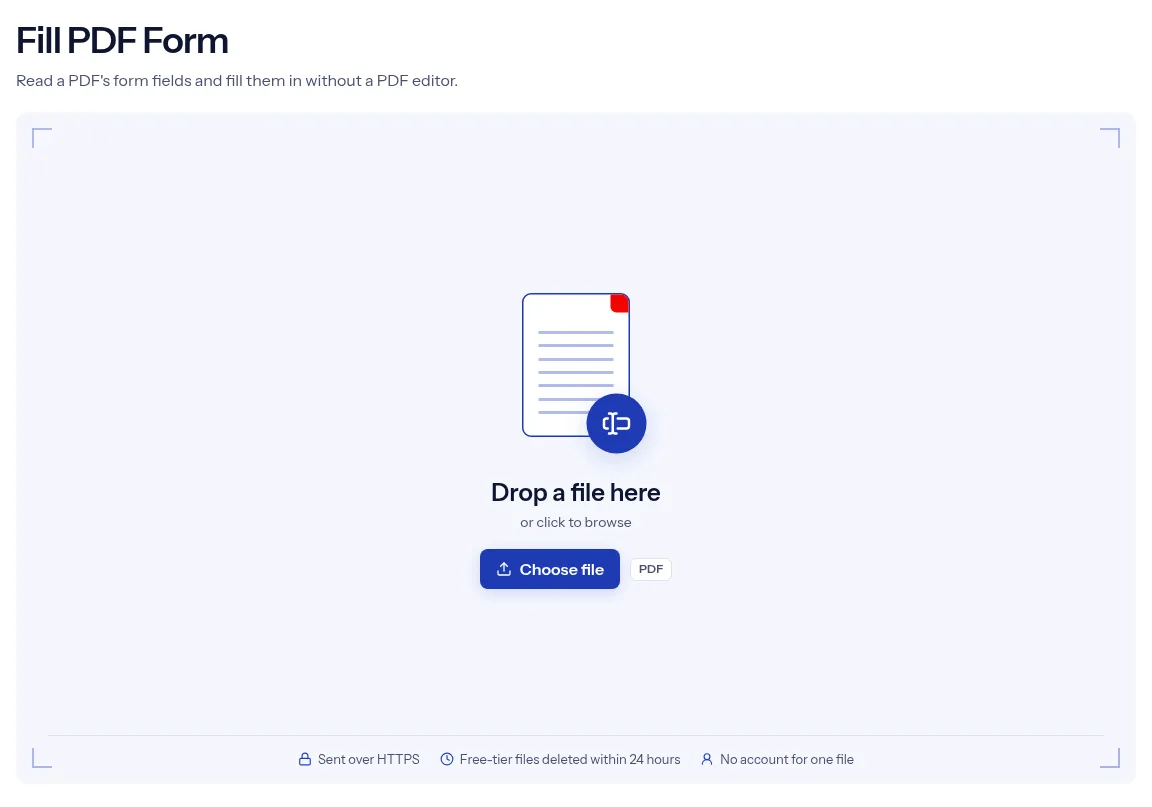
or drop a file anywhere here
Files other than PDF are converted first. Signing in raises the size limit.
A fillable PDF carries form fields: text boxes, tick boxes and choice lists that sit on top of the page. Fill PDF Form reads those fields from your file and shows them as a list you complete in the browser. Add one PDF, wait while the page reads its fields, type your answers and press Run Fill PDF Form. The download is your PDF with the values written into its fields. The fields stay live, so an answer can still be changed later. A single form runs without an account. The tool works only with fields that already exist in the file. It cannot type onto a scanned paper form, and it cannot complete a signature field.
After you add the file, the page asks indox to read its form fields and lists them under Options. Each box carries the description the form's author gave the field, or the field's internal name when there is none.
A value saved in the PDF appears in its box, so a half-completed form opens where it was left. Type over a value to replace it.
Checkbox fields appear as tick boxes. A field with a fixed set of options appears as a text box that suggests those options while you type.
The tool writes your values into the fields and leaves the fields in place. Run Flatten PDF on the filled form when the answers must not change.
Drop your fillable form on the upload box, or press Choose file. A short note says the page is reading the form fields in the PDF, and then the list appears.
Work down the list under Options. Fill the text boxes, tick the checkboxes that apply and skip any field you do not need.
Press Run Fill PDF Form, then choose Download once the filled PDF is ready. Open it and read each answer before you send the form on.

Fill PDF Form builds its list from your file, not from a fixed template, so the boxes you see are the fields that form really has. You do not install a PDF editor, and you do not hunt for fields on the page. The fill page is also clear about what it skips. Signature fields show a note saying they cannot be filled here, read-only fields are disabled, and a PDF without fields gets a plain message instead of an empty form. A single form needs no account. indox receives the form over HTTPS, and free-tier uploads and filled copies are deleted automatically within 24 hours after the fill job finishes.
| What you see | Why | What to do |
|---|---|---|
| The page says the PDF has no fillable form fields | The file has no form fields, which is common for scanned paper forms | This tool cannot add fields. Place text on the page with Add Stamp or look for a fillable version of the form. |
| The viewer asks to save changes when you close the file | The tool asks the viewer to recompute how the fields look, and pypdf's documentation says this can trigger a save prompt | The prompt is expected. To fix the answers in place, run Flatten PDF, which also makes the text unselectable. |
| A viewer still shows empty fields or old values | Some forms keep an XFA description, and pypdf's documentation says that form overrides the page content | Open the download in a second viewer. If the form is XFA-based, check the answers there. |
| A tick box is not ticked | Tick boxes are saved as Yes or Off, and the page has no radio button control | Check those answers in the download, and fix any that did not take in a PDF viewer. |
| A field you cleared still has its old value | Blank boxes are not sent, so the old value stays | Type a replacement over it. |
A landlord, school or employer sent a fillable PDF and you have no PDF editor. Type your details into the list and send back the filled form.
A supplier form or internal request comes round again with mostly the same answers. Upload the last copy, change the few values that differ and download the new one.
You cannot install software where you are. The field list opens in the browser, so the form can be completed on the device at hand.
Facts checked on October 16, 2026
No tool matches that search.
After you add the file, the page sends it to indox, which reads the form fields stored in the PDF and returns their names, types and current values. The list under Options is built from that answer.
The file contains no form fields. That is common for scanned paper forms and for PDFs saved without interactive fields. This tool cannot add fields or type directly on the page.
No. Signature fields appear in the list with a note that they cannot be filled here, and the tool leaves them untouched.
Yes. The tool writes values and keeps the fields live. To fix the answers in place, run the filled form through Flatten PDF, which also makes the page text unselectable.
The form marks that field as read-only, so the page disables its box and sends no value for it. Unlock Forms is the tool for making locked fields editable again.
You cannot clear it on this page. An empty box is skipped when the fill runs, so the old value stays. Type a replacement over it instead.
No. Fill PDF Form has the free badge, and one form runs without signing in.
It travels to indox over HTTPS. On the free tier, the uploaded form and the filled copy are deleted automatically within 24 hours after the job ends.