Save every image in one run
The job reads the whole PDF and gathers its images into one archive. You do not have to open the document, go through it page by page and save each picture by hand.
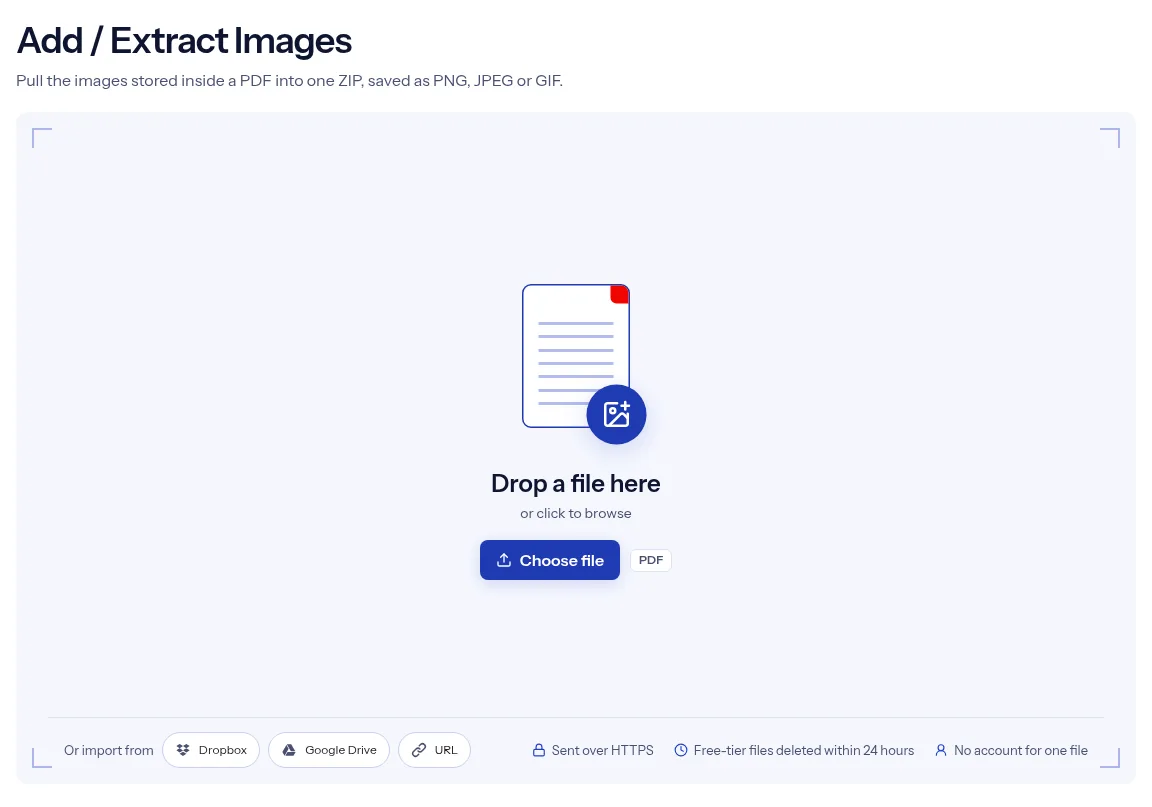
or drop a file anywhere here
Files other than PDF are converted first. Signing in raises the size limit.
Extracting images from a PDF means saving the pictures stored inside the document as separate image files. On this page you add one PDF, pick PNG, JPEG or GIF in Image format, and run the job. indox collects the images it finds and packs them into a single ZIP archive for you to download. The tool is listed as Add / Extract Images, but the page works in one direction: it takes images out. It has no field for placing a new picture on a page. To put a logo or seal on every page, Add Stamp does that from an image link. One extraction runs without an account.
The job reads the whole PDF and gathers its images into one archive. You do not have to open the document, go through it page by page and save each picture by hand.
Image format is a list with three choices, and it starts on PNG. Every image in the archive is saved in the format you pick, so a document with mixed picture types comes back as a single file type.
The result is one ZIP file. Select Download, then unzip the archive on your computer or phone to reach the pictures.
Extraction copies the images out. The document on your device keeps every picture, and indox returns no edited PDF. To strip the pictures from a file, Remove Images is the separate tool for that.
| You want | Choose | Why |
|---|---|---|
| To keep transparent areas, or avoid any loss | PNG | The default. PNG keeps transparency here, and MDN recommends it for lossless still images. |
| Photos to place in a document or share | JPEG | JPEG uses lossy compression, so each saved picture gives up some detail, and it has no transparency here. |
| A program that only accepts GIF | GIF | MDN suggests PNG for still images, so pick GIF only when the other program needs it. |
Drag the PDF with the pictures onto the upload area, or press Choose file and find it on your device.
Open Image format and choose PNG, JPEG or GIF. PNG is already selected when the options appear.
Press Run Add / Extract Images. When the result is ready, select Download and unzip the archive to see the pictures.

The page has one setting, Image format, and it is already filled in, so most jobs need only the upload and the run button. You get all the images in one archive, with no saving picture by picture. A single extraction runs without an account. The PDF reaches indox over HTTPS, and files on the free tier are deleted automatically within 24 hours after the image extraction finishes. This page is also direct about the tool's name. The catalog calls it Add / Extract Images, yet adding is not offered here, and the page says so before you upload anything. The sections below list the rest: the download is an archive, one format covers every picture and the whole document is read.
| What you see | Why | What to do |
|---|---|---|
| The ZIP is empty or has fewer pictures than you expect | A page made of text or vector drawings has no picture to extract, and a picture nested inside another page object is skipped | Use PDF to JPG to get each whole page as a picture instead. |
| A transparent background turned solid | JPEG and GIF files are saved without transparency | Run the job again with PNG. |
| The page shows an error and Try another | The PDF may be damaged, or it asks for a password the form cannot take | Try Repair PDF, or Unlock PDF for a protected file. |
| You need the pictures from a few pages only | The tool covers the whole document and has no page field | Cut the file down with Extract Pages first. |
A client sends a brochure as a PDF and the original photos are gone. Pull the pictures out and work from those files.
An article needs a chart that exists only inside a PDF report. Extract the images and place the chart in your own document.
Product photos sit in a catalog PDF. One job hands you the pictures as separate files for a website or a slide deck.
Facts checked on October 16, 2026
No tool matches that search.
No. The tool is named Add / Extract Images, but the page offers extraction only. To put one image on every page, use Add Stamp with a link to the image.
PNG, JPEG or GIF, set in Image format. PNG is selected by default, and the choice applies to every image in the archive.
The job packs its output into one archive, so a document with many pictures is still a single download. Unzip it to see the image files.
Not in this tool, which has no page setting. Use Extract Pages to make a smaller PDF with the pages you care about, then extract from that file.
No. It saves the images stored in the document, not the pages themselves. To export whole pages as pictures, use PDF to JPG.
No. The images are copied into the ZIP and your PDF is not changed. Remove Images is the tool that returns a PDF with its pictures stripped out.
No. The image extractor is on the free tier, and one extraction runs without signing in.
Both travel over HTTPS. On the free tier they are deleted automatically within 24 hours after the job finishes, so save the image archive once it is ready.