Free SVG to PNG converter

Your vector artwork is drawn into a transparent PNG at a set pixel size that opens without design software.

Converting SVG to PNG draws your vector artwork onto a fixed grid of pixels. The result keeps its transparent background and opens in software that has never heard of SVG. The trade-off is that the PNG has one set size: enlarge it later and edges blur, where the original would have stayed sharp.

Transfers use HTTPS, and files converted on the free tier are deleted within 24 hours, so the result is not a long-term archive. Quality depends on the source file, so open the PNG file once before you share it.

FromSVGLosslessTransparency

SVG (Scalable Vector Graphics)

An XML-based vector format from the W3C. Shapes, paths and text are stored as drawing instructions, not pixels, so an SVG stays sharp at any size and can be styled with CSS, animated or scripted inside a browser.

ToPNGLosslessTransparency

PNG (Portable Network Graphics)

A lossless raster format with an alpha channel. It records a fixed grid of pixels exactly, keeps transparent and semi-transparent areas, and is accepted by office suites, social networks, app stores and almost every program that handles pictures.
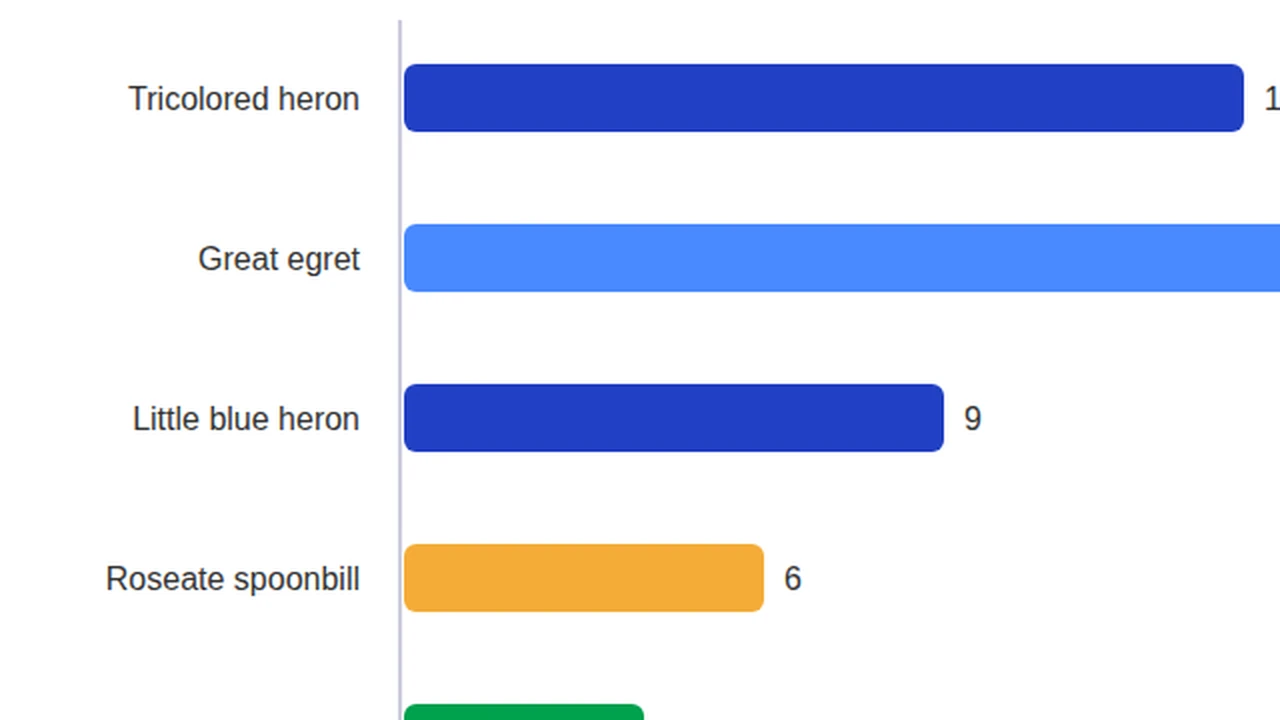
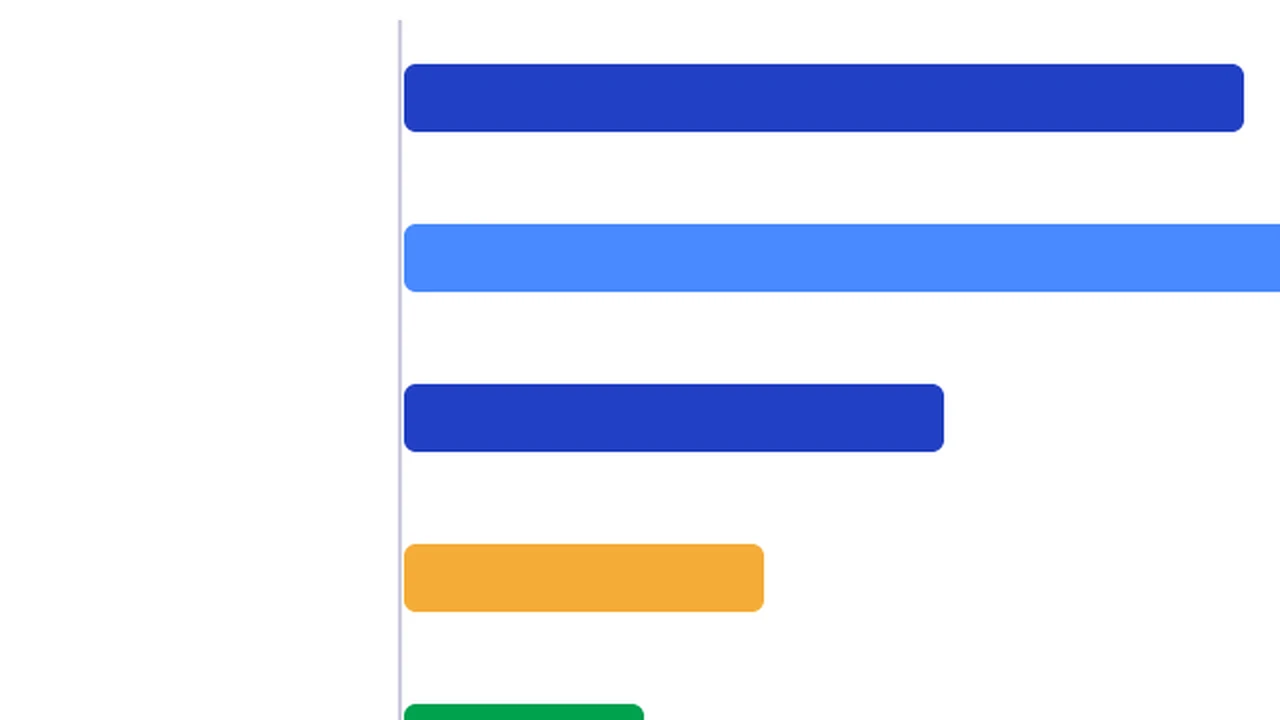
A 960 × 600 SVG bar chart, converted on indox.org

SVGthe original
2 KB
PNGfrom indox, 276% larger
6 KB
Part of the bar chart in the original SVG file, enlarged
The same part in the PNG file made by indox, enlarged
Measured on indox.org on 16 October 2026: the file we uploaded and the file we downloaded. Drag the handle to compare the same part.

Why use indox to convert SVG to PNG?

A PNG without opening a vector editor

You do not need Illustrator, Inkscape or Figma to export a PNG. Here the SVG is rendered on indox infrastructure: no design software is installed, you do not need an account for one file, and the result is ready to download when the progress bar finishes.

Transparency carried across

The PNG has an alpha channel, so wherever the drawing leaves the canvas empty the picture stays see-through, soft shadows included. If the result has a white or coloured backdrop, the SVG contains a background shape; delete it in a vector editor and convert again.

A whole icon set in one batch

You can hand over several SVG files in one go, and every file comes back as a PNG of its own, which suits icon sets and logo variants. Download each result, or share it with a link when a client only needs a preview.

What happens to your artwork

Stays

  • Your original SVG, which is not touched
  • The shapes and colours, drawn at the size the SVG declares
  • Empty areas, because indox sets no background colour and PNG supports an optional alpha channel

Changes

  • Vector to pixels: the PNG holds a fixed grid of pixels and no longer scales sharply
  • Editing: paths, groups and live text become flat pixels
  • Text: it is drawn with the fonts installed on the server, because indox passes no font files
  • Motion and scripts: resvg renders the static SVG subset, so animation, scripts and events are not carried over

How do I convert SVG to PNG online?

  1. 1

    Add a self-contained SVG

    Drop the SVG on the box, or bring it in from your device, a URL, Dropbox or Google Drive. Convert text to outlines first if the font may be missing where the file is rendered.

  2. 2

    Make PNG the output and convert

    The converter should show PNG as the output; confirm it and start. A progress bar is shown while the artwork is converted, and the job can be cancelled.

  3. 3

    Download the PNG and check its size

    Download the PNG and check its pixel dimensions, which normally follow the width, height or viewBox written in the SVG. Look at any text too, in case a substitute font was used.

What do I get from indox's SVG to PNG converter?

You get a lossless PNG that matches the SVG at the size it was rendered, with see-through areas intact, and that office suites, social networks and app stores accept. It no longer scales, its shapes and text cannot be edited, and scripts, links and animation are frozen into one still picture. Keep the source SVG; the PNG is an export, not a replacement.

  • A lossless PNG with no compression artefacts
  • See-through wherever the SVG canvas is empty
  • No design software to install
  • Icon sets convert as a batch, one PNG per SVG
  • Free-tier artwork deleted within 24 hours
The indox SVG to PNG converter: drop a file or choose one to convert it to PNG

What are the limits for SVG to PNG?

Size

The upload box shows the live size limit before you add a file. Signing in raises it, and paid plans raise it further.

Formats

SVG in, PNG out. Pick another output on the converter if you need a different format.

Privacy

Files are encrypted in transit over HTTPS and processed on indox infrastructure.

Deletion

Free-tier files are deleted automatically within 24 hours after the job finishes.

Limits worth knowing

  • Text set in a font that is neither embedded nor available where the file is rendered may be drawn in a substitute typeface, shifting spacing and line breaks.
  • Pixel dimensions normally follow the width, height or viewBox declared in the SVG, so an icon drawn at 24 units can come out as a very small PNG.
  • Images, web fonts and stylesheets that the SVG links to by URL may not load during rendering, leaving gaps. Self-contained files convert most predictably.
  • Filters, masks and blend modes are drawn slightly differently by different rendering engines, so complex artwork can vary a little from what your browser shows.

When the result is not what you expected

What you seeWhyWhat to do
The PNG is tinyThe pixel size follows the width, height or viewBox written in the SVGSet the size you want in the SVG, or in your vector editor's export settings, before converting
Text is in a different fontThe picture is drawn on the server with the fonts installed there, and indox does not send your font filesConvert the text to outlines in your vector editor, then convert the SVG
Animation or interaction has stoppedresvg renders static SVG only, with no animation, scripts or eventsExport a still frame of the artwork from your editor and convert that
I need a solid background, not see-through areasPNG keeps transparency, and indox adds no background colourAdd a background rectangle in the SVG, or use SVG to JPG

What do the free and paid plans add?

Free

  • All converters
  • Daily credit refresh
  • Email support

Basic

  • Access to all features
  • AI Extract
  • Priority conversions
  • Email support
Highest priority

Premium

  • Everything in Basic
  • Highest priority queue
  • Larger file limits
  • Priority support

Pay-As-You-Go

  • No subscription
  • Credits never expire
  • Opt-in auto-refill
  • Access to all features
See prices

SVG vs PNG: what is the difference?

Compared onSVGPNG
KindXML-based vector graphics: shapes, text and effects described as markupA raster (bit-mapped) image
ScalingScalable by design, so it can be redrawn at any sizeFixed number of pixels
CompressionText markupLossless, portable, compressed
TransparencyDepends on the artworkOptional alpha channel
Maintained byW3C SVG Working GroupW3C Portable Network Graphics Working Group

Who can use a SVG to PNG converter?

  • Brand and social media managers

    Most social networks and messaging apps block SVG uploads. A PNG of the logo keeps its transparent background and posts like any other picture.

  • App and web developers

    App icons, favicons and store listing artwork must be delivered as PNG at exact pixel dimensions. The PNG normally takes its size from the SVG, so set width and height there first.

  • Designers sending client previews

    A client without design software cannot open vector artwork. A PNG preview opens for them, and you keep the editable SVG.

When to use it

  • Posting a logo to a social network or messaging app, most of which block SVG uploads.
  • Placing an icon in Word, PowerPoint, Google Slides or an email signature where SVG support is unreliable.
  • Supplying app icons, favicons or store listing artwork that must be delivered as PNG at exact pixel dimensions.
  • Sending a client a preview of vector artwork that they can open without any design software.

Where can I read more about converting files?

Sources

Facts checked on October 16, 2026

Do it all with indox

View all 123 tools

SVG to PNG FAQs

Does converting SVG to PNG lose quality?

Not at the size it is rendered, but it does lose scalability. PNG is lossless, so every pixel produced from the vector is stored exactly, with no compression artefacts. What disappears is the ability to enlarge without blurring. Viewed at its native dimensions the PNG matches the SVG; stretched to twice the size, it looks soft where the SVG would not.

Will the PNG have a transparent background?

Yes, as long as the SVG itself has no background shape. PNG supports full alpha transparency, so areas the drawing leaves empty stay see-through. If your PNG comes out with a white or coloured backdrop, the SVG very likely contains a rectangle filling the canvas, which you can delete in a vector editor before converting.

What size will my PNG be?

It normally matches the dimensions written in the SVG, taken from its width and height attributes or, failing those, its viewBox. An SVG declared as 512 by 512 usually produces a 512 by 512 pixel PNG. Because vectors have no inherent resolution, raising those attributes on an SVG that has a viewBox gives a bigger PNG that is equally sharp.

Why does the text in my PNG look different from the SVG?

The font was probably not available where the file was rendered. Unless text has been converted to outlines or the font is embedded, an SVG only names a typeface and expects the viewing system to supply it. When it is missing, a fallback font is used. Converting text to paths in Illustrator, Inkscape or Figma before exporting prevents this.

Why do some sites and apps not accept SVG?

Mostly for security and rendering reasons. An SVG is a text document that can contain scripts and links to outside resources, so platforms that accept uploads from the public often ban it instead of sanitising it. Other programs simply lack a vector renderer. A PNG is inert pixel data, which is why it is welcome nearly everywhere.

Can I convert the PNG back to SVG later?

Not in any exact sense. Turning pixels into vectors means tracing, where software guesses outlines from colour boundaries. Tracing works tolerably for simple flat logos and badly for gradients, small text and photos, and it never recovers the original layers or editable text. Keep the source SVG, and treat the PNG as an export, not a replacement.