A working copy that stops degrading
Each time a JPG is edited and saved, it is compressed again and sheds a little detail. The PNG you download stores exact pixels, so you can save it as often as the edit needs with no further loss.
The PNG holds every pixel of your JPG exactly, so later edits and saves stop wearing the image down.
Converting JPG to PNG rewraps your image in a lossless container. Nothing already lost to JPEG compression comes back, the artefacts baked into the JPG are copied across exactly, but no further detail is discarded, so the PNG is safe to edit and re-save repeatedly without degrading.
Transfers use HTTPS, and files converted on the free tier are deleted within 24 hours, so the result is not a long-term archive. Quality depends on the source file, so open the PNG file once before you share it.
JPEG (Joint Photographic Experts Group)
A lossy raster format tuned for photographs. It discards fine detail to reach small file sizes, and it has no alpha channel, so a JPG can never carry a transparent background.
PNG (Portable Network Graphics)
A lossless raster format with a full alpha channel. It preserves every pixel it is given and supports transparency, which makes it the usual choice for logos, screenshots, and any image with sharp edges or text.
A 3024 × 4032 photo saved as JPG, then converted on indox.org
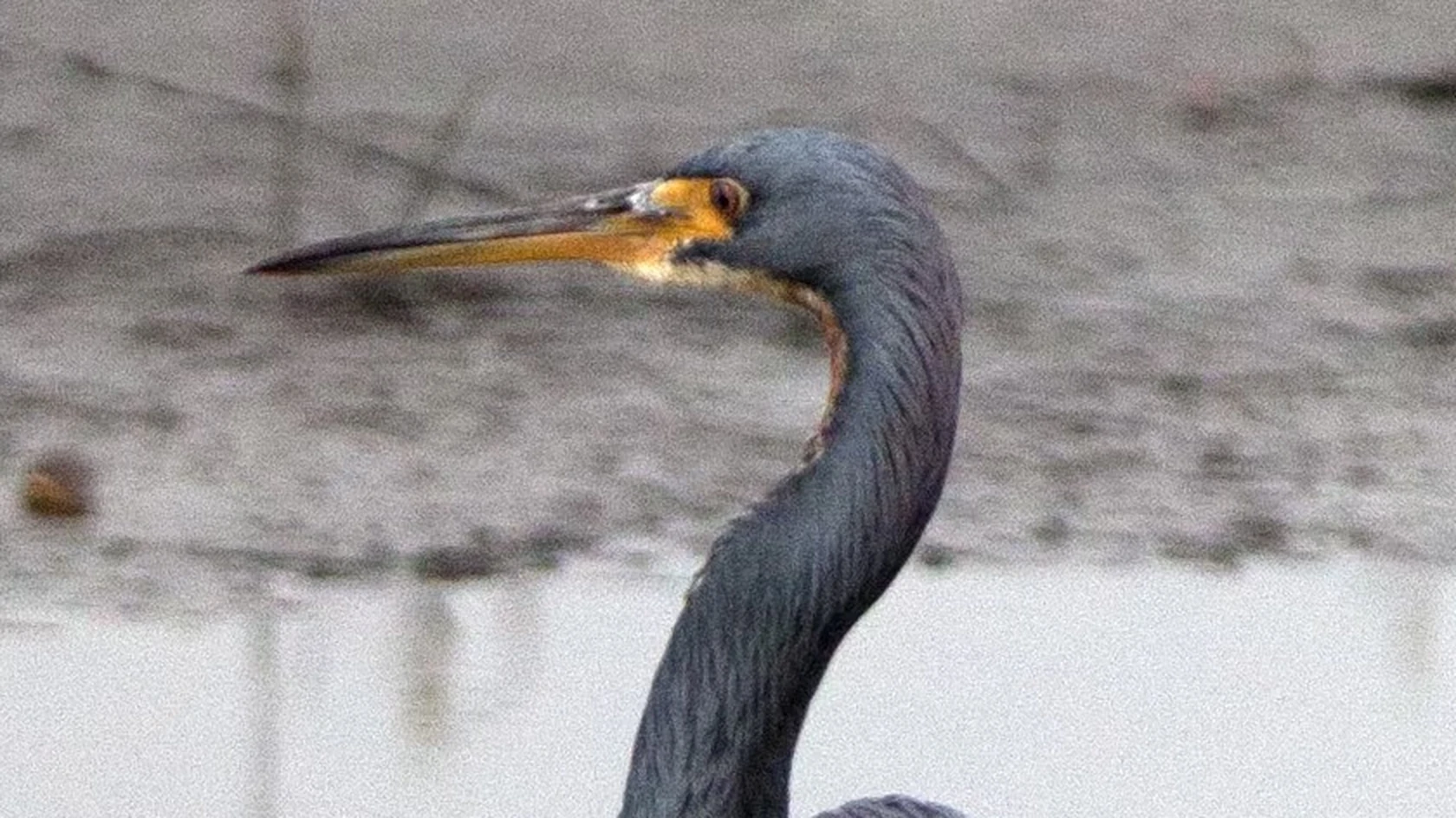
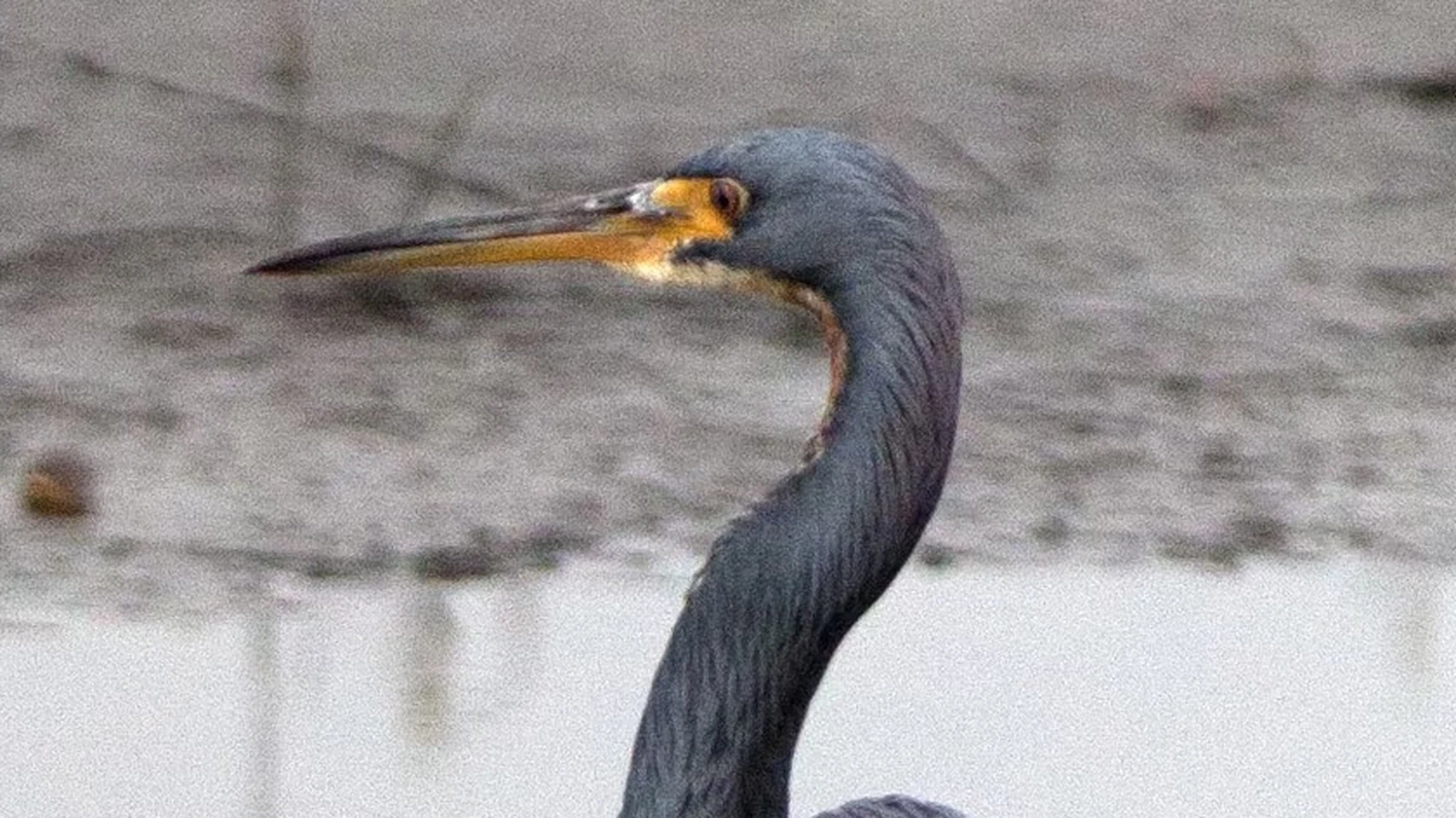
Each time a JPG is edited and saved, it is compressed again and sheds a little detail. The PNG you download stores exact pixels, so you can save it as often as the edit needs with no further loss.
JPG has no alpha channel. The PNG arrives fully opaque, but it can hold transparency, so you can open it in an editor and cut the background out afterwards. Nothing is erased during the conversion itself.
You do not have to open an editor to turn a JPG into a PNG. Add the file here, confirm PNG and download the result; there is no software to install, and a one-off file does not need an account.
Add the JPG by dropping it on the box or choosing it from your device, or import it from a URL, Google Drive or Dropbox. Use your least compressed copy, because its artefacts are carried over exactly.
See that PNG is selected as the output format, then begin the conversion. A progress bar tracks the job, which can be cancelled.
Download the PNG; it is usually a bigger file than the JPG. It looks identical and has no transparent areas yet; do your editing on this copy from now on.
You receive a PNG with the same pixels as your JPG, stored without loss. It is the file to keep editing, to cut a background out of later, or to send where only PNG is accepted. It is not a repair: blocking and ringing already in the JPG stay, the image arrives opaque, and the file is usually larger. On the free tier, both the JPG and the PNG are deleted within 24 hours.
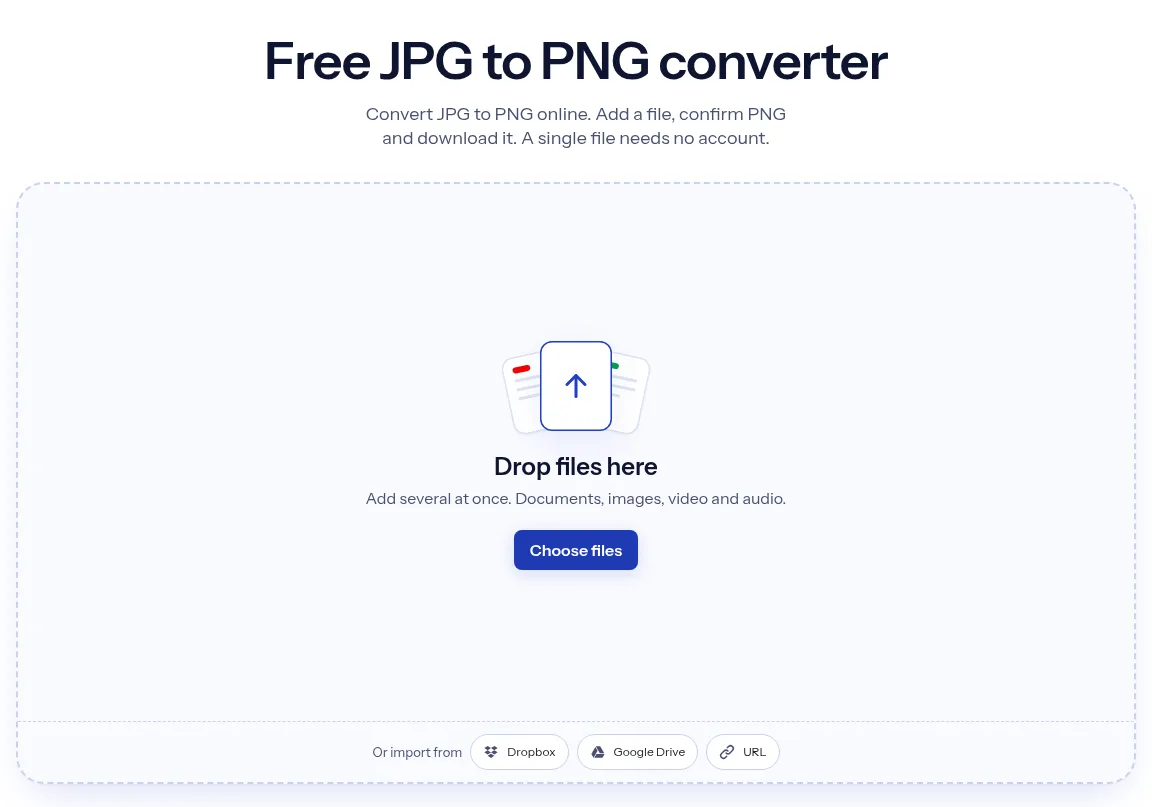
The upload box shows the live size limit before you add a file. Signing in raises it, and paid plans raise it further.
JPG in, PNG out. Pick another output on the converter if you need a different format.
Files are encrypted in transit over HTTPS and processed on indox infrastructure.
Free-tier files are deleted automatically within 24 hours after the job finishes.
| What you see | Why | What to do |
|---|---|---|
| The PNG is much bigger than the JPG | PNG compresses without losing detail, while JPEG discards detail to save space | Keep the JPG when the picture is only for viewing, and use the PNG for editing |
| The PNG still shows JPEG blockiness | The artefacts are part of the pixels, and PNG stores the pixels exactly | Start again from the original photo or an uncompressed source |
| The background is not transparent | A JPG has no alpha channel, so the PNG starts out fully opaque | Remove the background in an image editor after converting |
| A form wants a PDF instead | The PNG is not the format the form lists | Turn the picture into a PDF with JPG to PDF |
| Compared on | JPG | PNG |
|---|---|---|
| Compression | Lossy, based on the discrete cosine transform | Lossless |
| Transparency | No alpha channel | Optional alpha channel |
| Colour depth | True colour at 8 bits per component | Greyscale, indexed and true colour, with 8 or 16 bits per component for true colour |
| Suits | Photographs; sharp content such as diagrams and charts can look poor under lossy compression | Lossless storage of static and animated raster images |
| Largest picture | 65,535 × 65,535 pixels | 2,147,483,647 × 2,147,483,647 pixels |
Facts checked on October 16, 2026
No tool matches that search.
The conversion step itself is lossless, every pixel in the JPG is copied into the PNG unchanged. What is not lossless is the history: the original JPEG compression already discarded detail permanently, and converting cannot bring it back. So you get a lossless copy of an already-lossy image.
No. JPG has no alpha channel, so every pixel arrives opaque and the PNG is a solid rectangle. Converting gives you a format that supports transparency, which lets you remove the background afterwards in an editor. Nothing is cut out during conversion.
PNG stores exact pixel values with lossless compression, while JPEG approximates them and throws away what the eye is least likely to miss. For a photograph the PNG is commonly two to five times bigger. For flat graphics, logos, or screenshots the gap narrows and PNG can even come out smaller.
PNG preserves what it is given, so it is the better choice when an image will be edited repeatedly or needs transparency or crisp text. It does not improve an existing JPG. For a photo displayed once, a good-quality JPG looks the same at a fraction of the size.
No. The extension does not change the bytes inside, so the file is still JPEG data wearing the wrong name. Some software will detect this and open it anyway, but strict tools will reject it as corrupt. A real conversion re-encodes the image data.
The picture travels over HTTPS and files on the free plan are deleted within 24 hours. Your original JPG stays on your device.
Drop files here
Add several at once. Documents, images, video and audio.