Require a password to open the file
Open password is the one required field. The protected copy asks for that password every time someone opens it, and the content stays encrypted until they type it correctly.
or drop a file anywhere here
Files other than PDF are converted first. Signing in raises the size limit.
Protecting a PDF means encrypting it so the file opens only for someone who types the right password. This tool adds an open password to your PDF and encrypts the copy with AES-256. You can add a second, optional permissions password that tells PDF readers to block printing and editing. Drop one PDF in the box above, type the password, select Run Protect PDF and download the protected copy. Pages, bookmarks and form fields stay as they were. One file needs no account, the upload travels over HTTPS, and indox deletes free-tier files automatically within 24 hours after the job finishes.
Open password is the one required field. The protected copy asks for that password every time someone opens it, and the content stays encrypted until they type it correctly.
indox writes every protected copy with AES-256 encryption. You do not pick an algorithm or a strength level, and the tool has no weaker fallback.
Fill in Permissions password and indox flags the copy so PDF readers that honor the setting refuse to print or change it. Copying text and filling in form fields stay allowed.
Protection changes who can open the file and what readers let them do with it. Bookmarks, form fields and attached files travel into the protected copy.
| You want | Fill in | What the copy does |
|---|---|---|
| A file that only people with a password can open | Open password only | Without the password the file does not open. With it, every permission is allowed. |
| The same, with printing and editing switched off | Open password and a different Permissions password | The copy asks for a password to open and sets printing and editing to off. Copying text and filling forms stay on. |
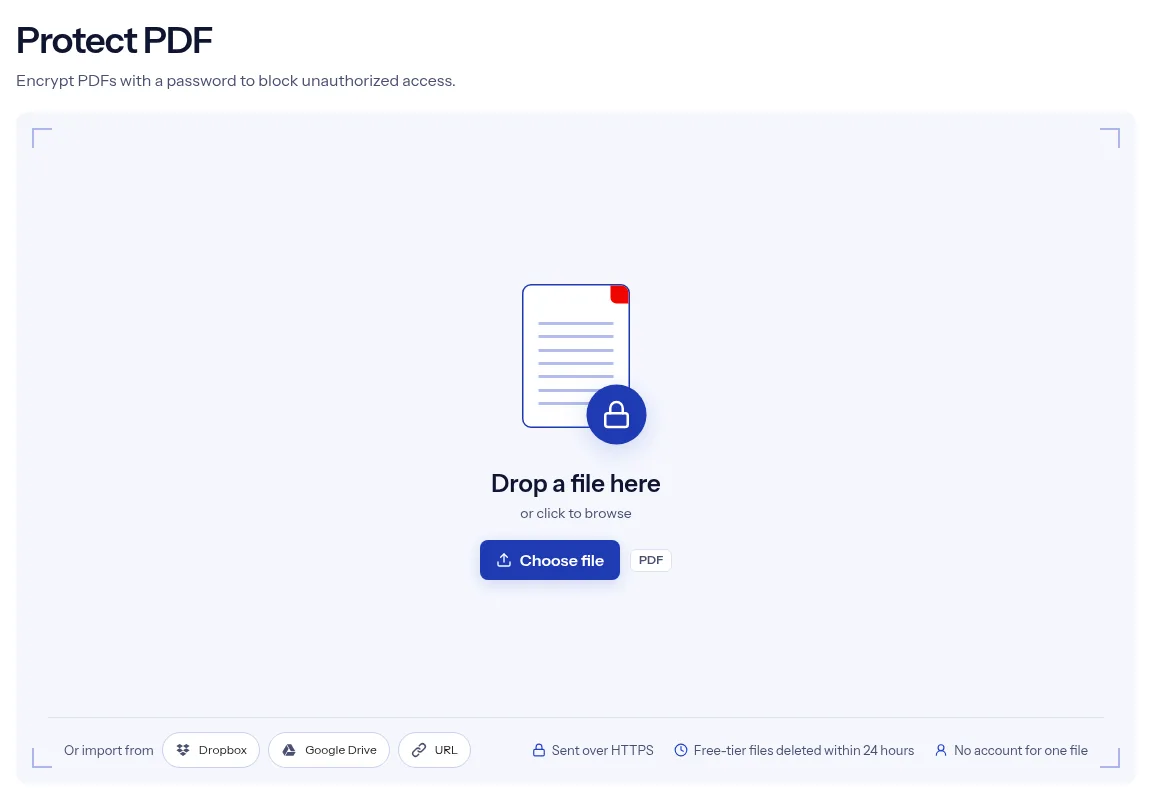
Drop one PDF on the box at the top of this page, or click the box to browse. The file name and size appear next to a Replace button.
Fill in Open password. Add a Permissions password only if you want to block printing and editing, then select Run Protect PDF.
Select Download when the job finishes. Open the copy and type the password once to confirm it works before you delete the unprotected original.

The form has two fields, and each one maps to a real change in the file. Open password locks reading behind AES-256 encryption. Permissions password switches off printing and editing. Nothing else about the document changes: the pages, bookmarks, form fields and attachments arrive in the copy as you uploaded them. If indox cannot protect the file, the job ends with an error message, so you never download an unprotected PDF by mistake. One file runs without an account, and both the upload and the download use HTTPS.
| What you see | Why | What to do |
|---|---|---|
| A reader asks for a password I did not mean to set | The Open password is required in this form, so every protected copy needs one | To restrict printing or editing on a file that anyone can open, use Change Permissions. |
| Printing or editing still works in some programs | Permission flags are enforced by the software that opens the file, and the PDF format cannot force a program to honor them | Rely on the Open password for real protection. |
| The tool cannot protect a file that already needs a password | The form has no field for the current password | Remove it with Unlock PDF, then protect the open copy. |
| A later step on the protected copy asks for a password or fails | The copy needs its open password before any program can read its pages | Protect the file as the last step, after you compress, watermark or number it. |
You email invoices, tax forms and statements that carry account numbers. An open password keeps the attachment unreadable if the message lands in the wrong inbox.
You send offer letters, contracts and payroll summaries to one person at a time. Protect each file and share its password through a different channel, such as a phone call.
You want a client to read a report on screen while printing and editing stay off. Set both passwords, knowing the restriction depends on the reader app.
Facts checked on October 16, 2026
No tool matches that search.
AES-256. indox applies it to every protected copy, and no setting lowers it.
The open password is required to read the file. The permissions password is optional, and when you set one indox flags the copy to block printing and editing.
This tool always sets an open password, because that field is required. Change Permissions, another indox tool, sets printing, editing, copying and form filling rules without one.
indox cannot recover it. Unlock PDF also needs the correct password, so keep your original file or save the password in a password manager.
Unlock it first with its current password, then run the unlocked copy through this tool with the new one. indox cannot read a locked PDF without its password.
No check runs on password strength. The form accepts any password that is not blank, so choose a long one that you do not use anywhere else.
Protecting writes a new, encrypted copy of the file. indox does not promise the signature survives in that copy, so check it in your PDF reader and keep the original signed file.
One file runs without signing in. An account or a paid plan raises the limits.