Fill out any IRS or USCIS form.
Find your form, see its first page and fill it in your browser. Download it when you're done, free and without an account.
- Official IRS and USCIS blanks
- Free to fill and download
- No account needed
Popular forms
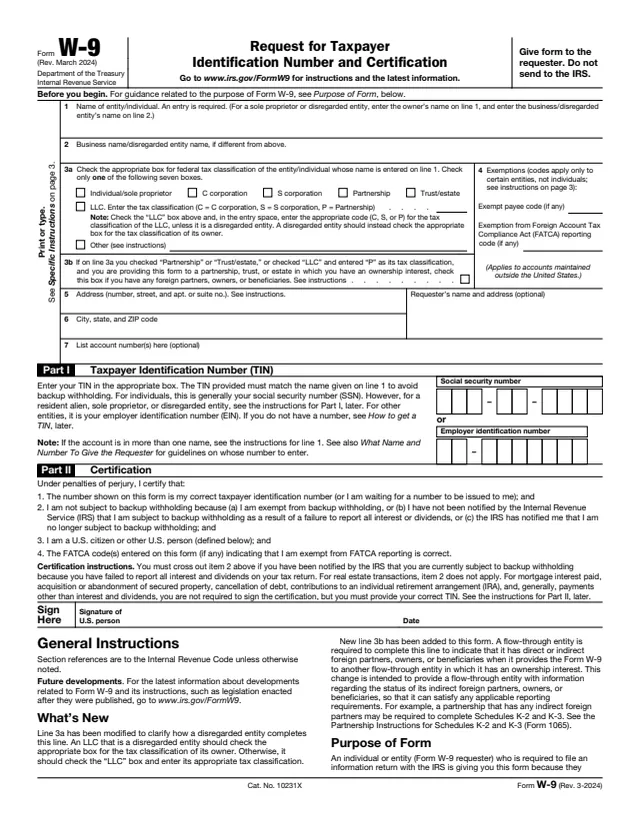
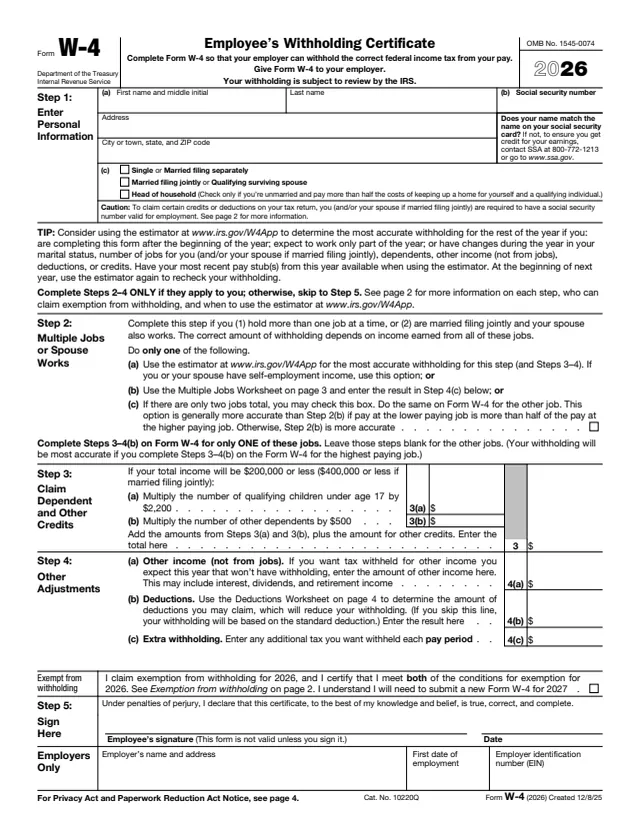
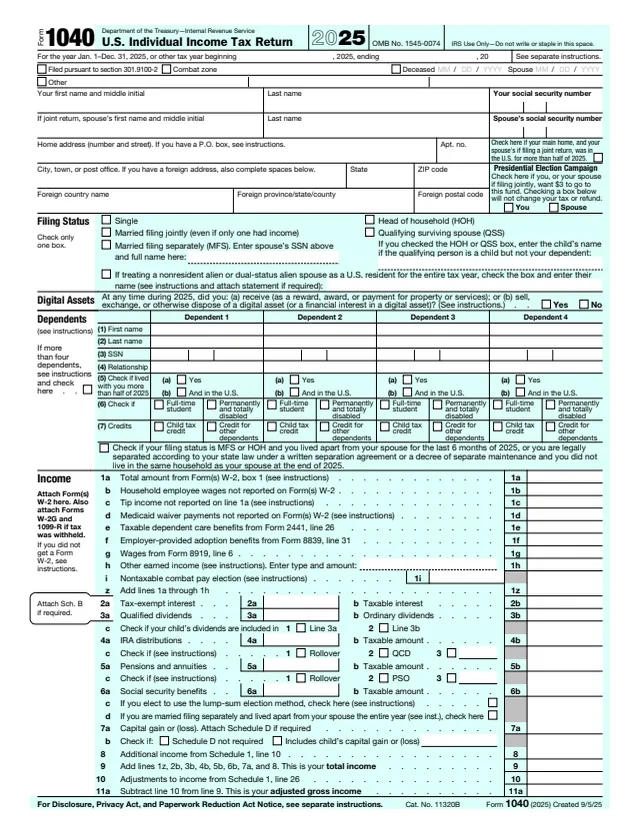
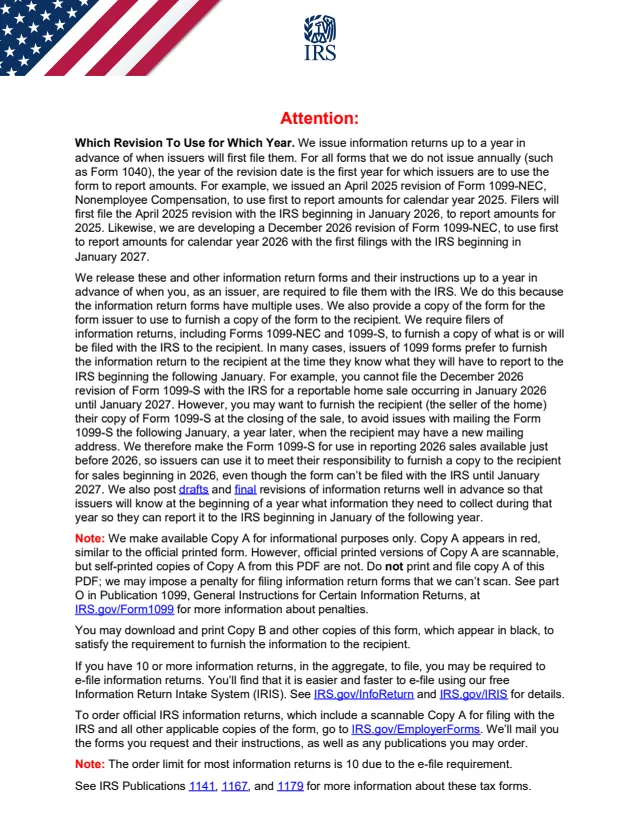
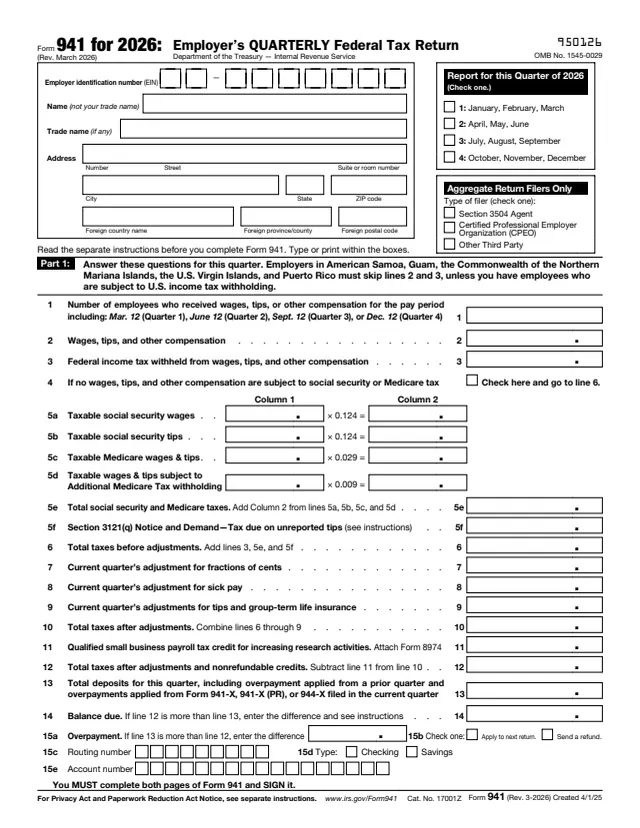
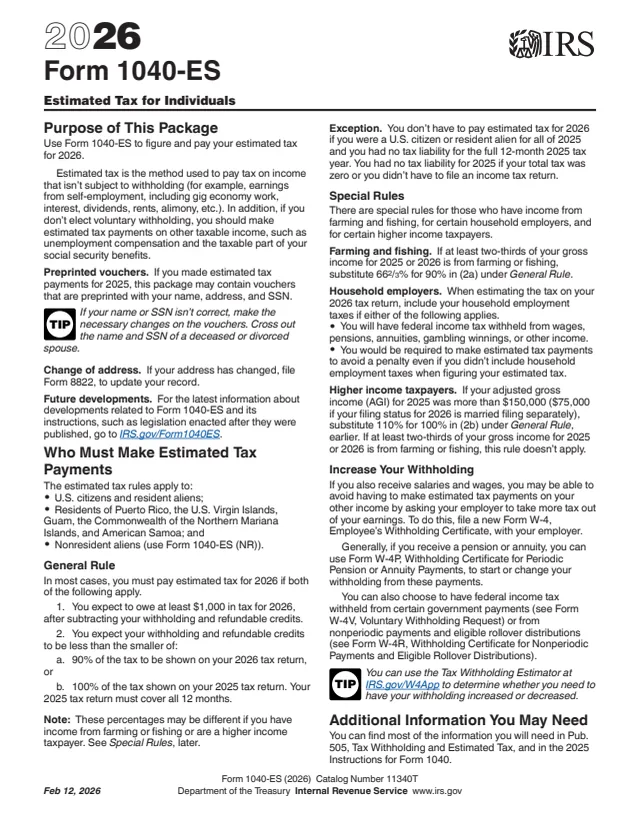
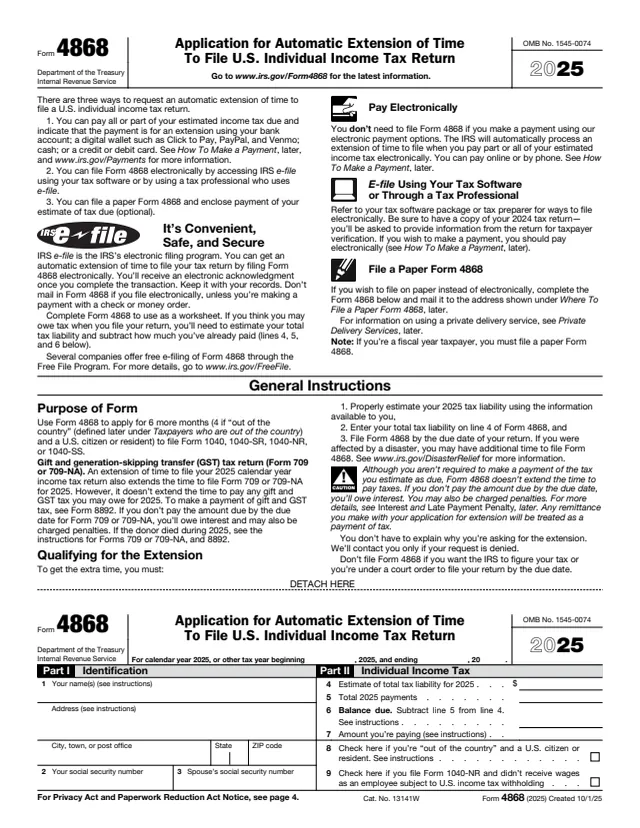
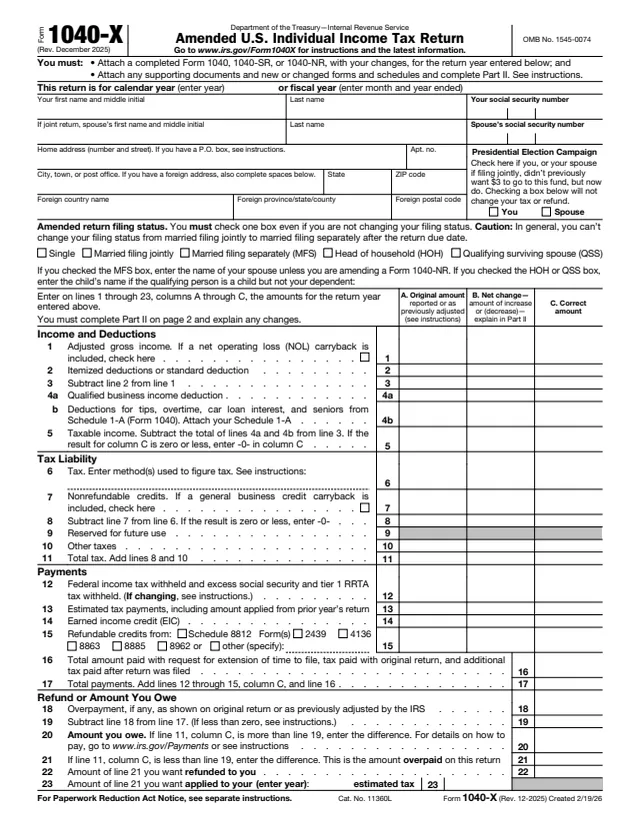
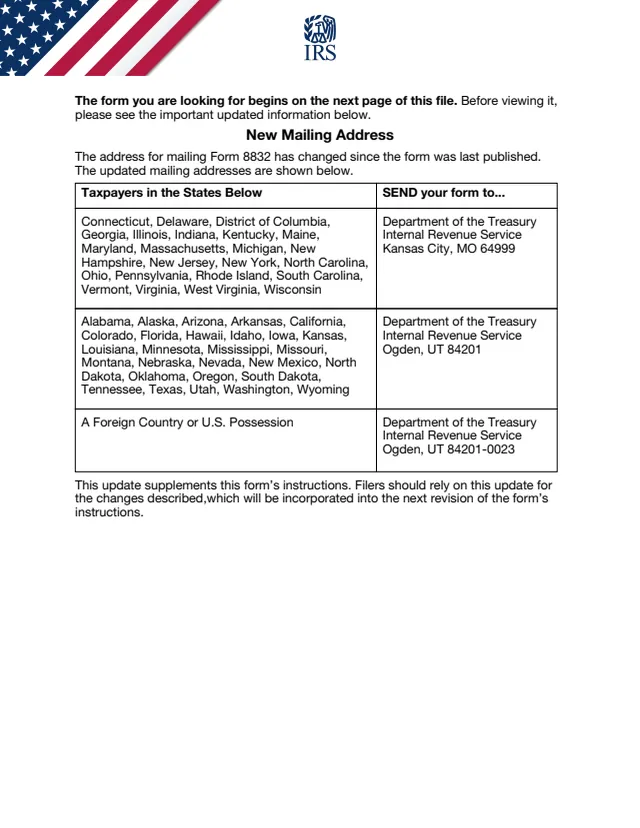
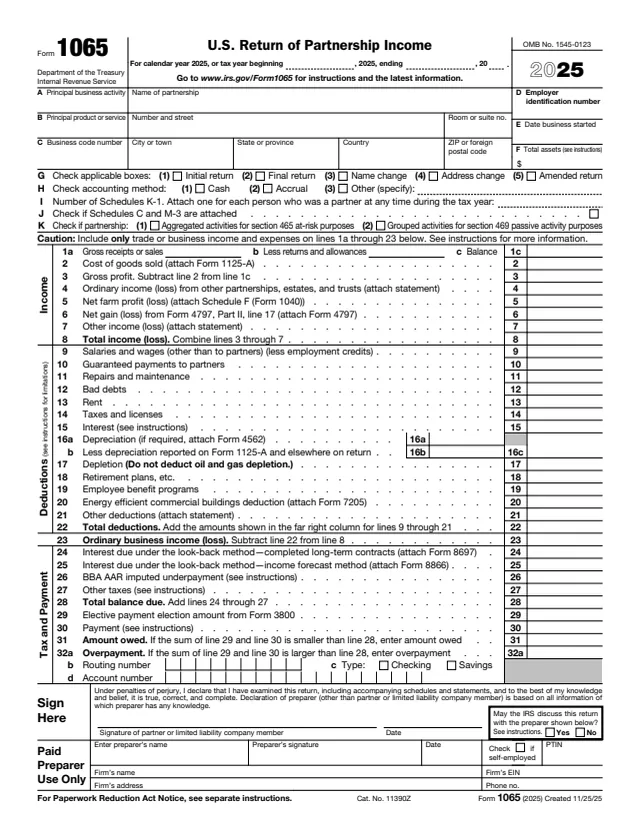
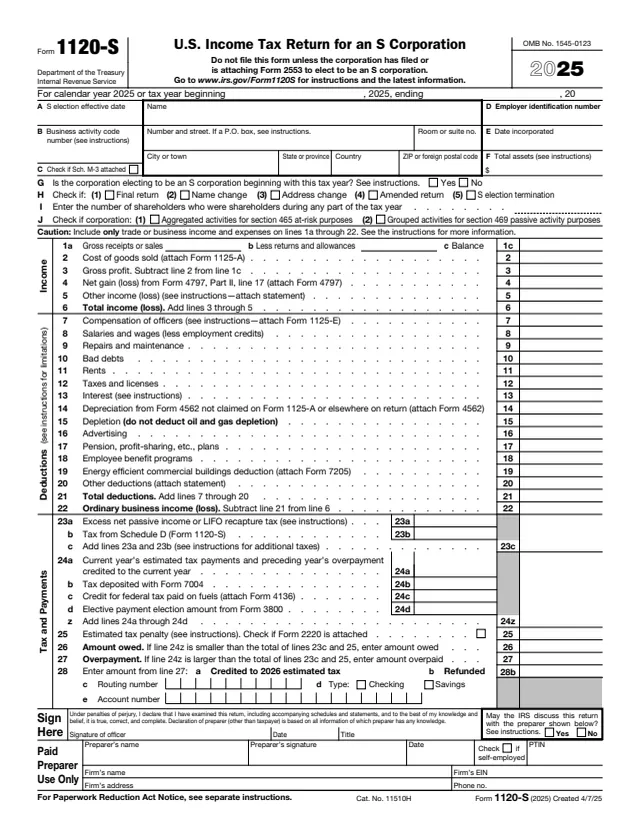
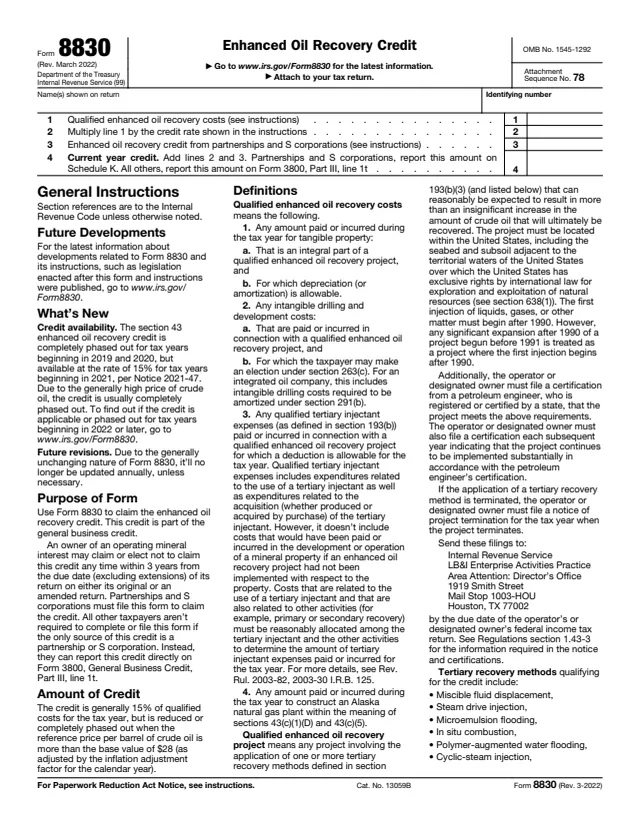
Tax forms (IRS)
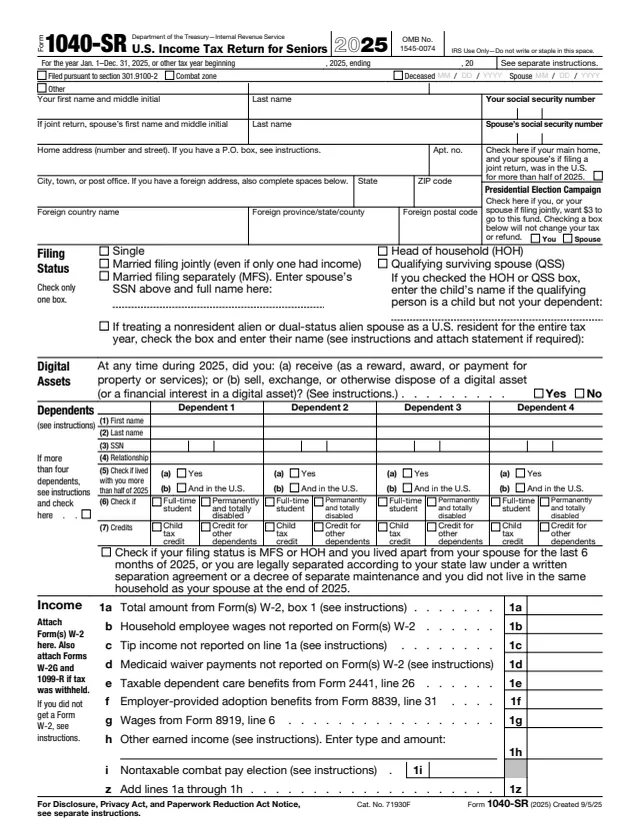
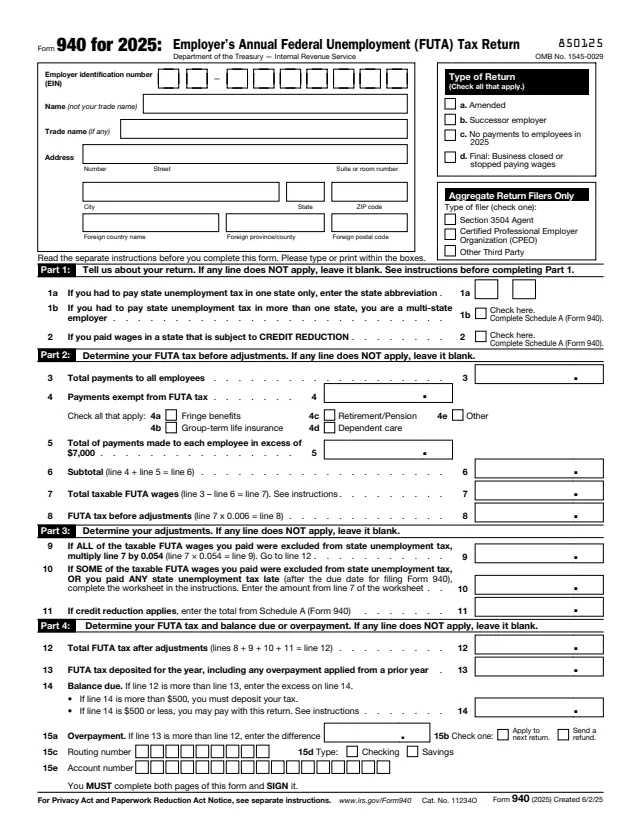
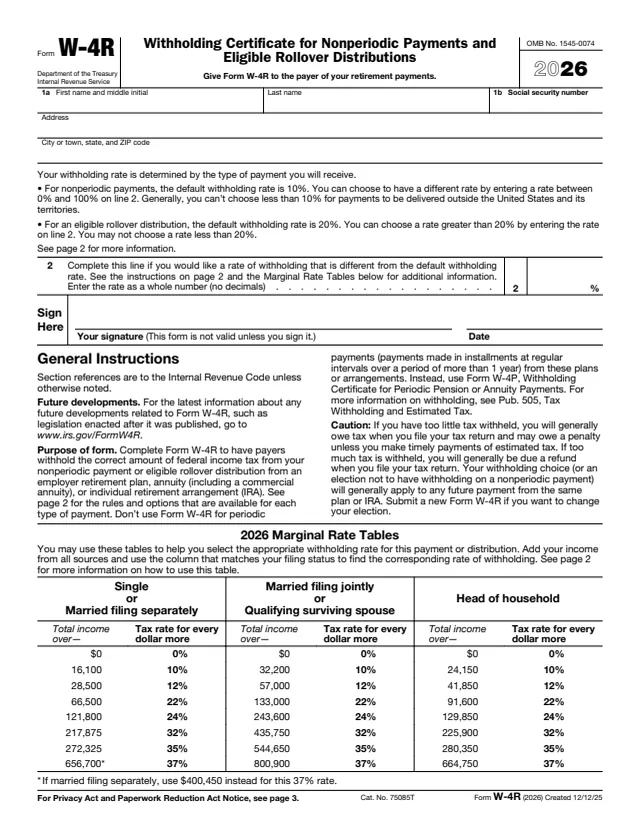
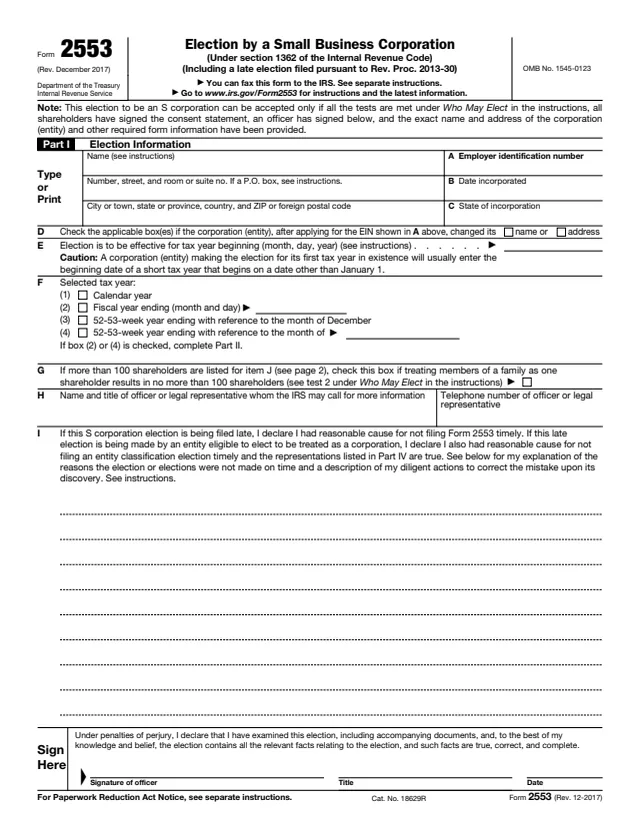
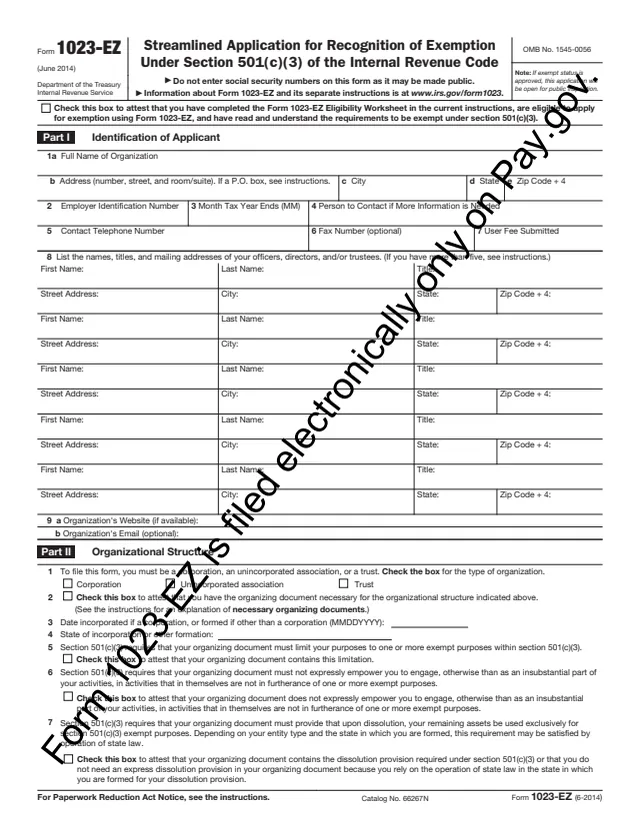
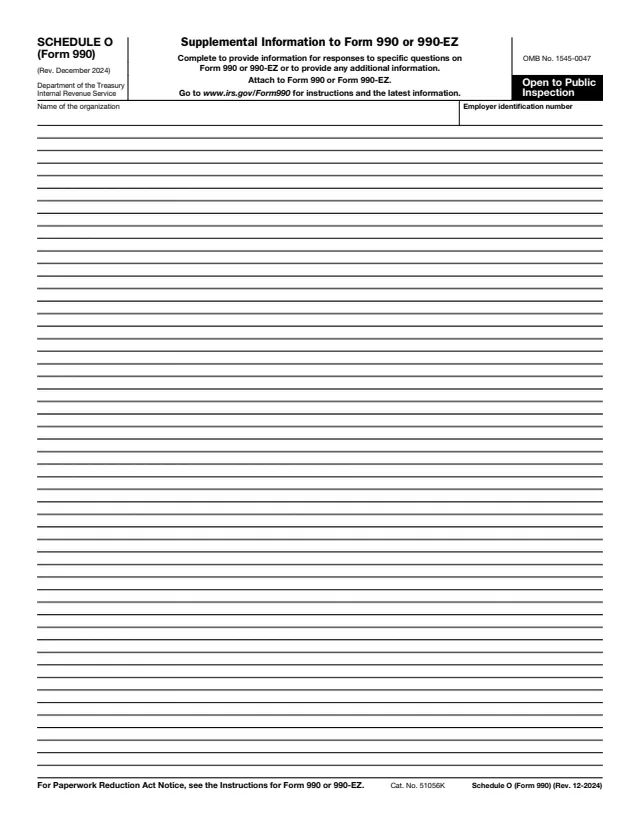
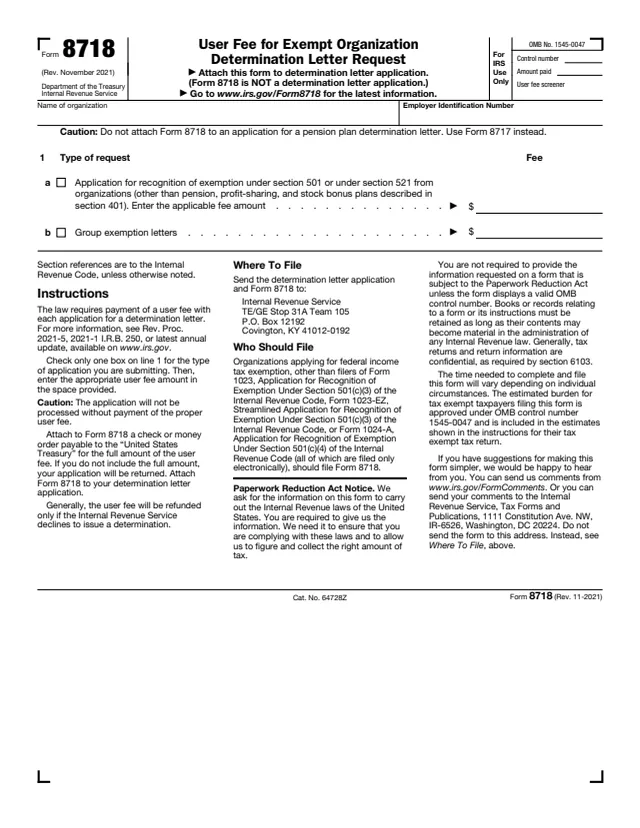
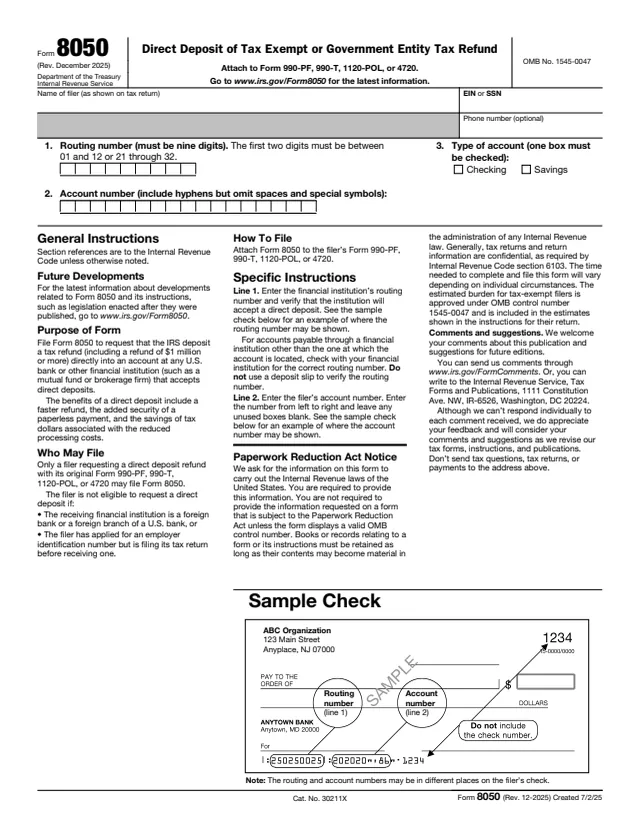
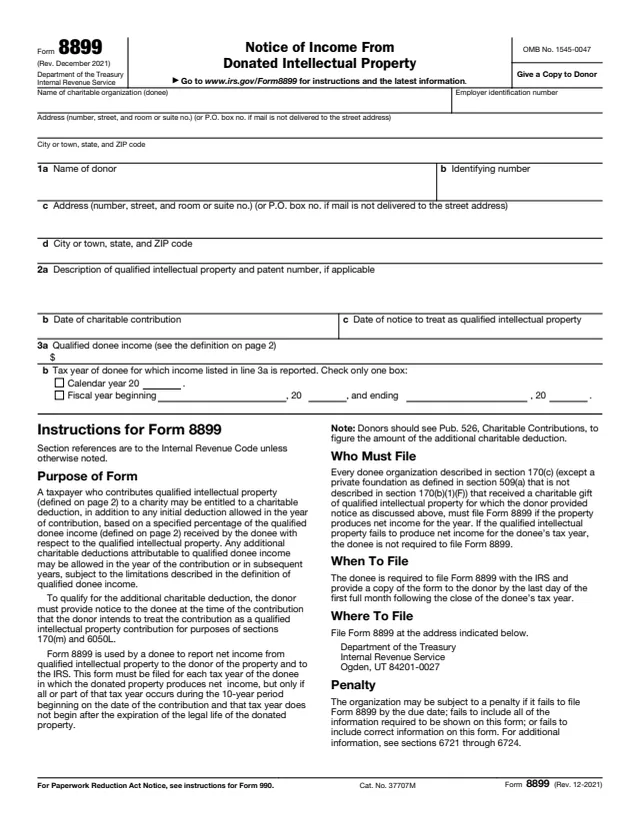
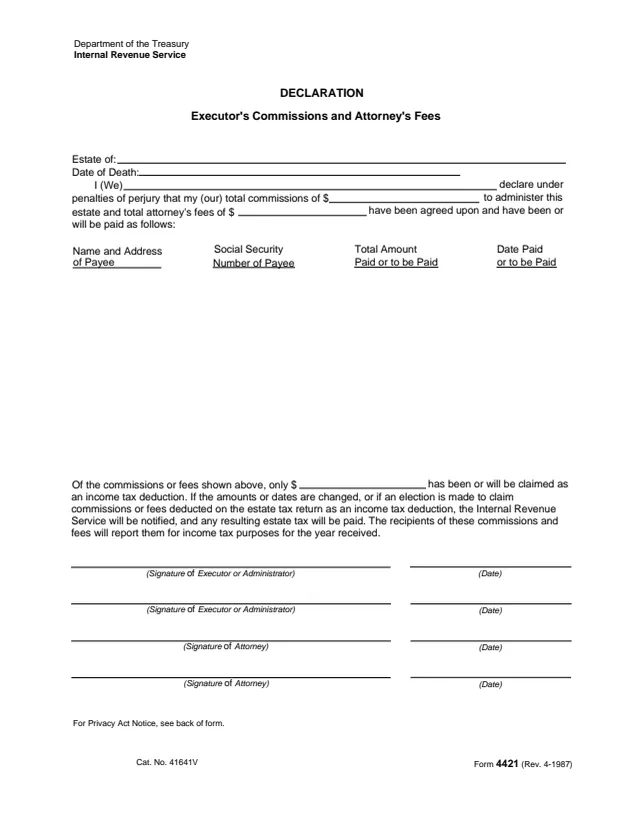
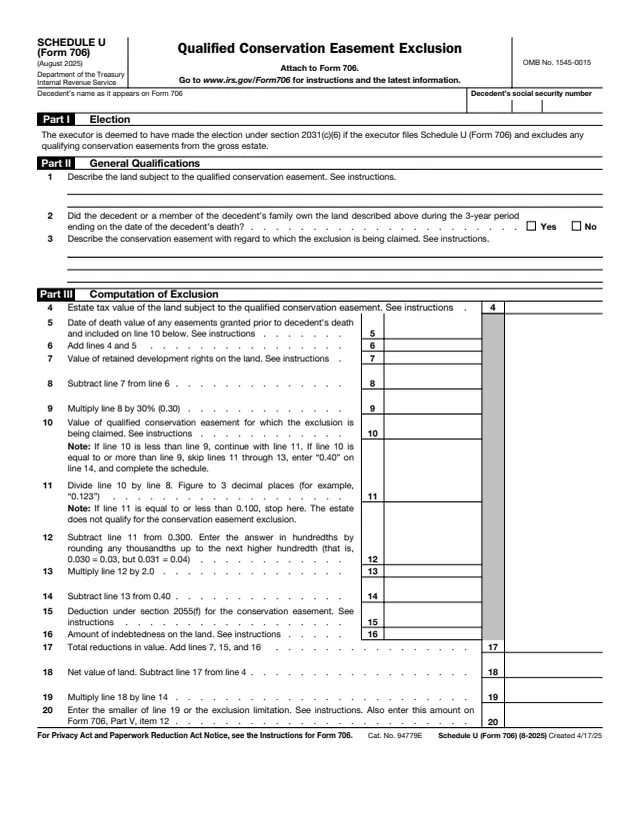
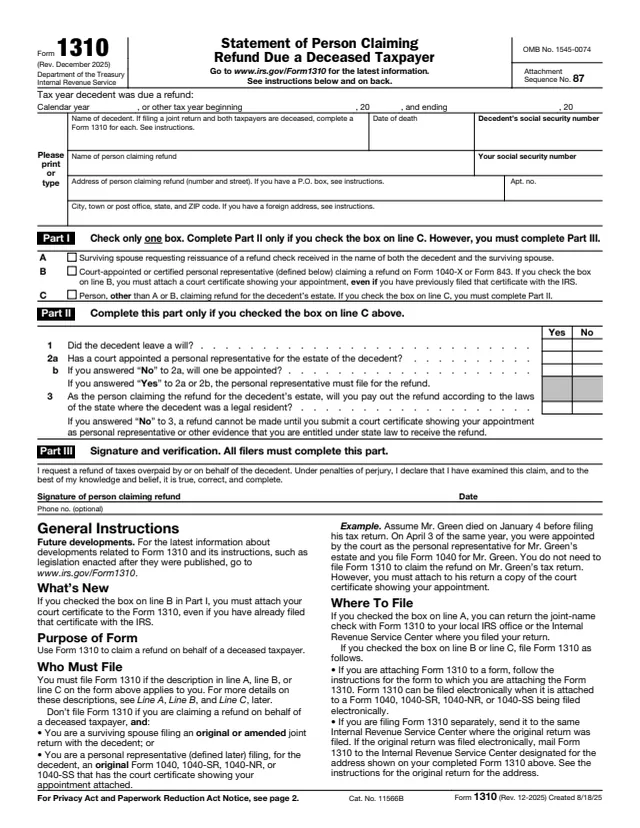
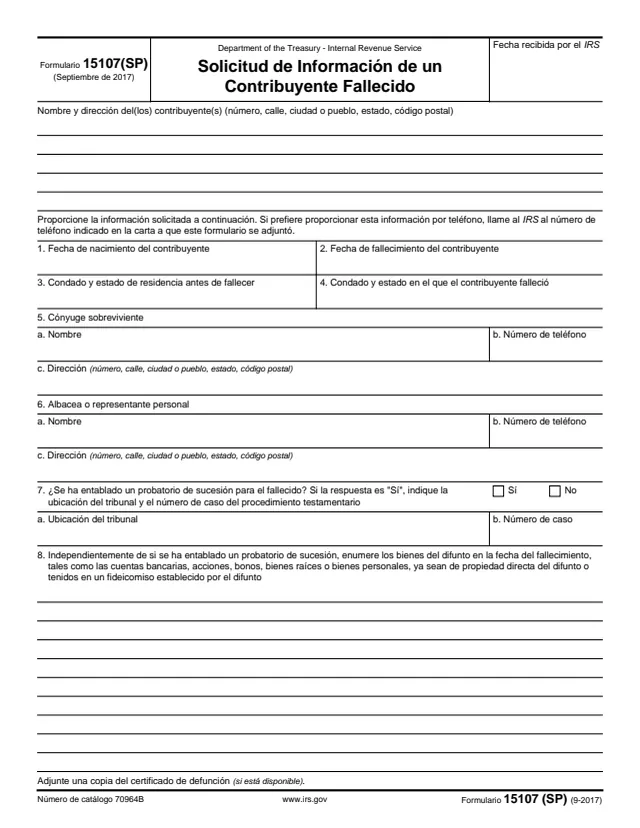
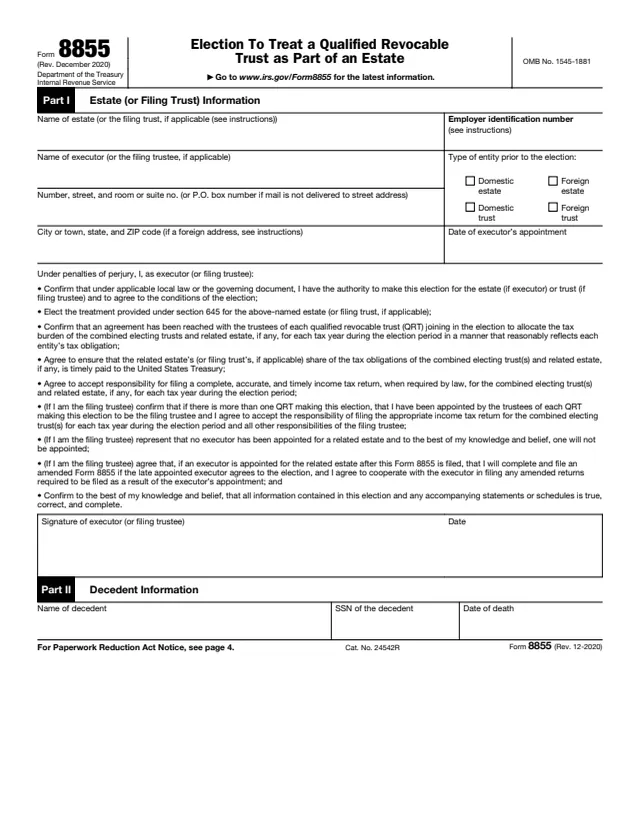
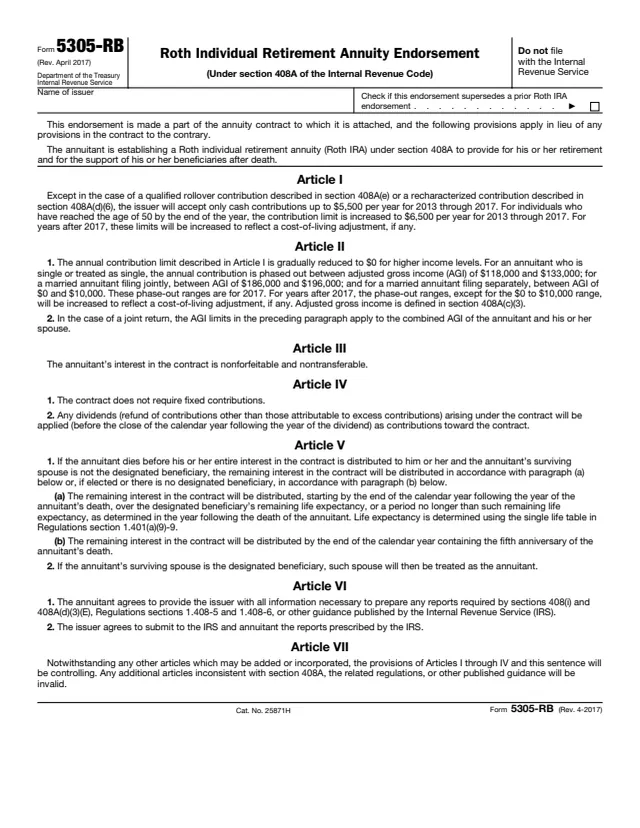
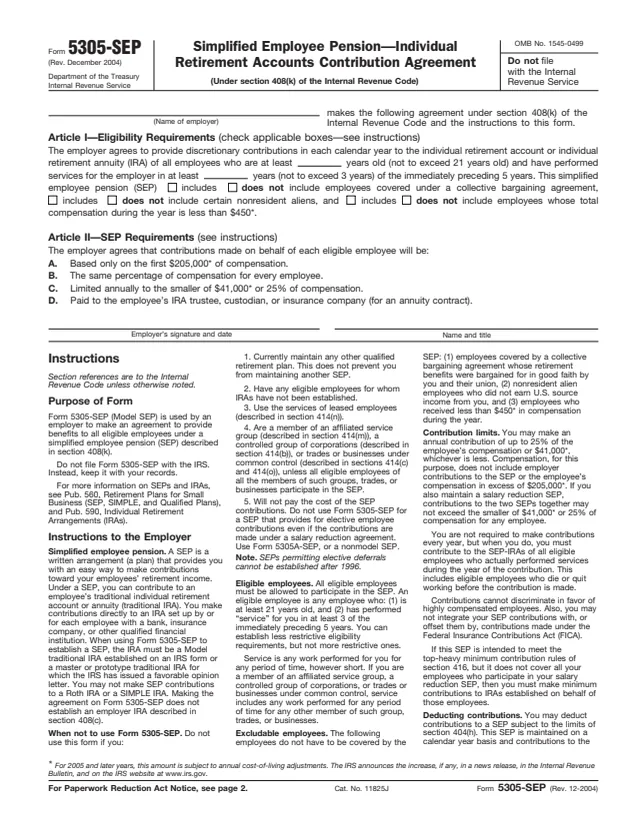
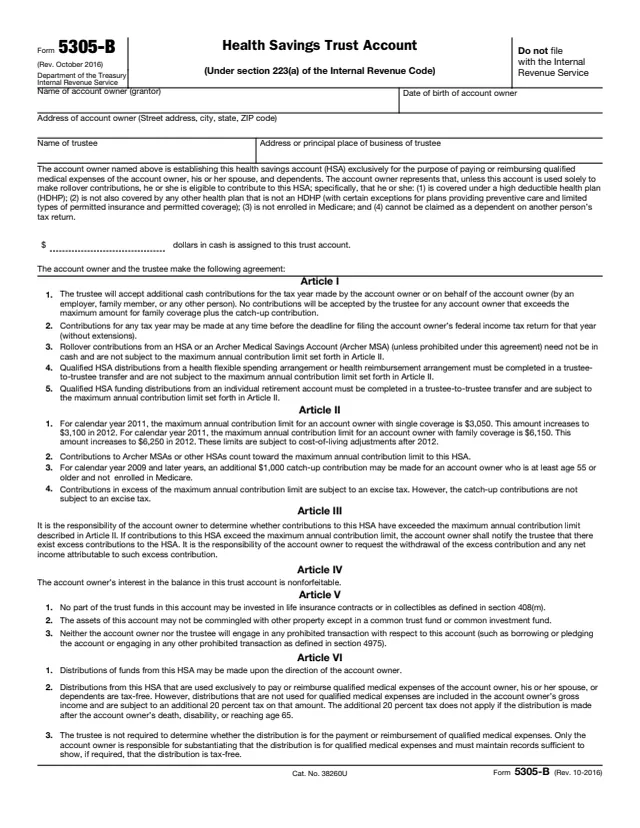
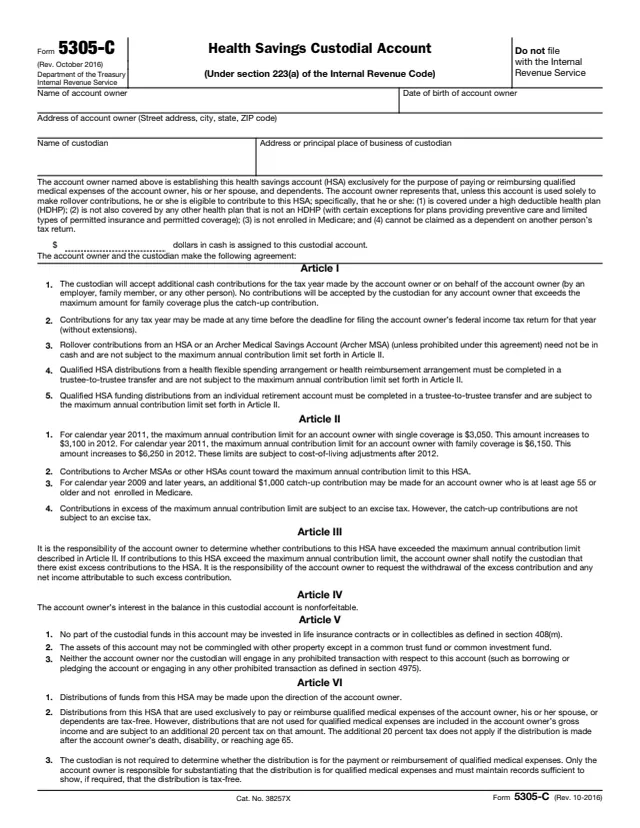
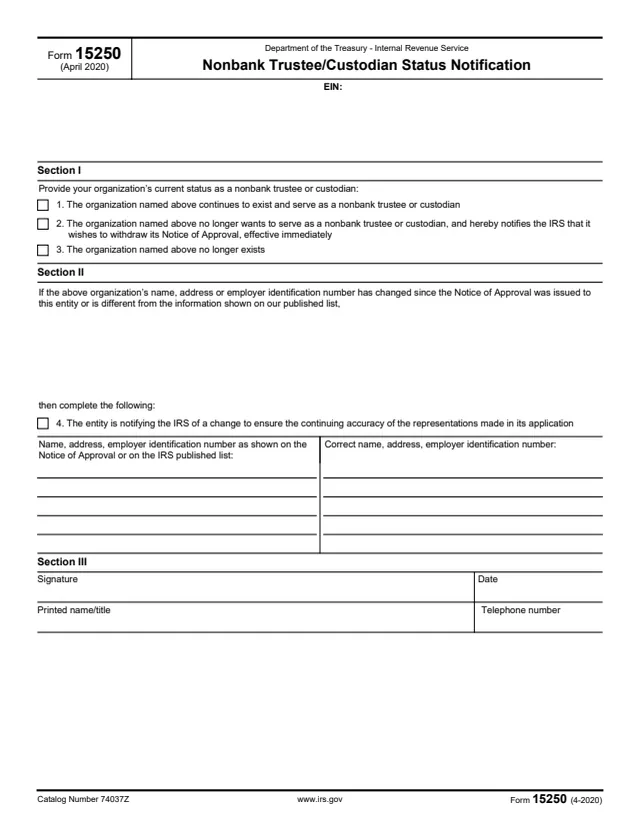
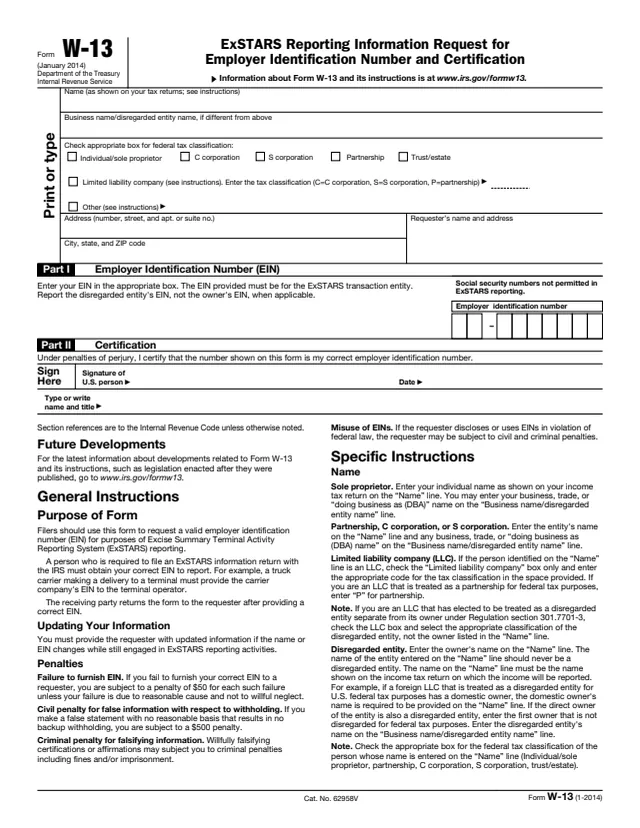
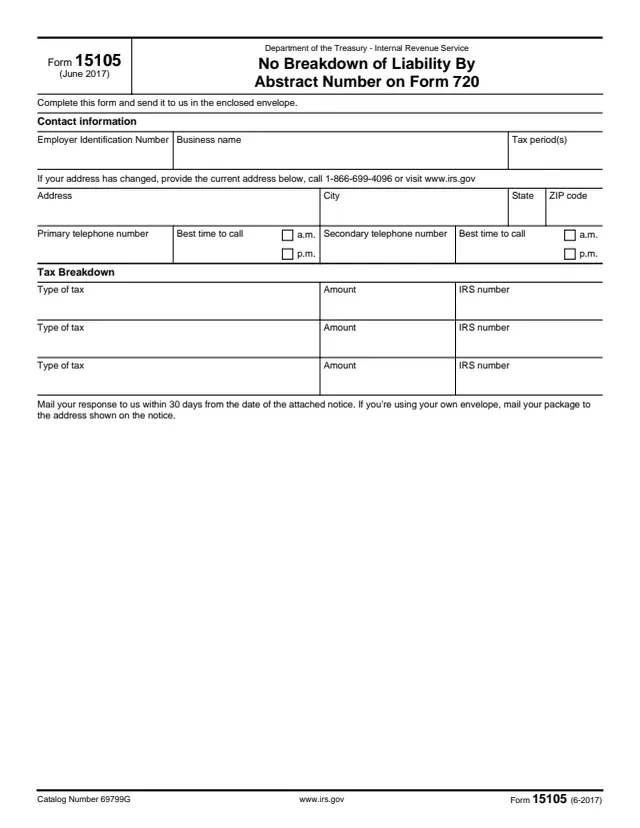
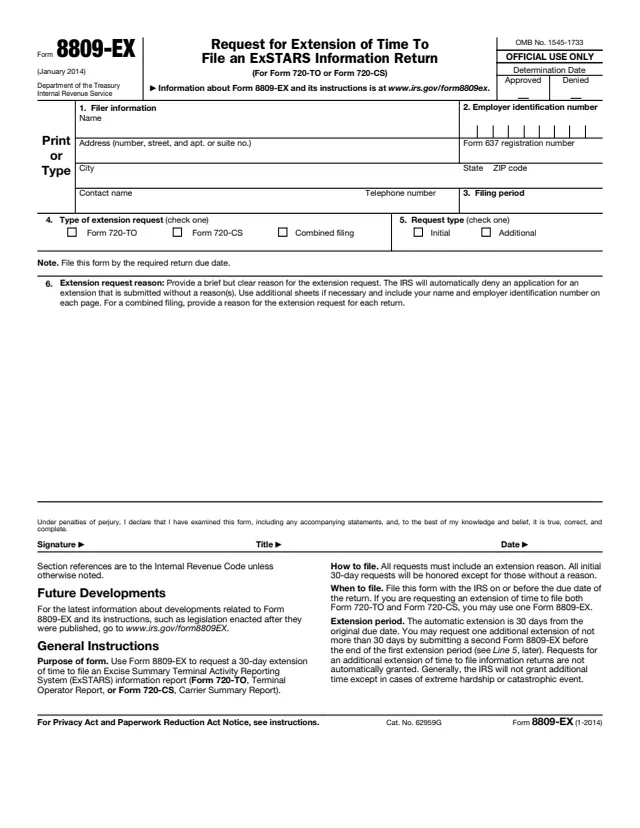
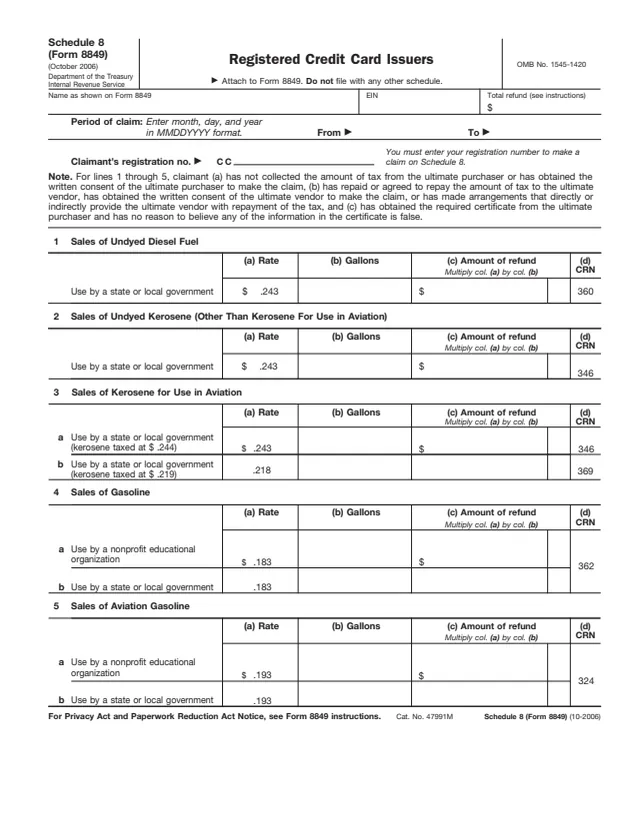
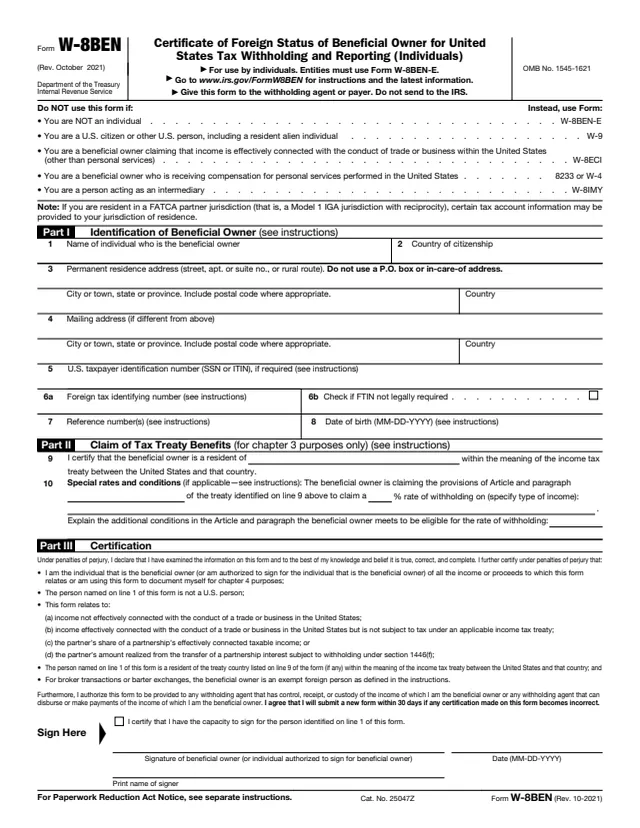
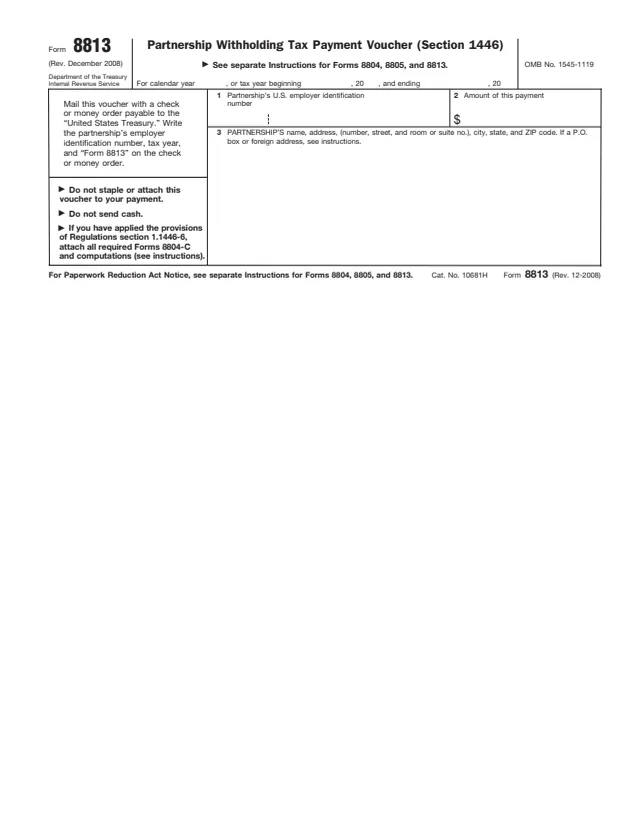
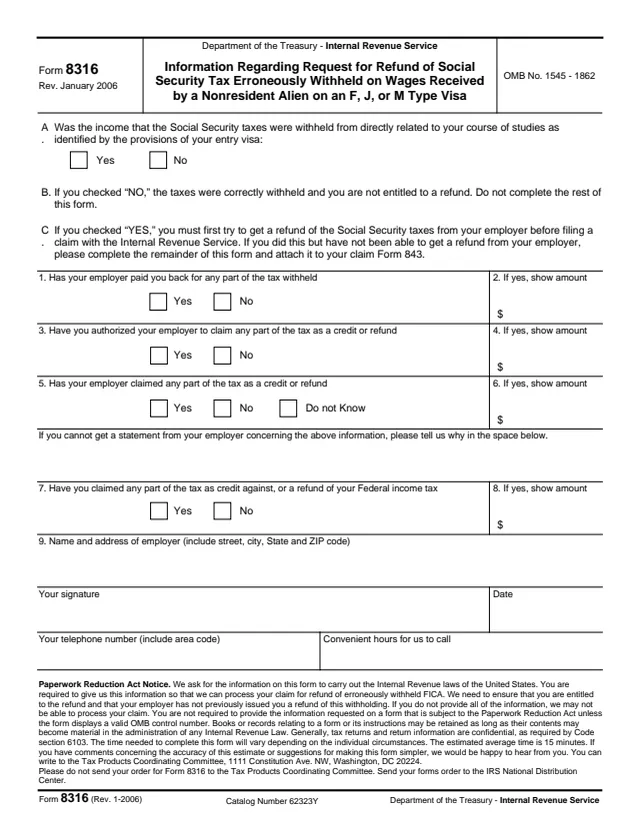
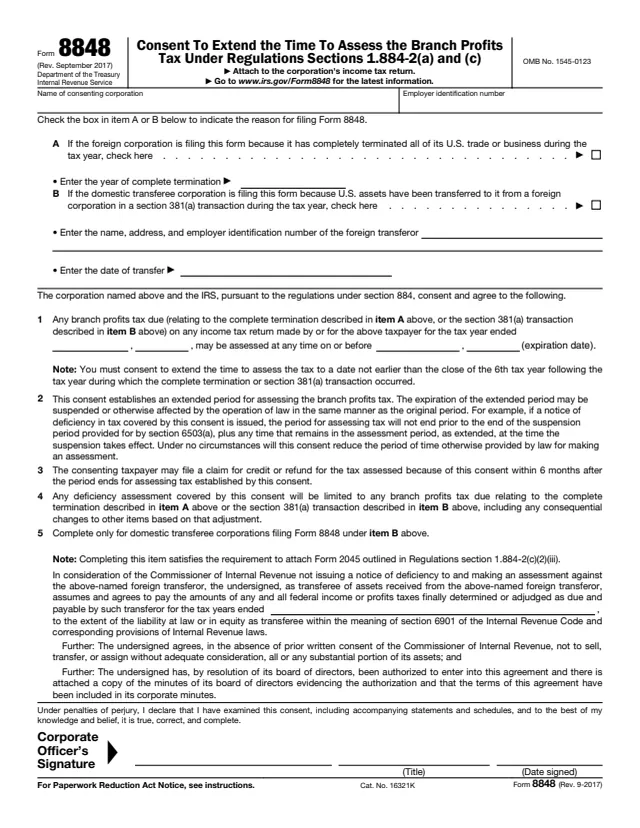
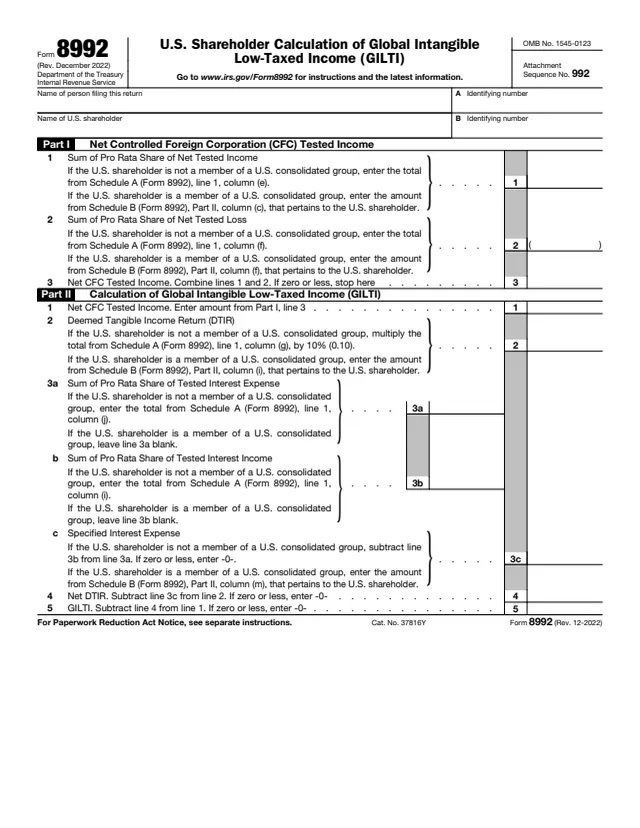
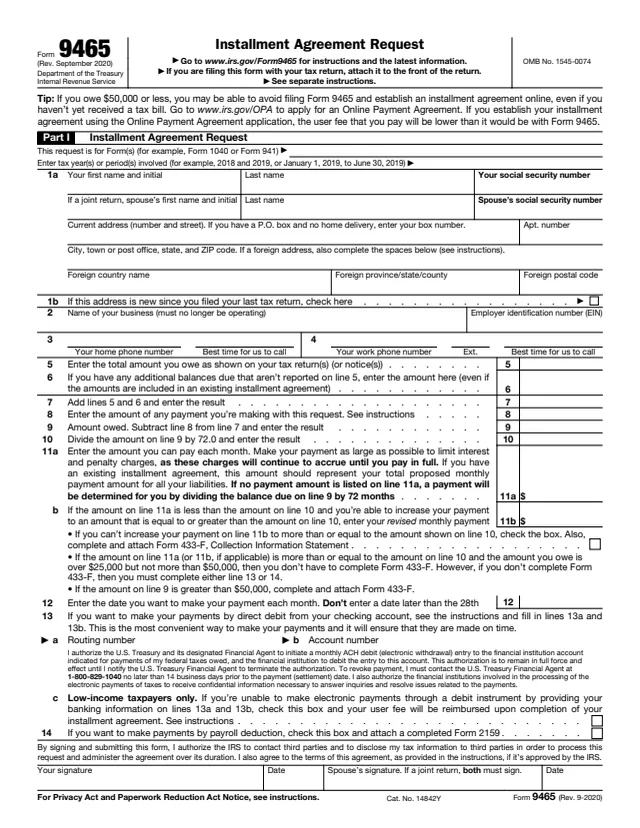
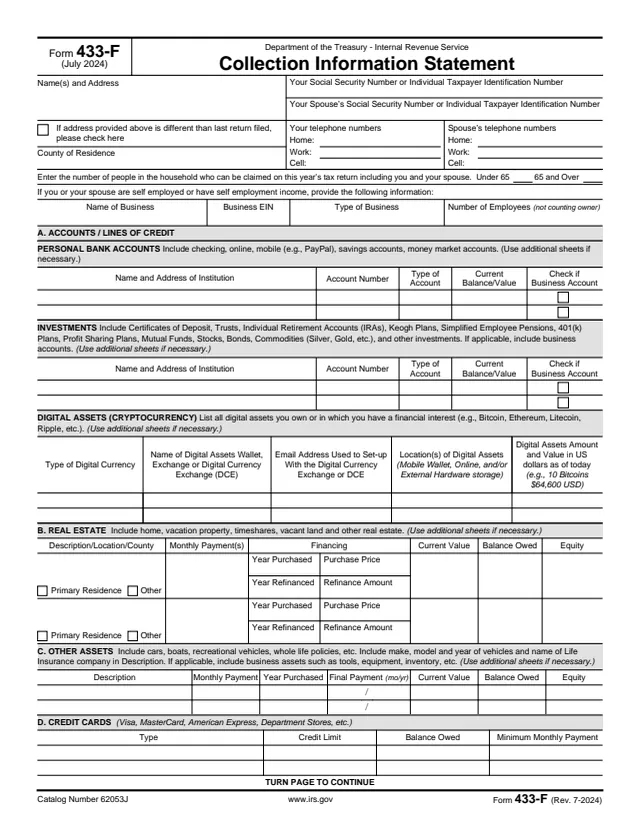
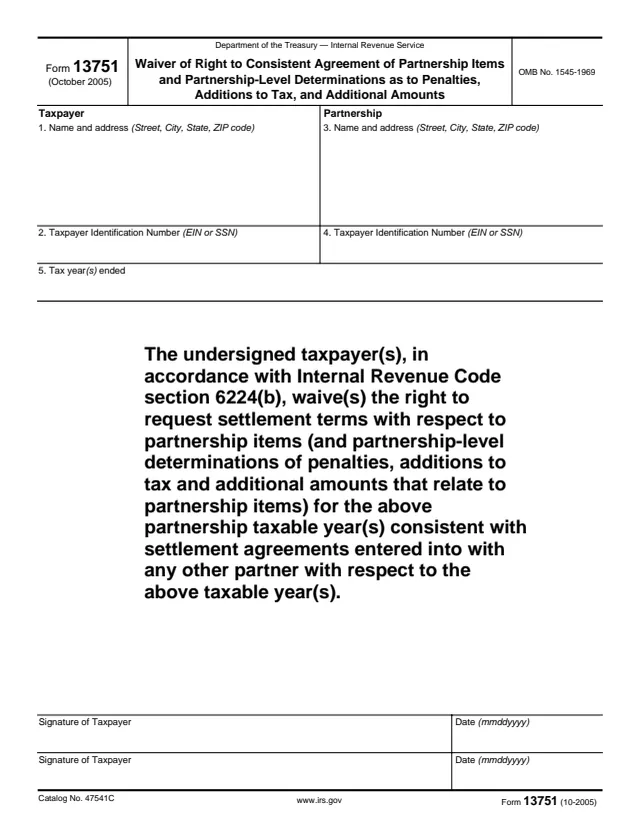
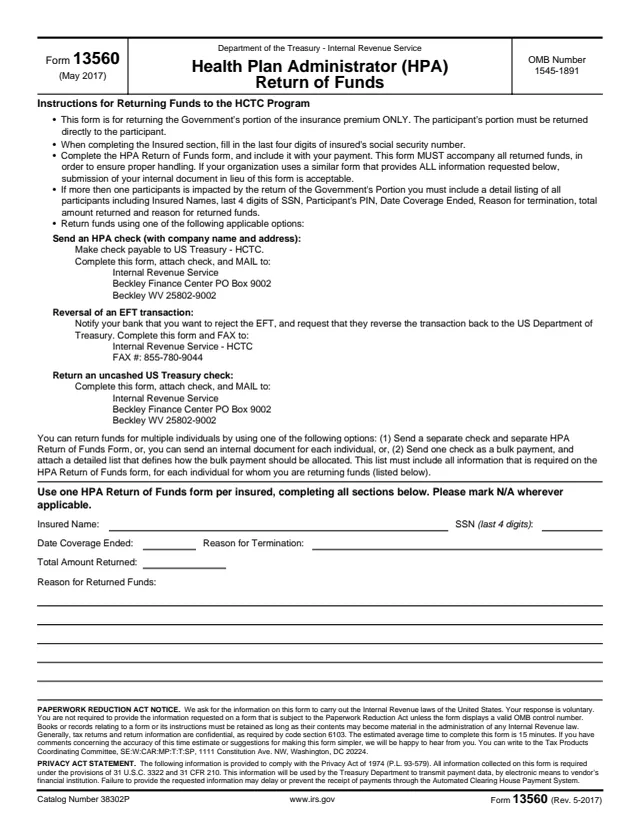
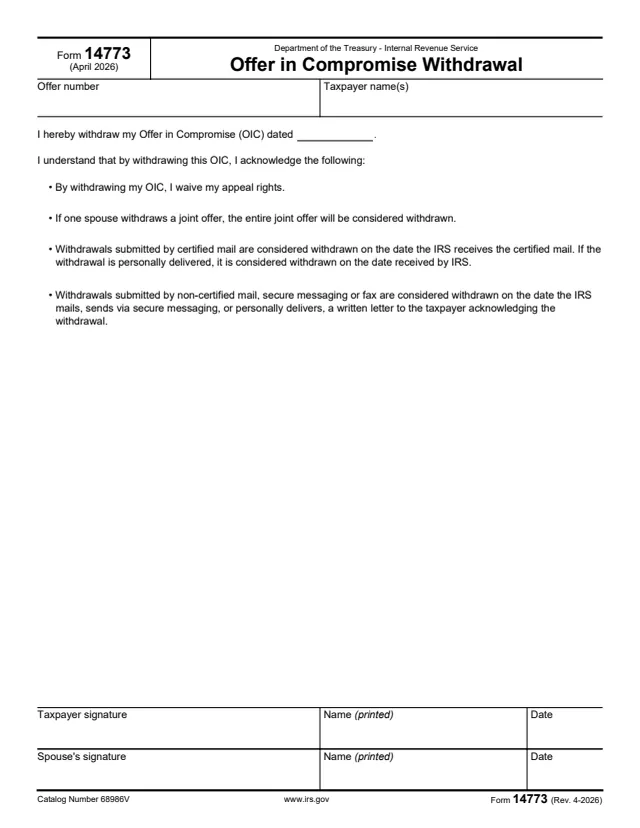
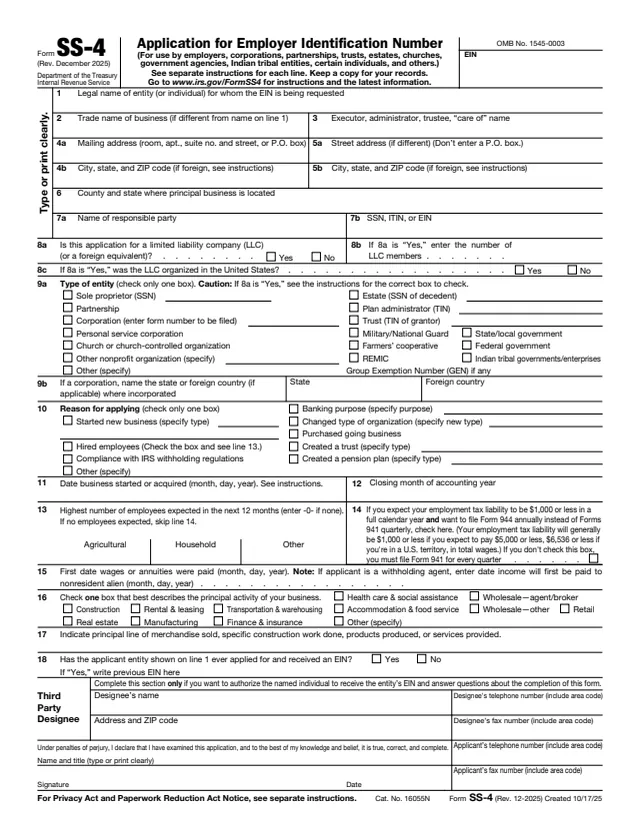
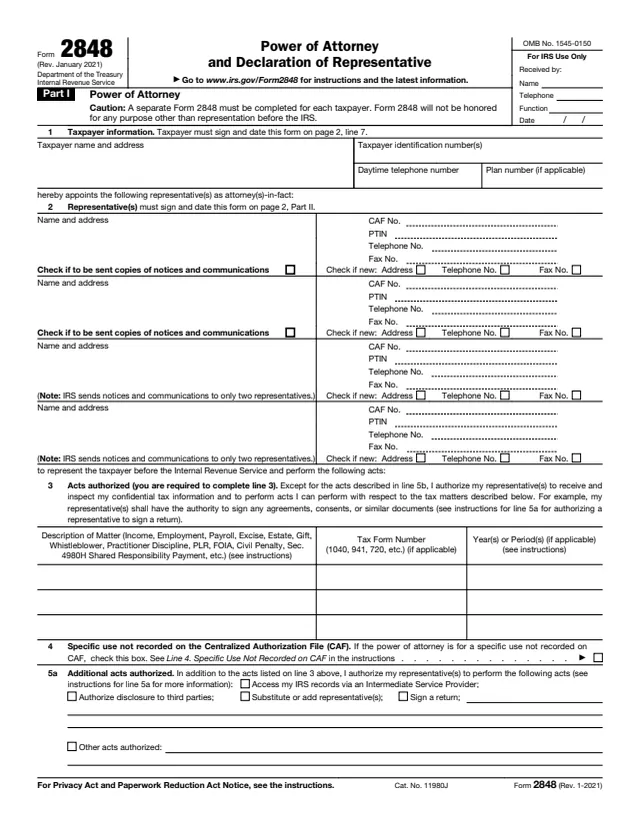
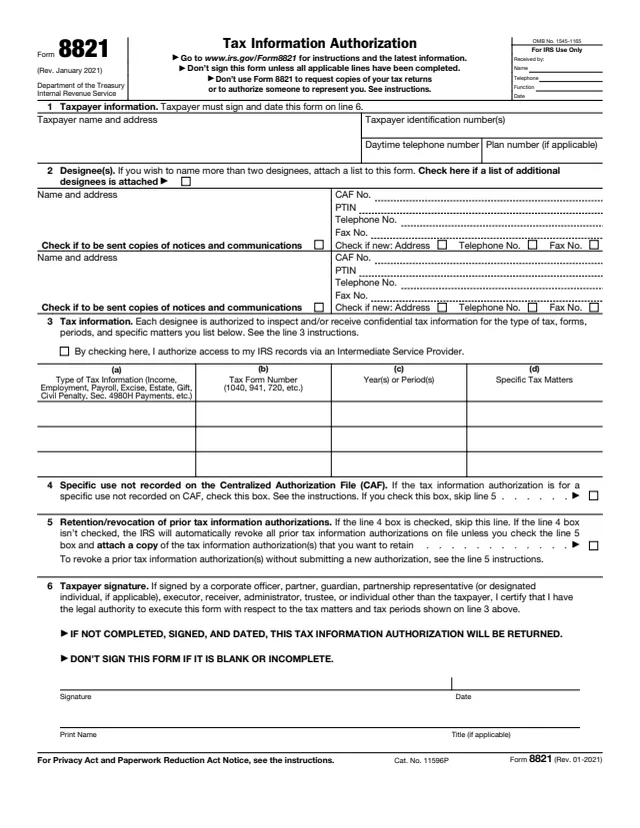
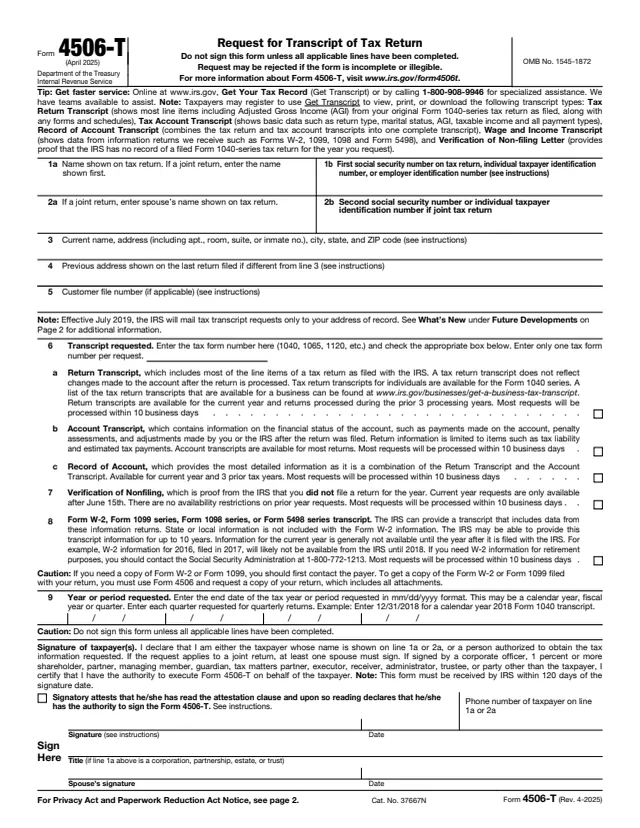
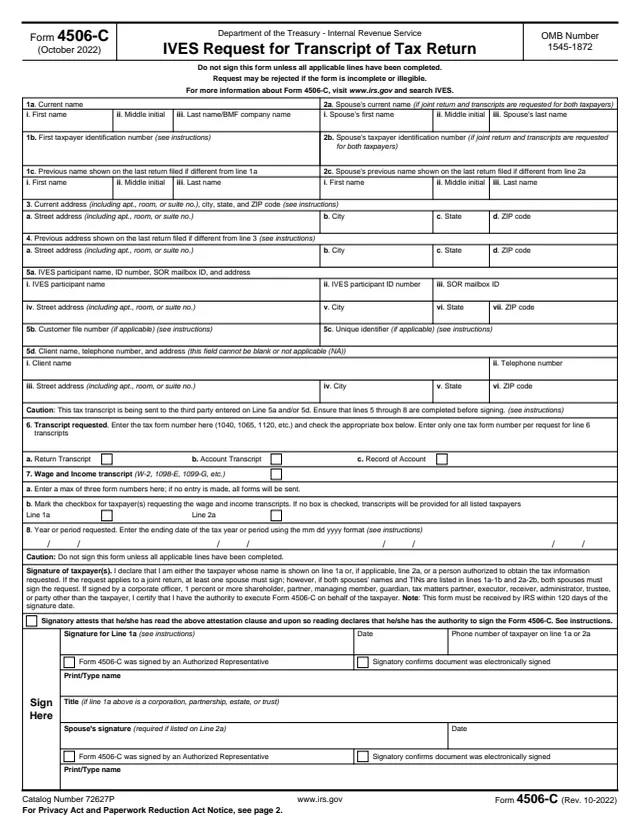

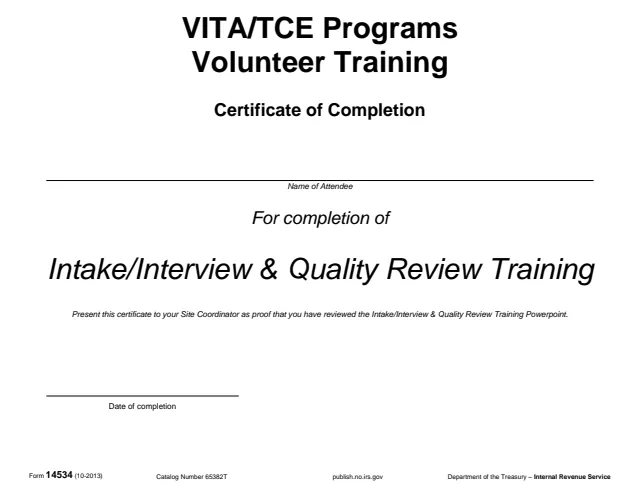
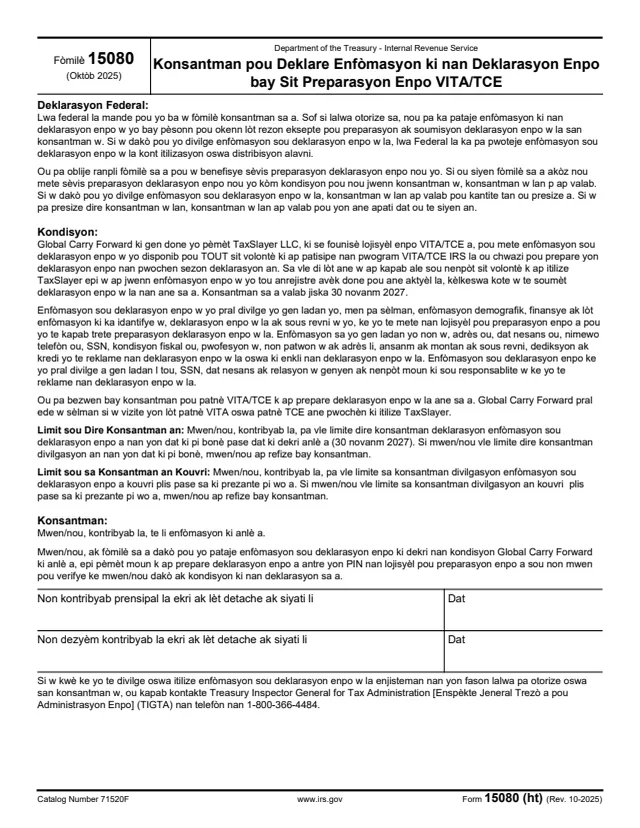
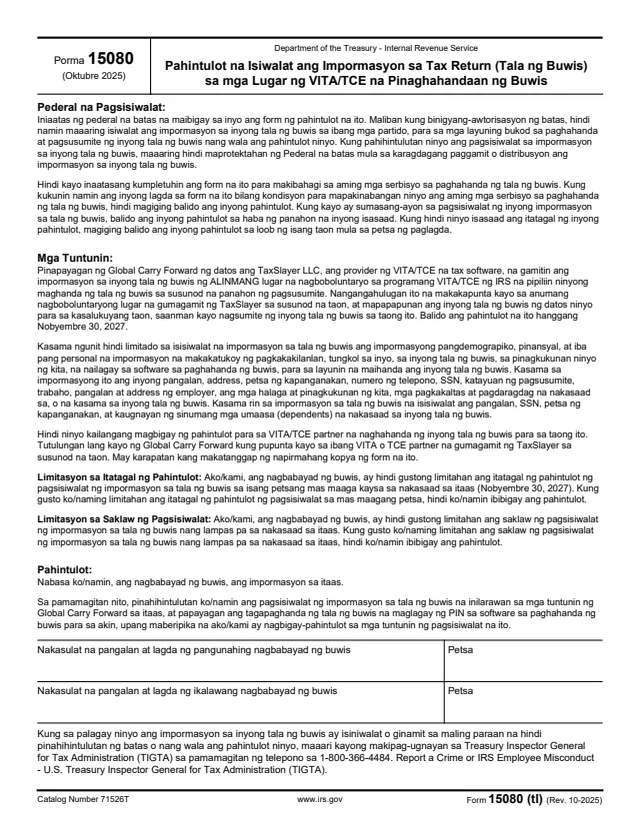
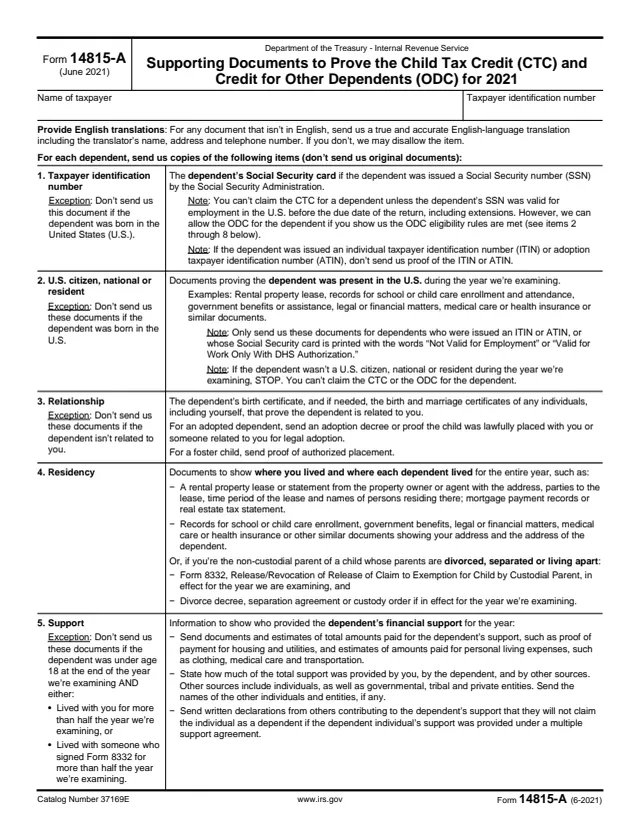
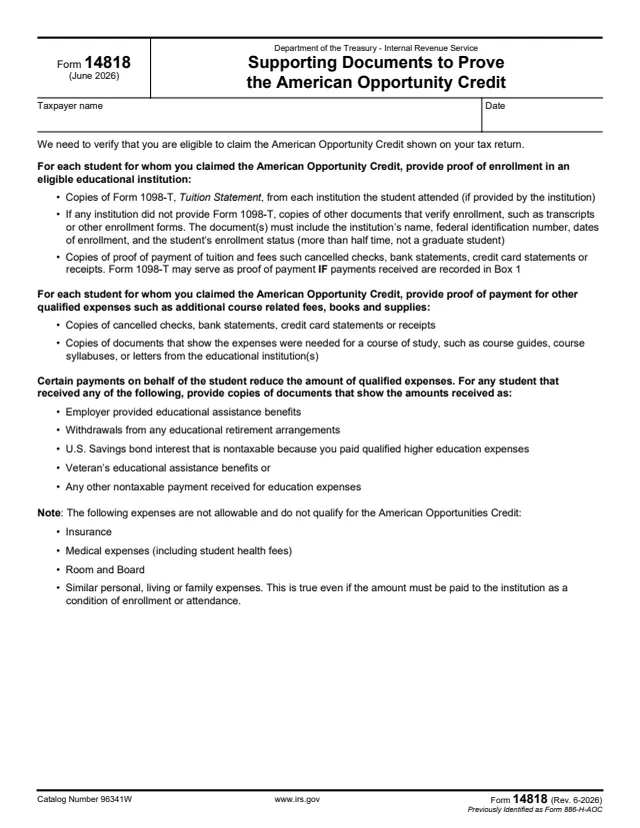
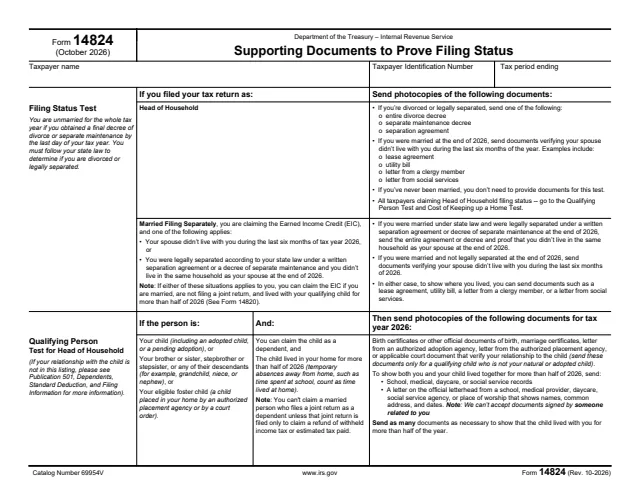
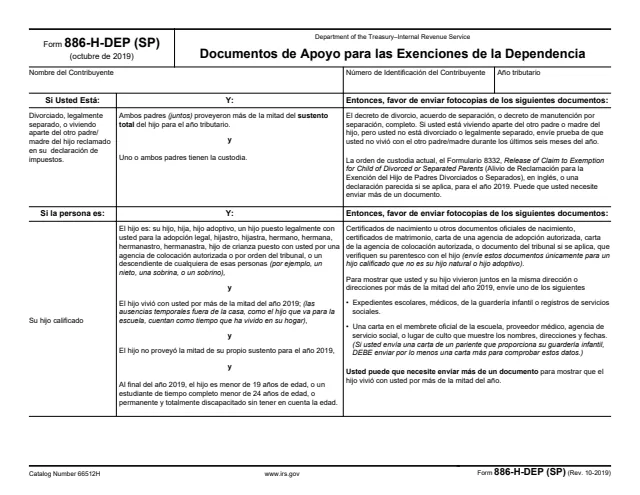
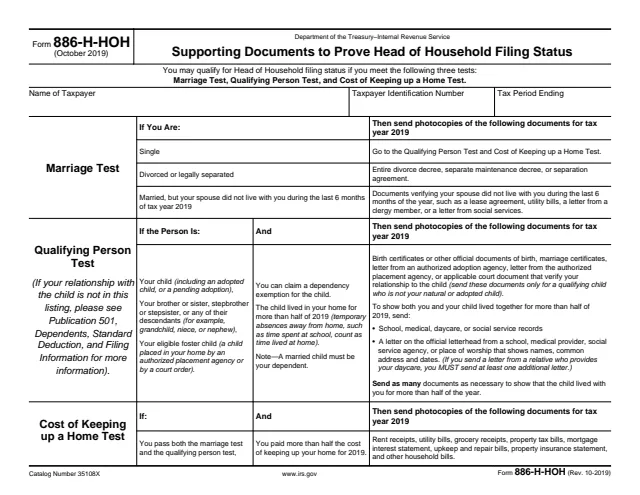
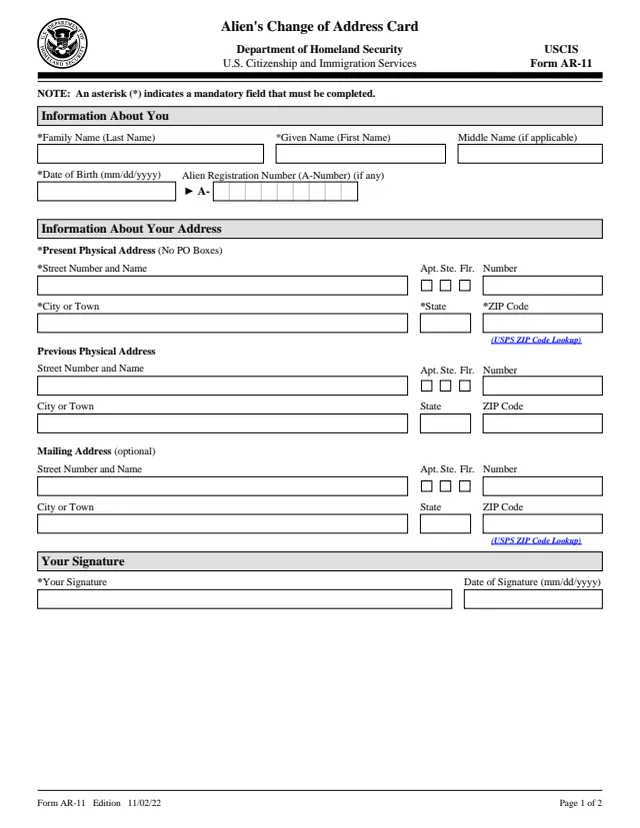
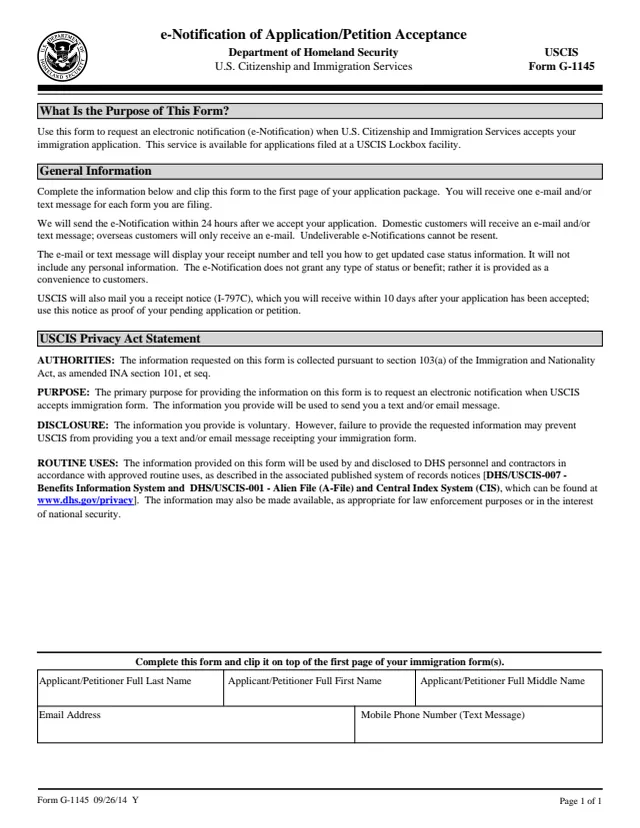
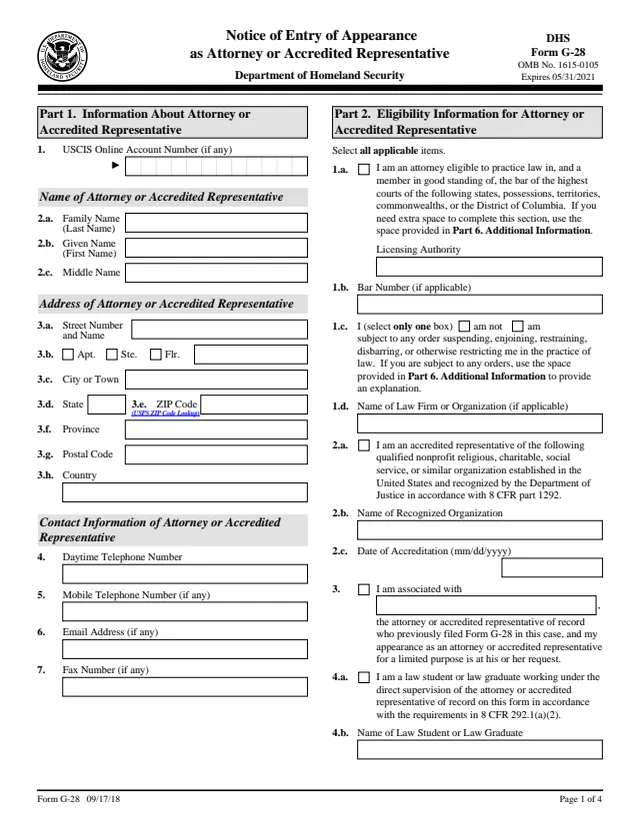
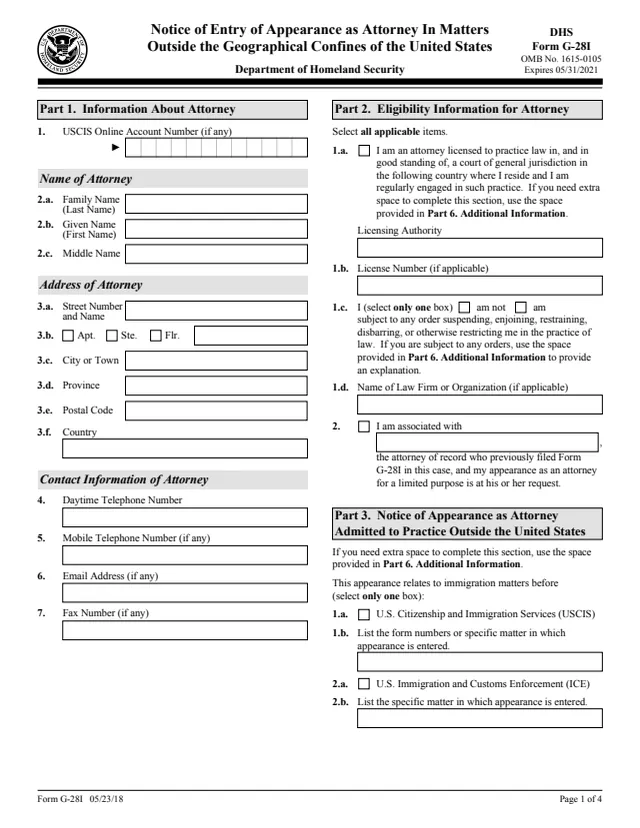
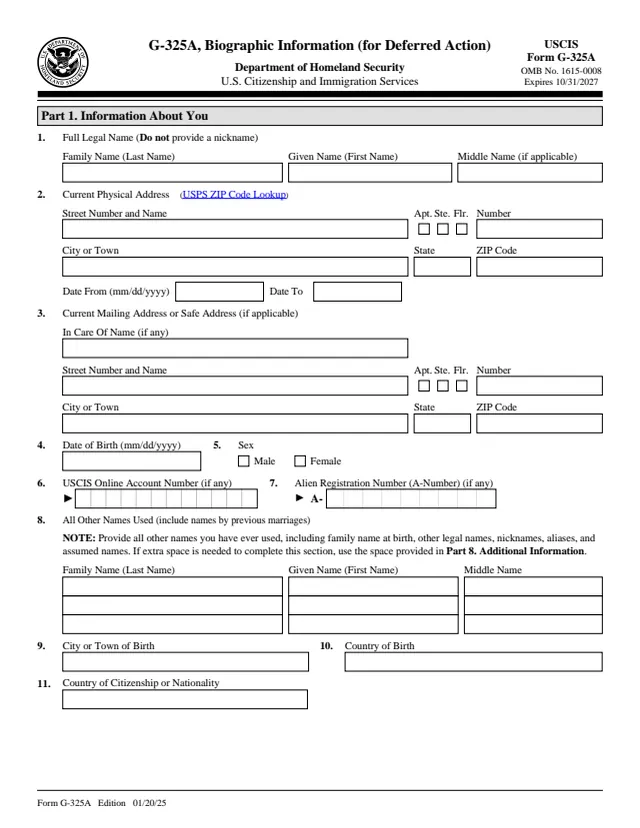
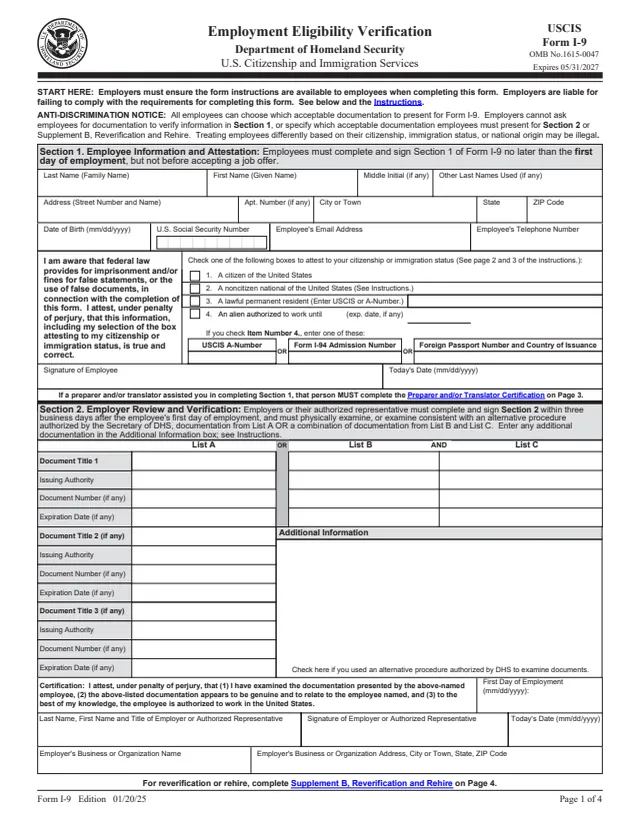
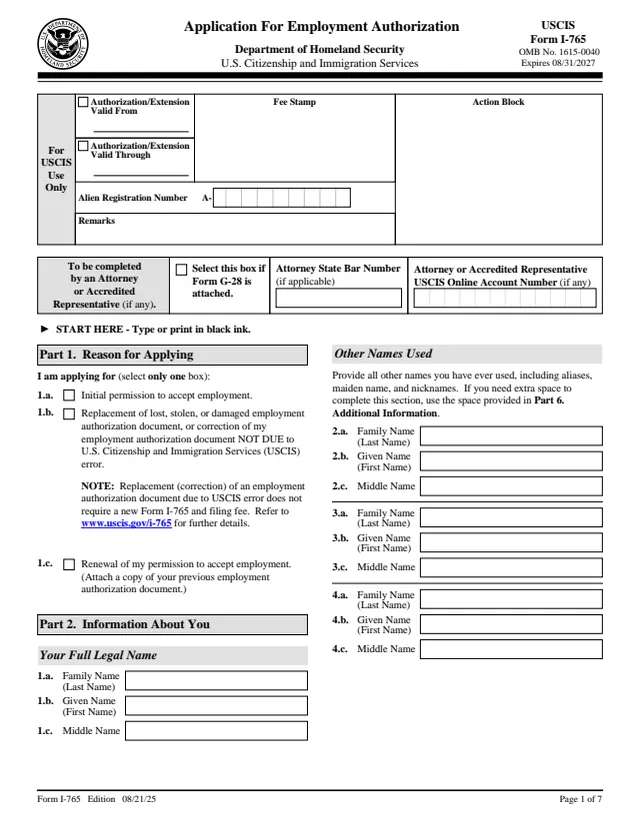
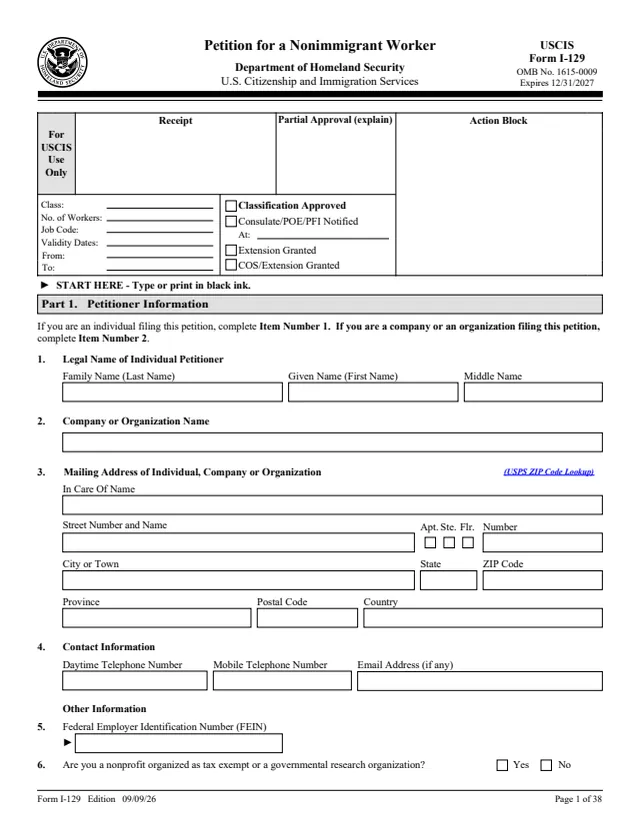
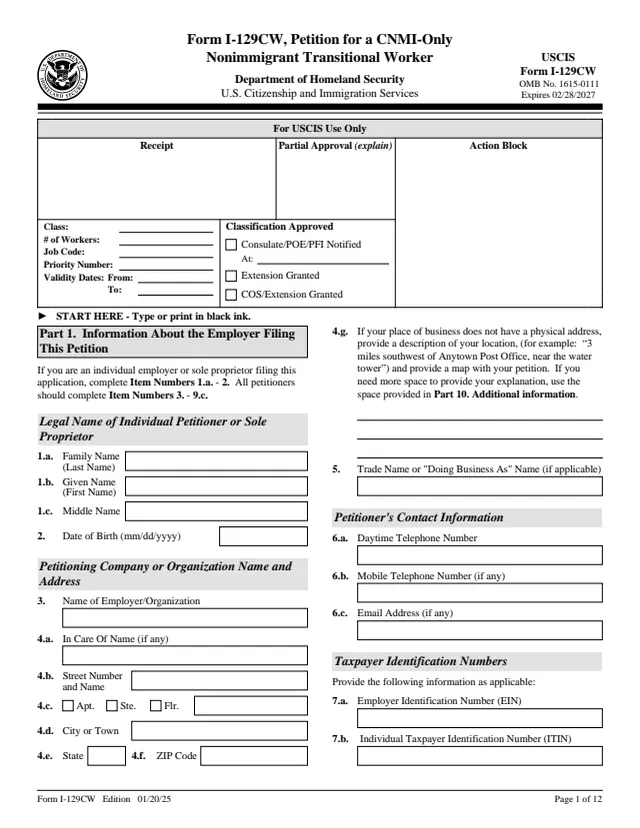
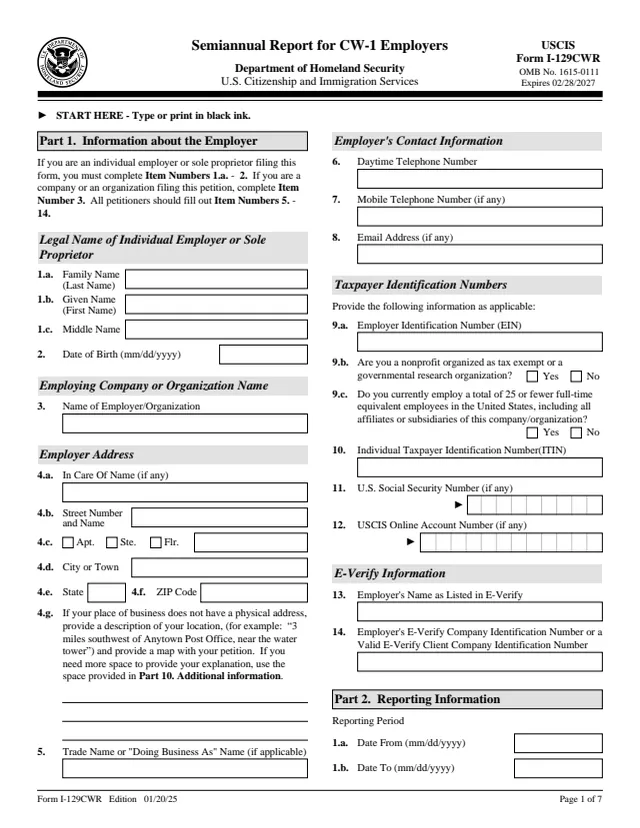
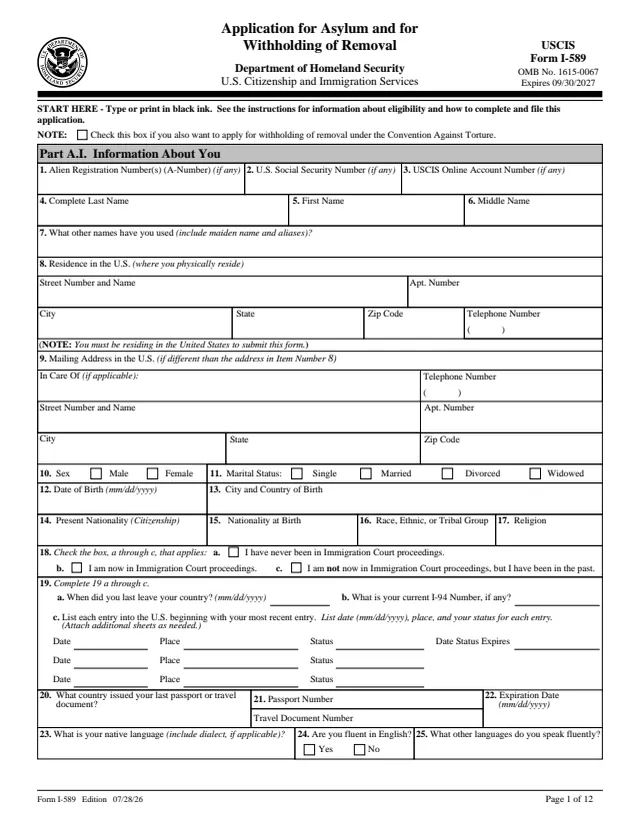
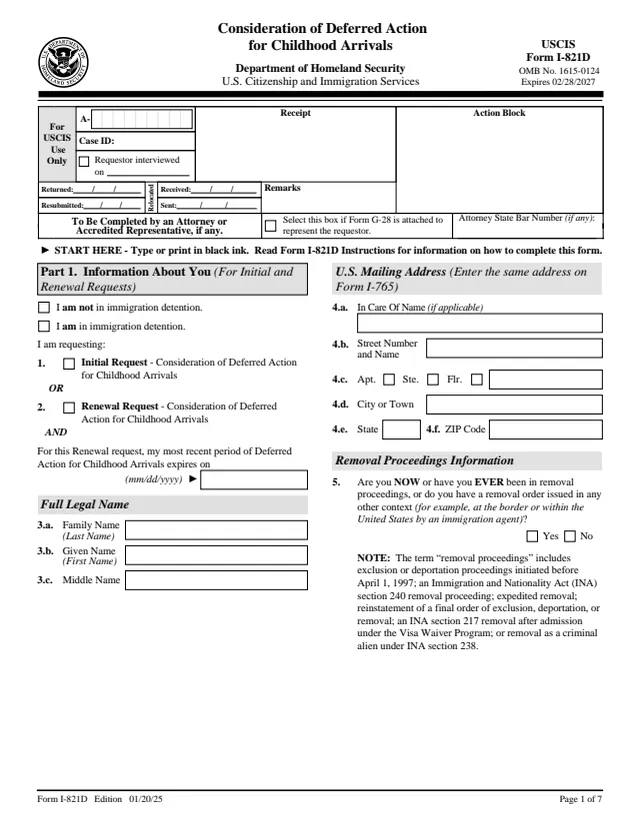
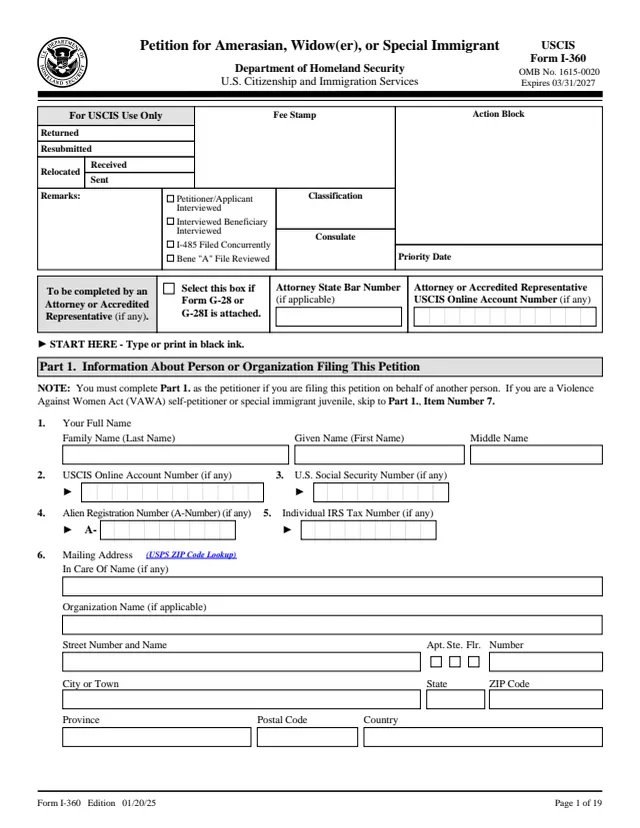
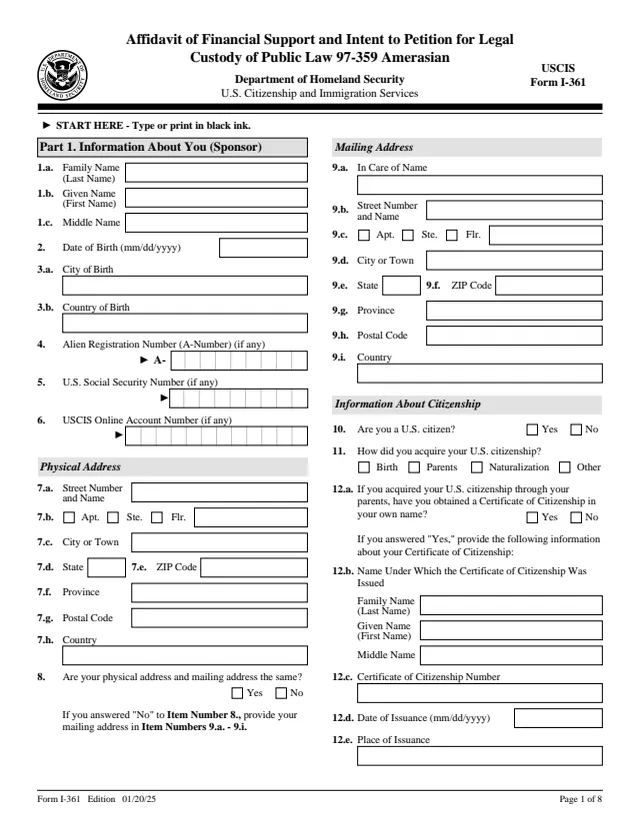
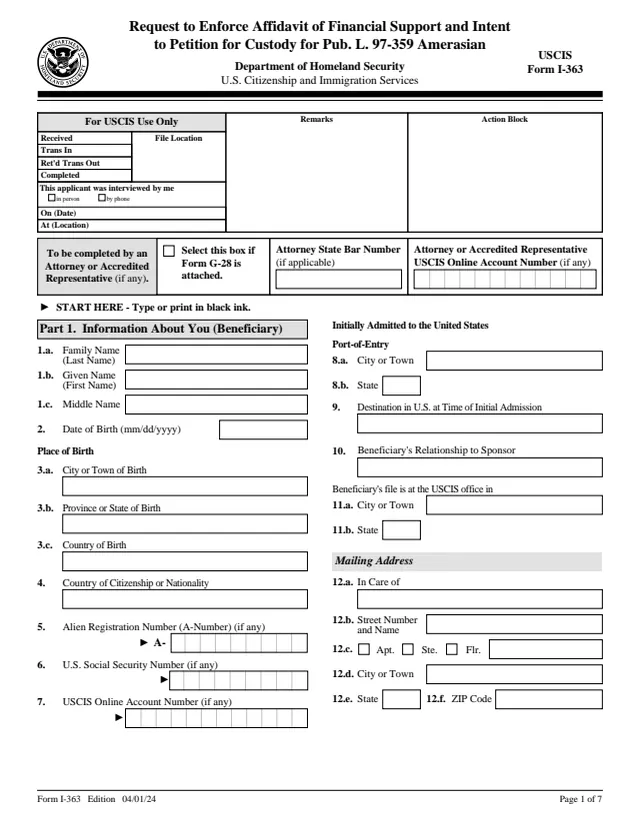
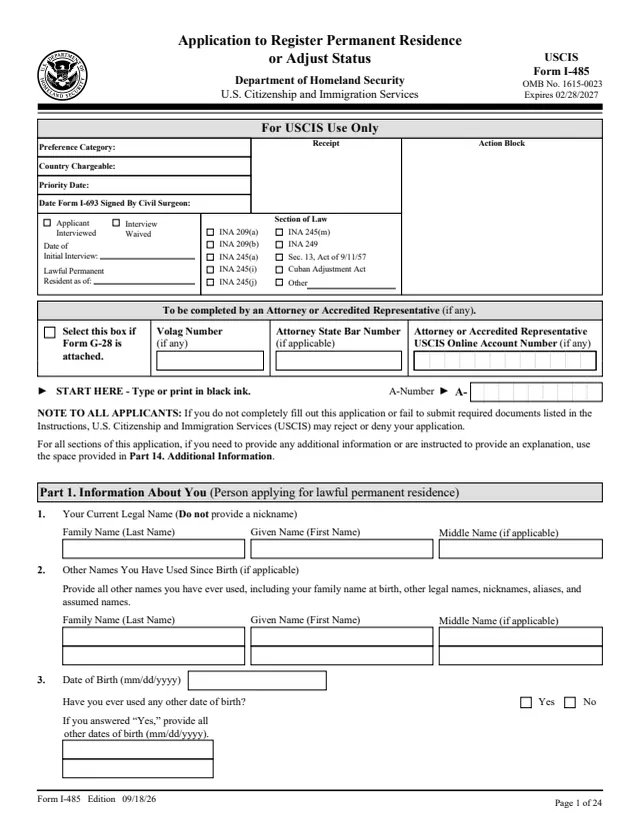
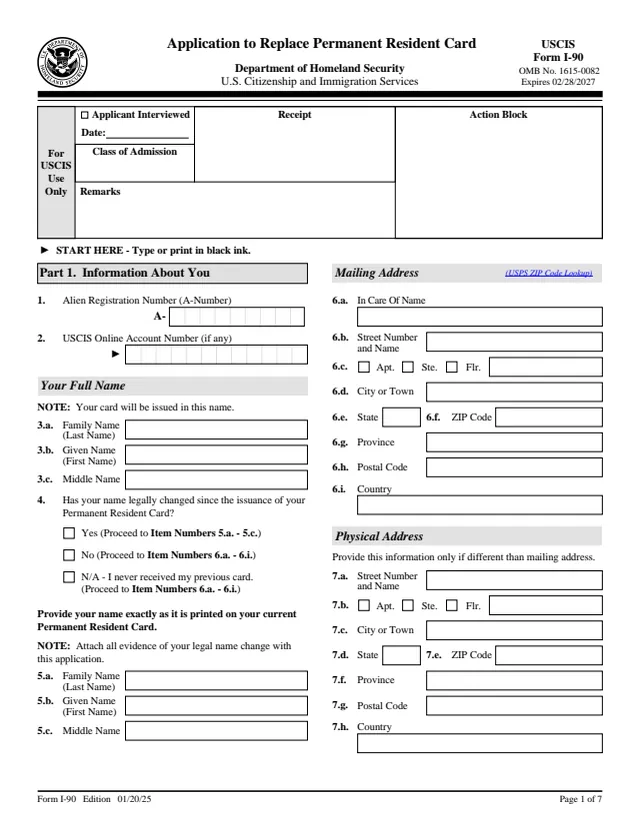
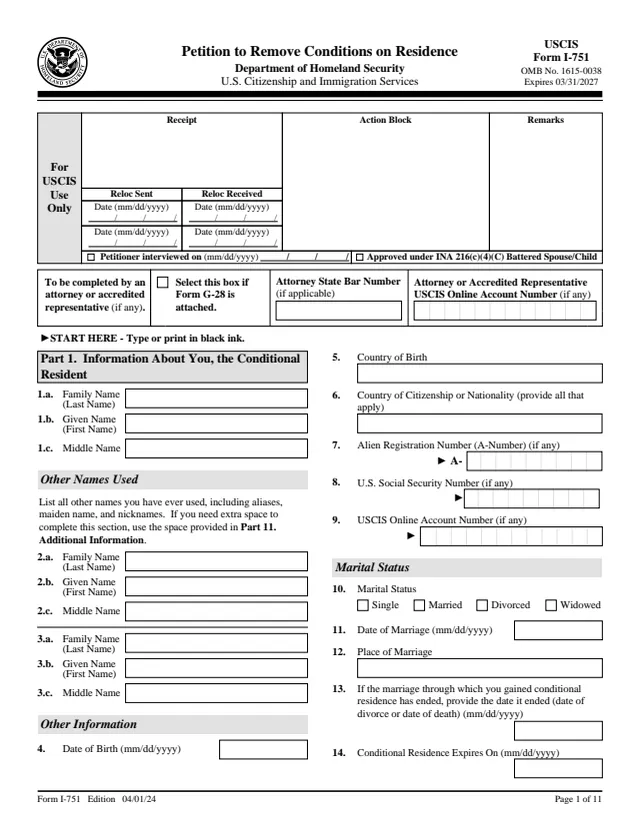
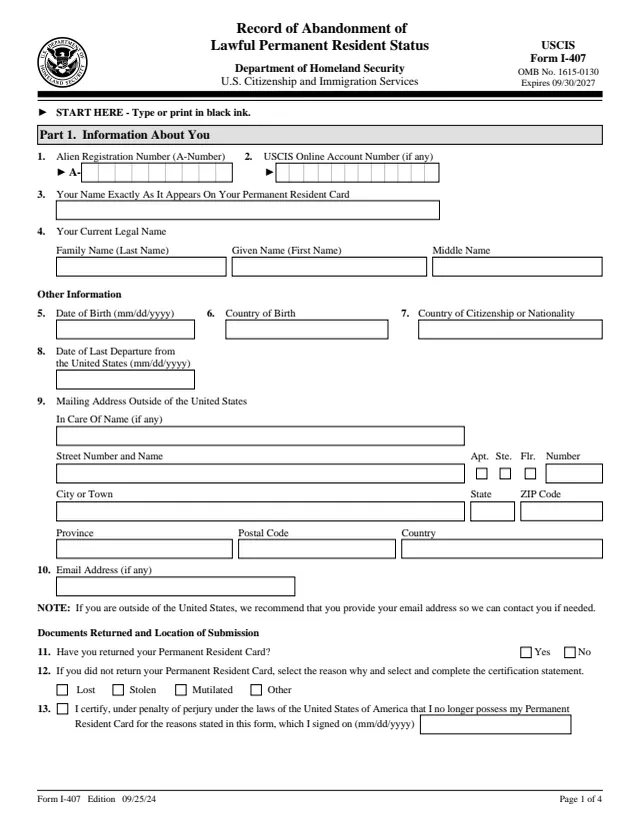
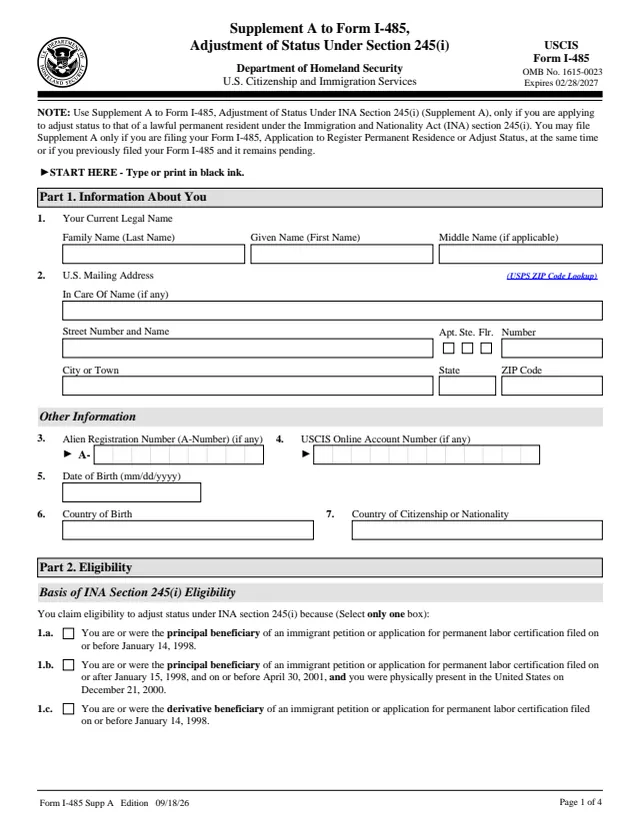
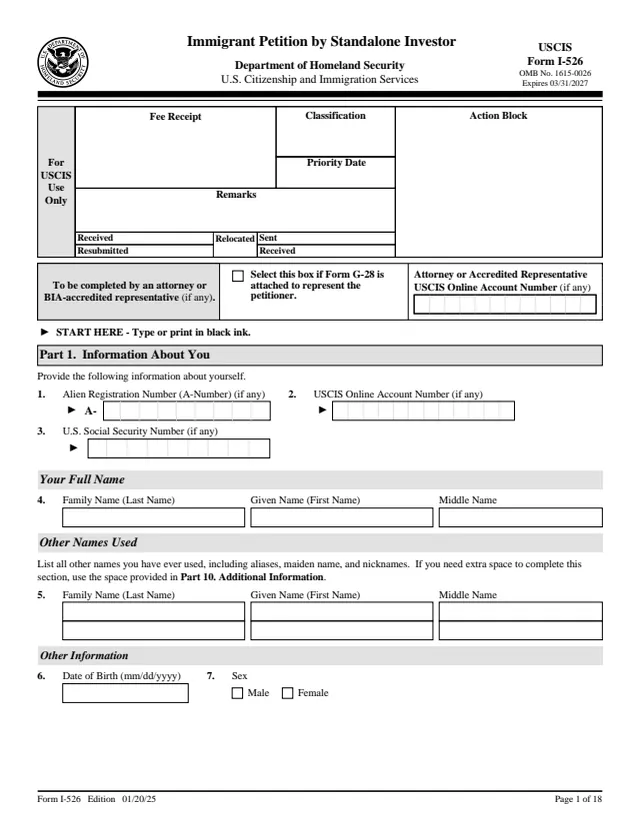
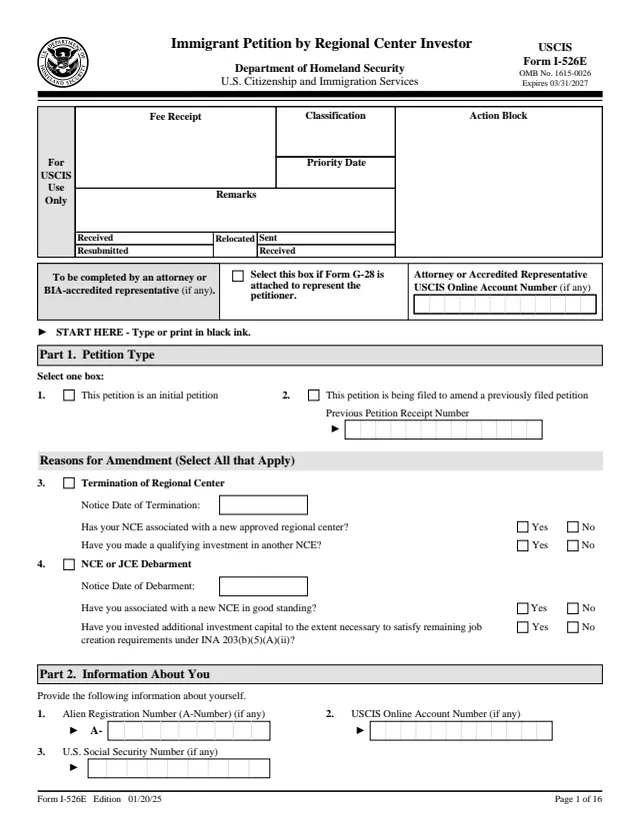
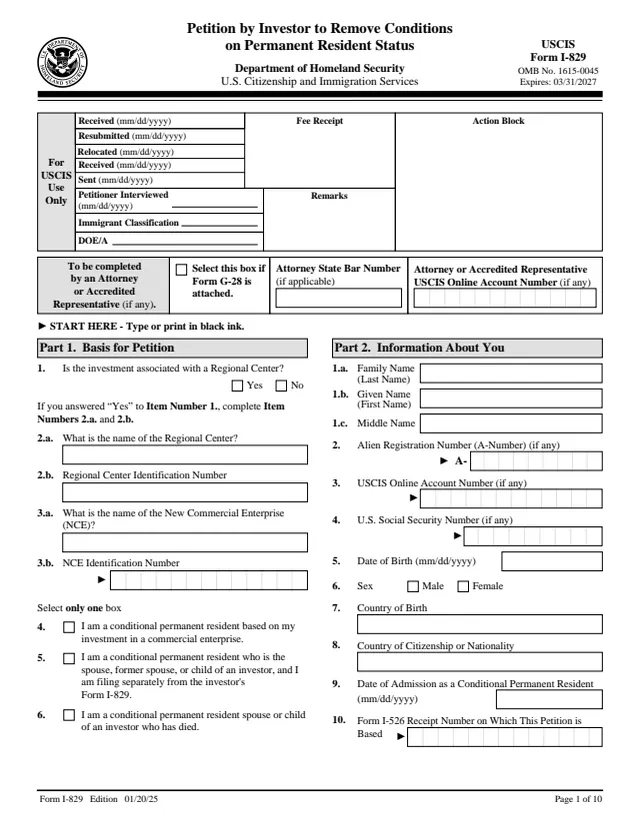
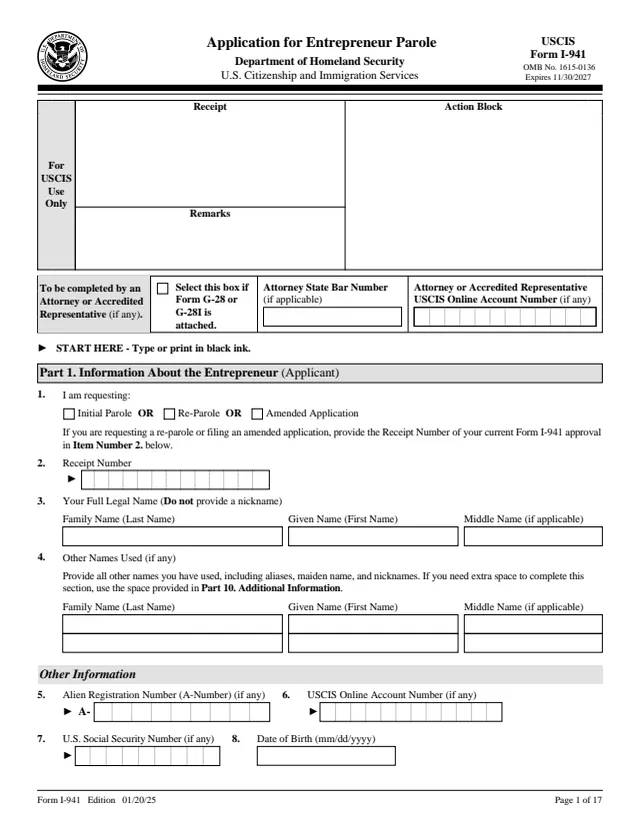
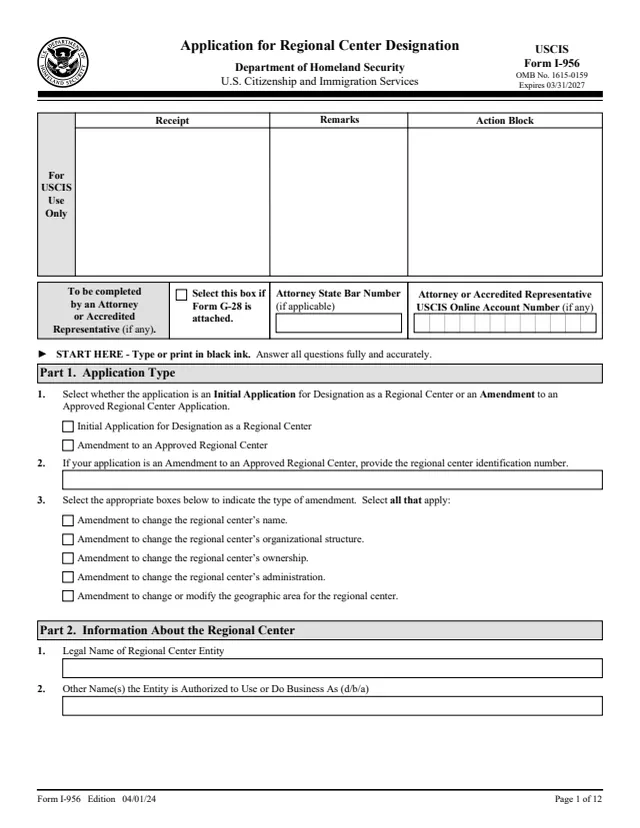
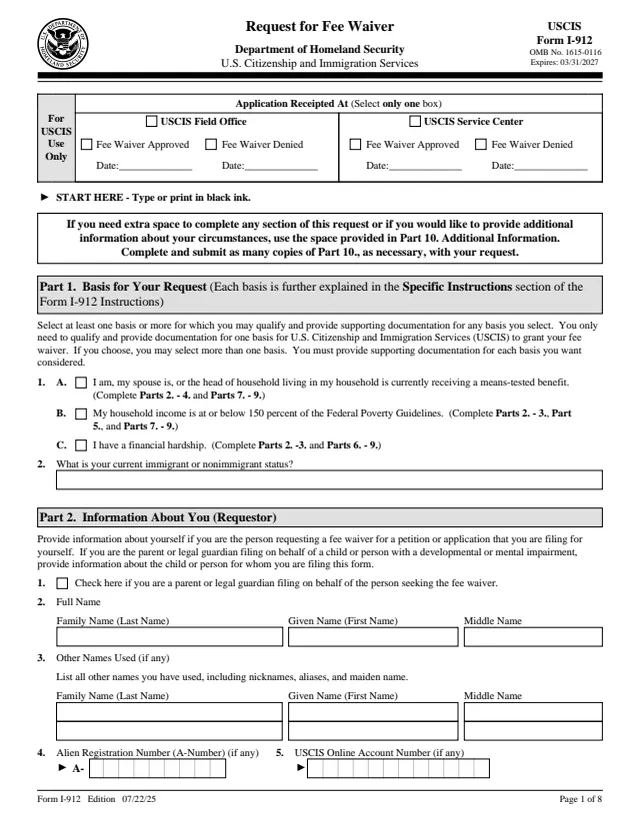
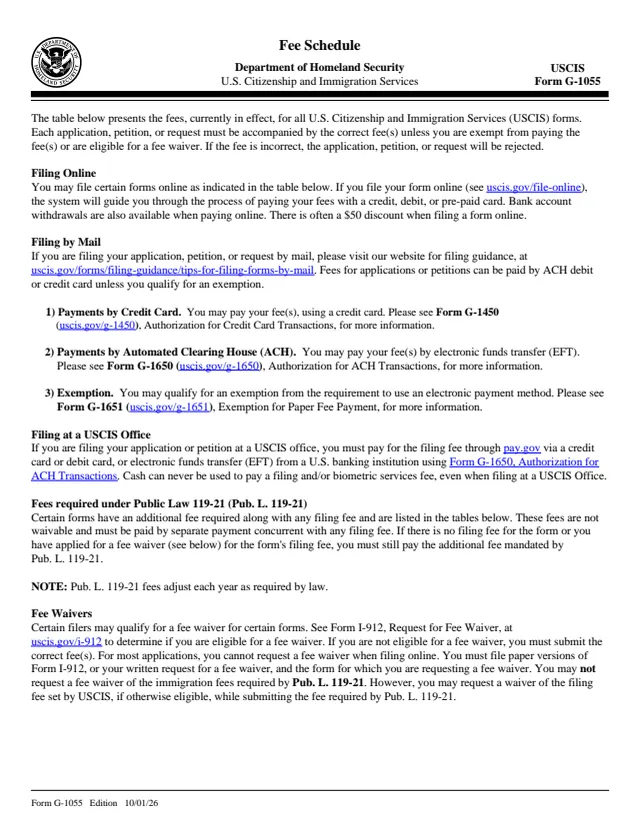
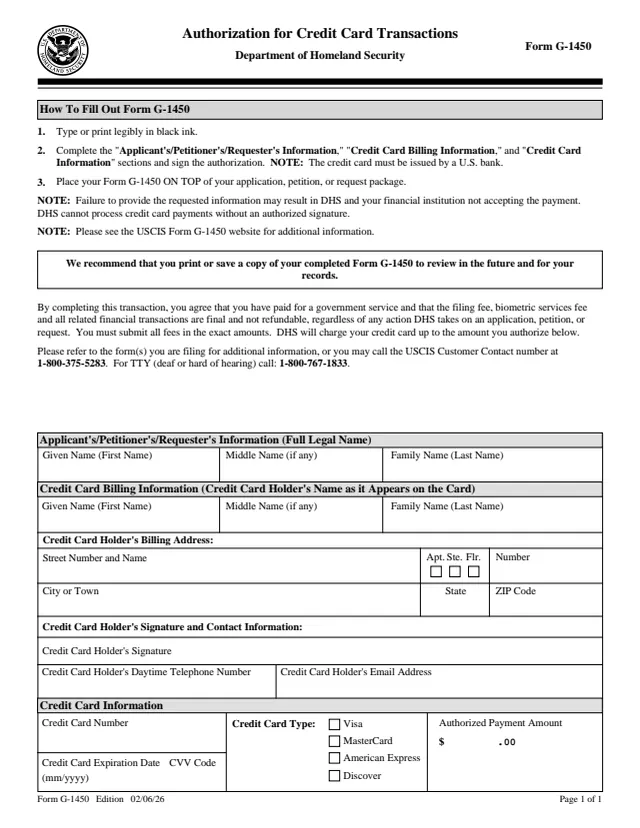
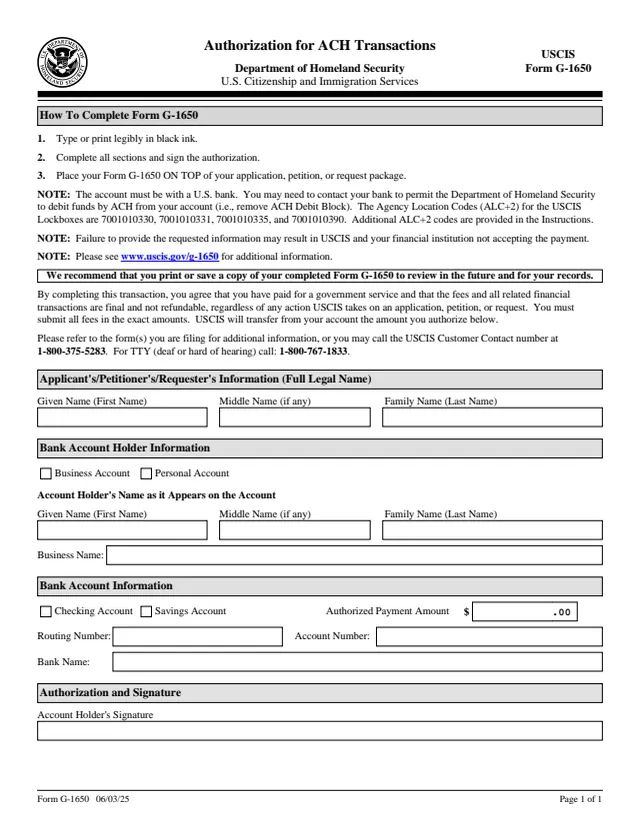
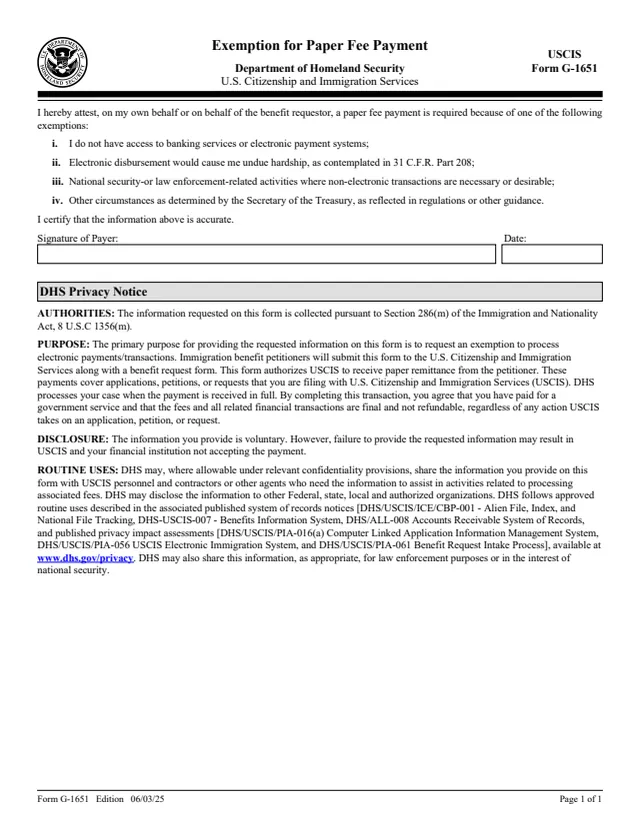
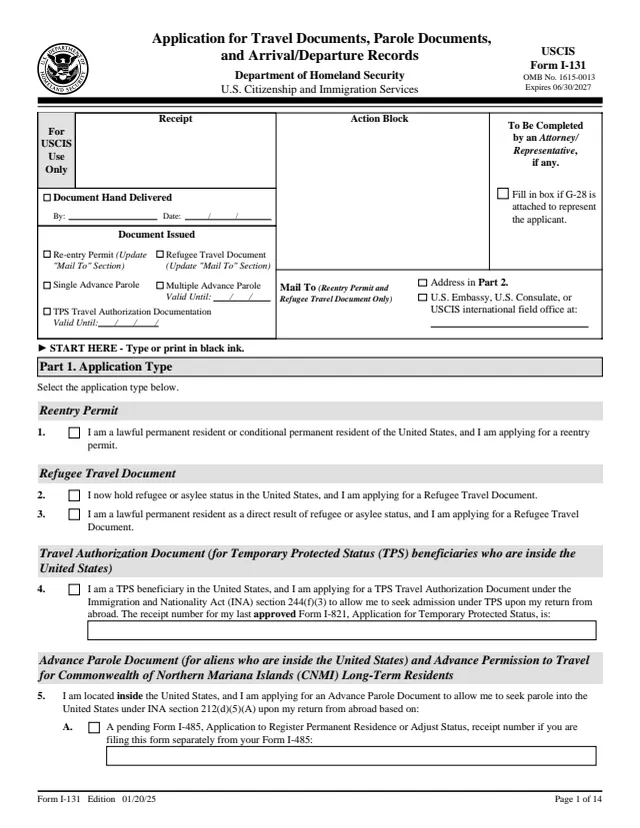
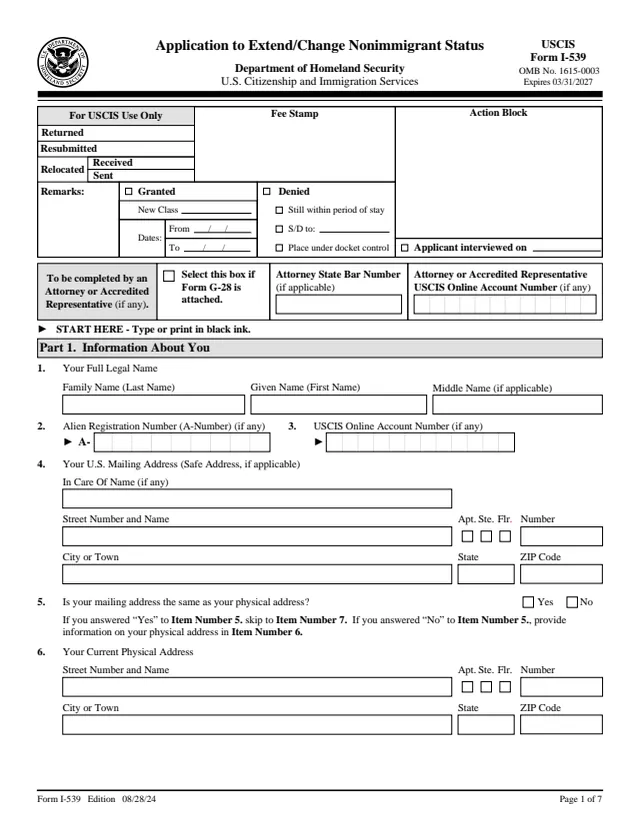
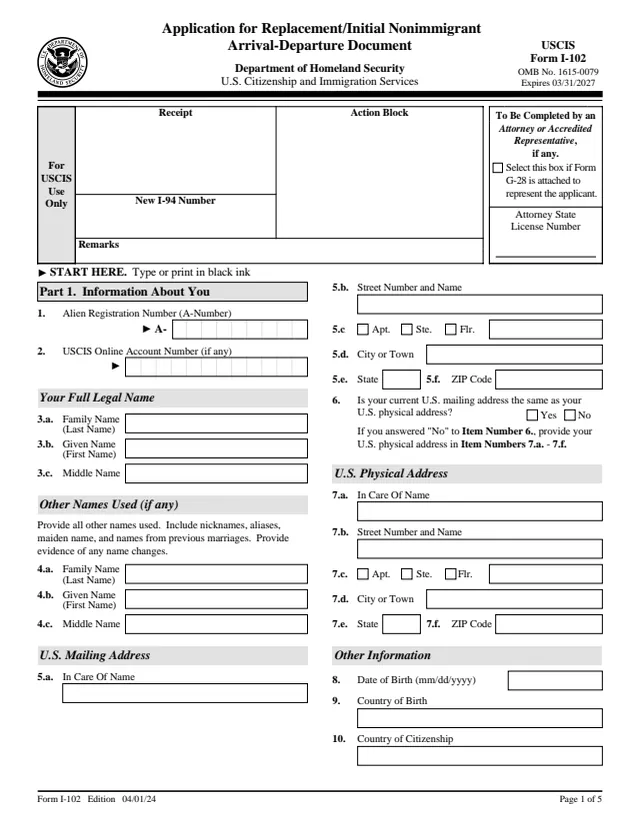
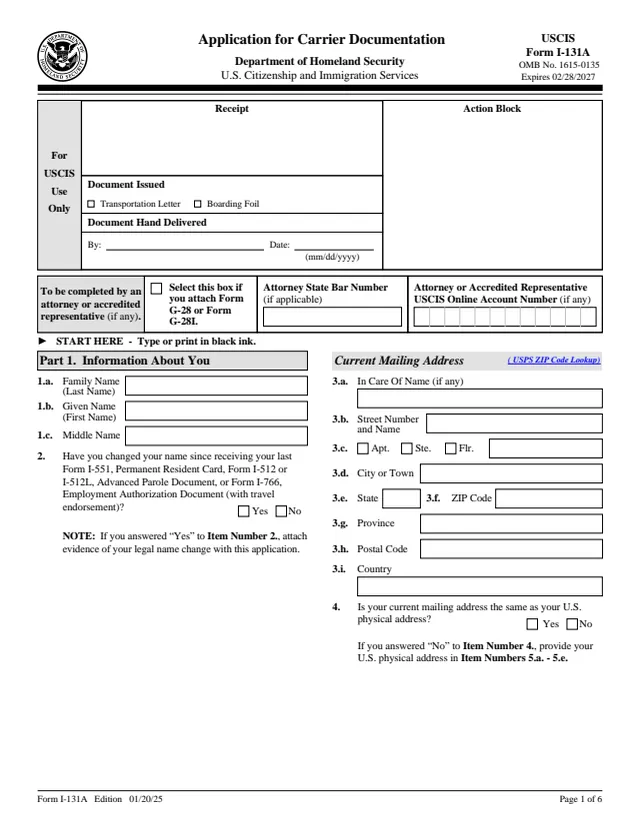
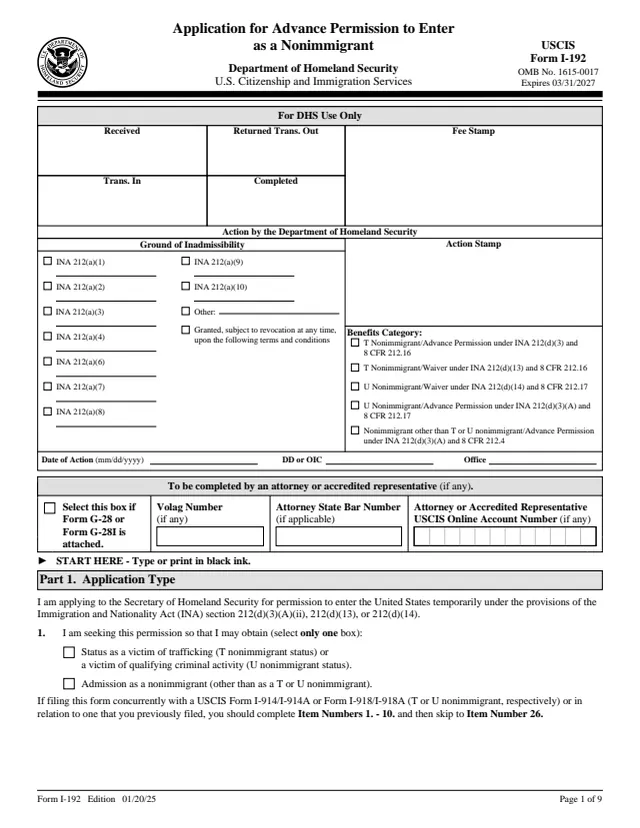
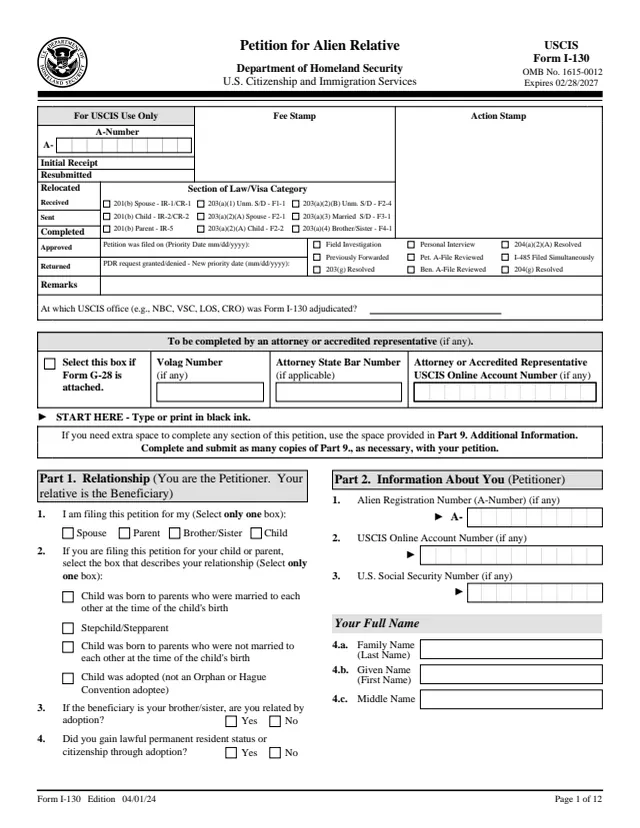
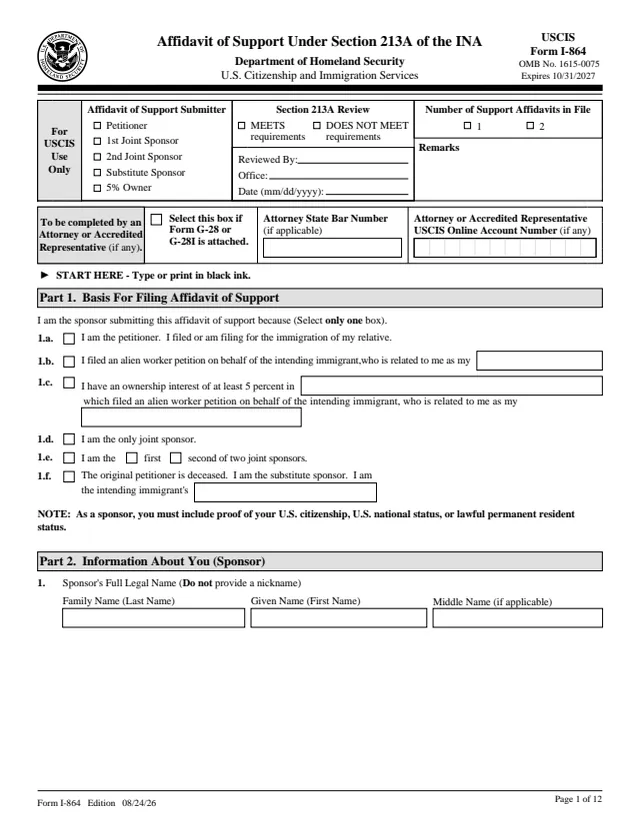
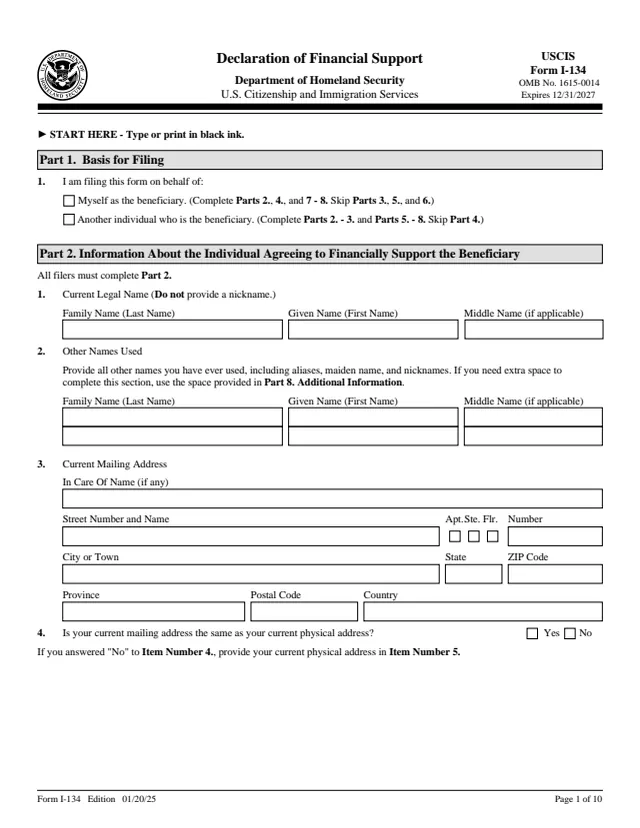
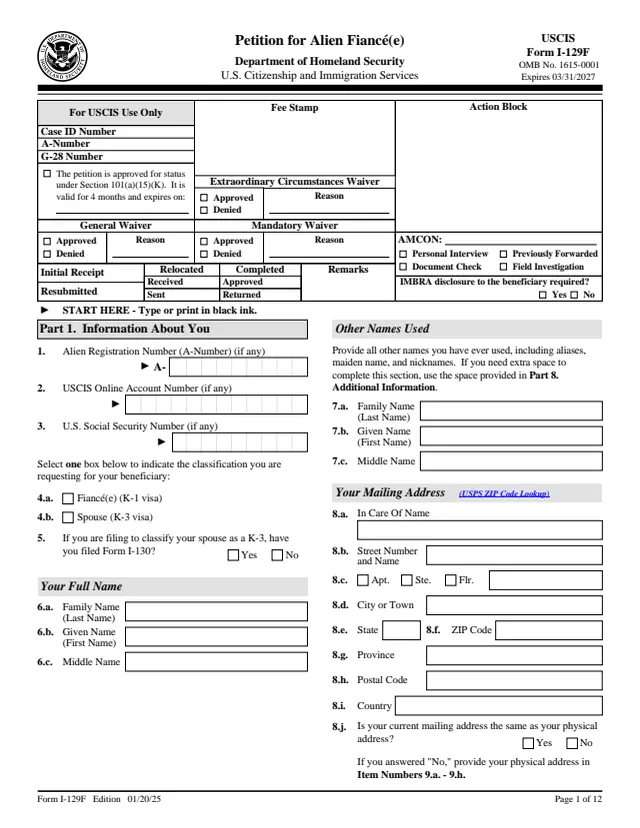
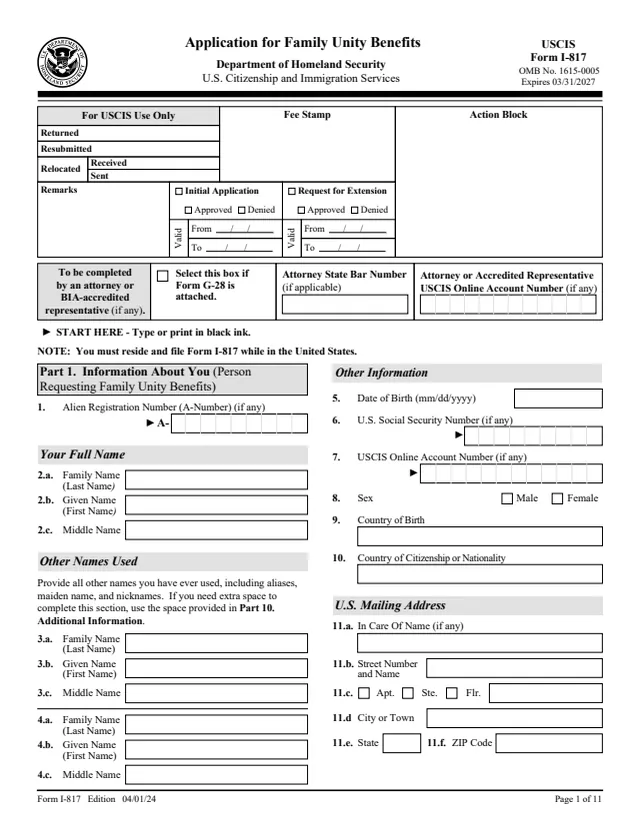
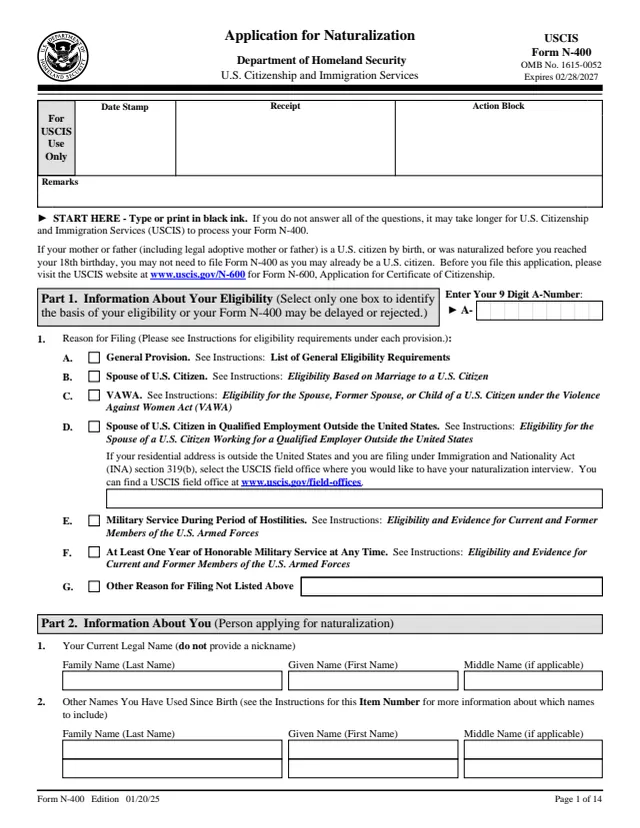
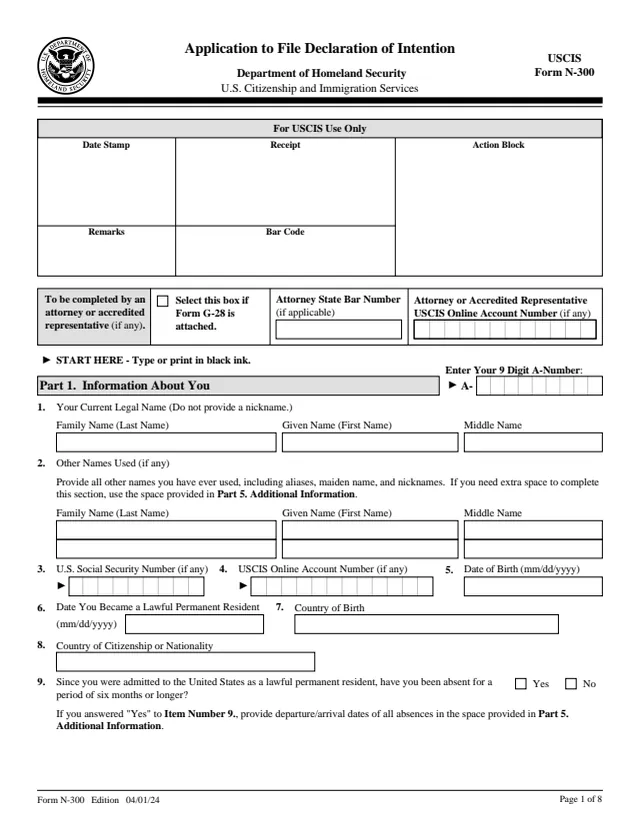
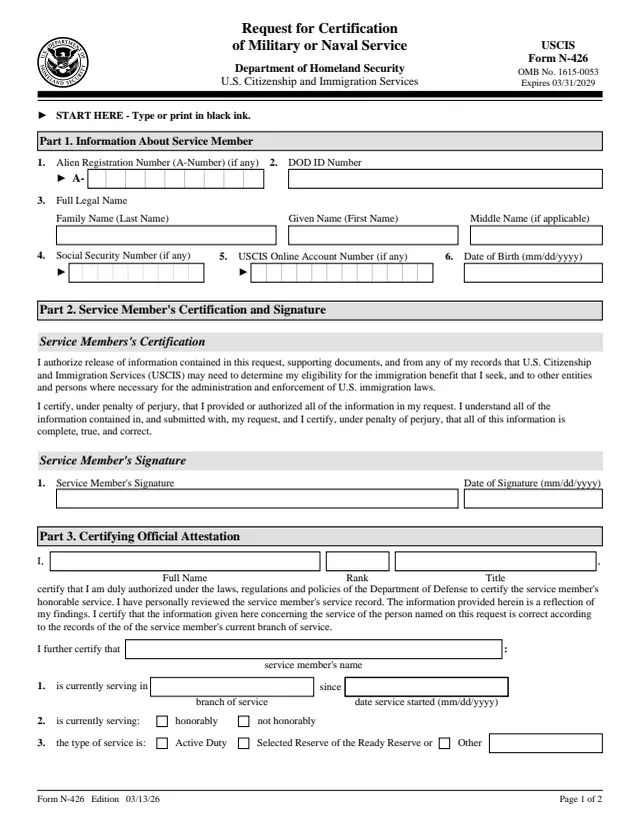
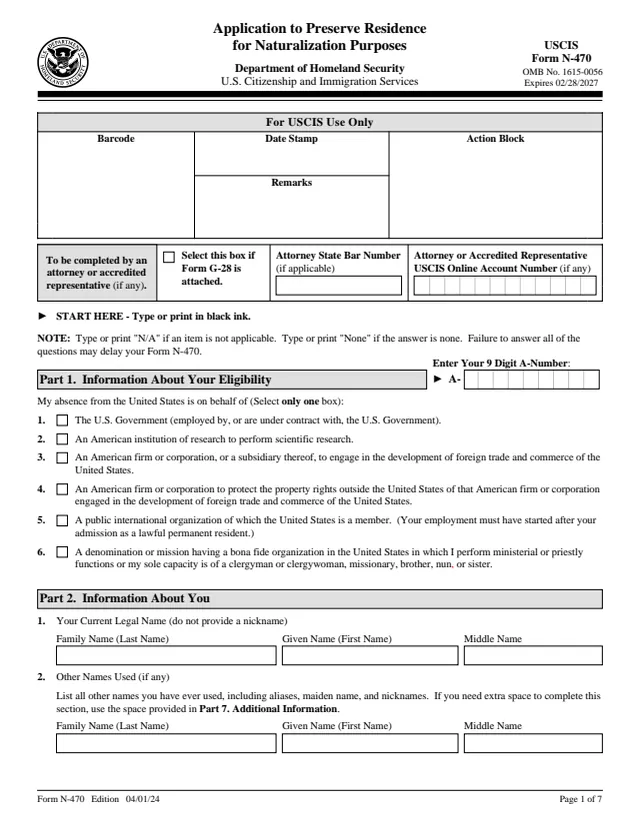
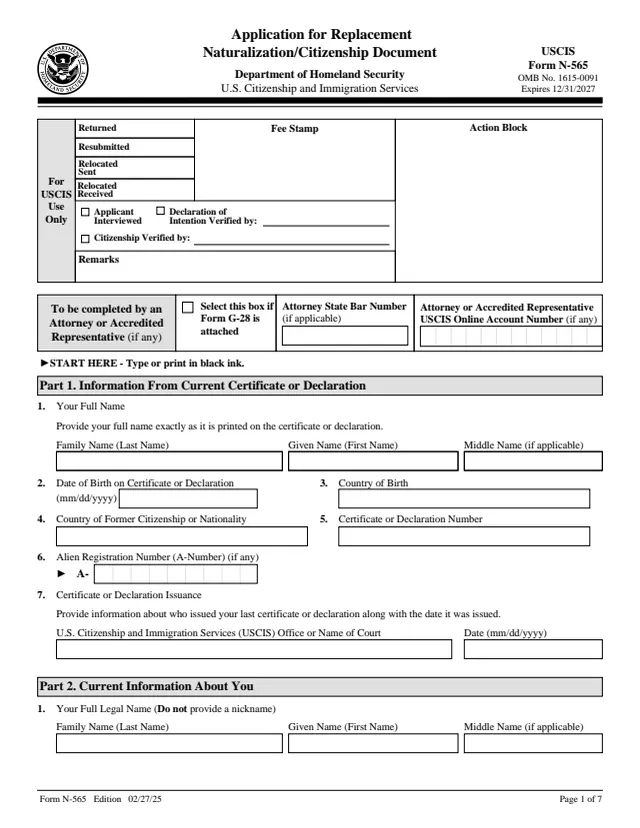
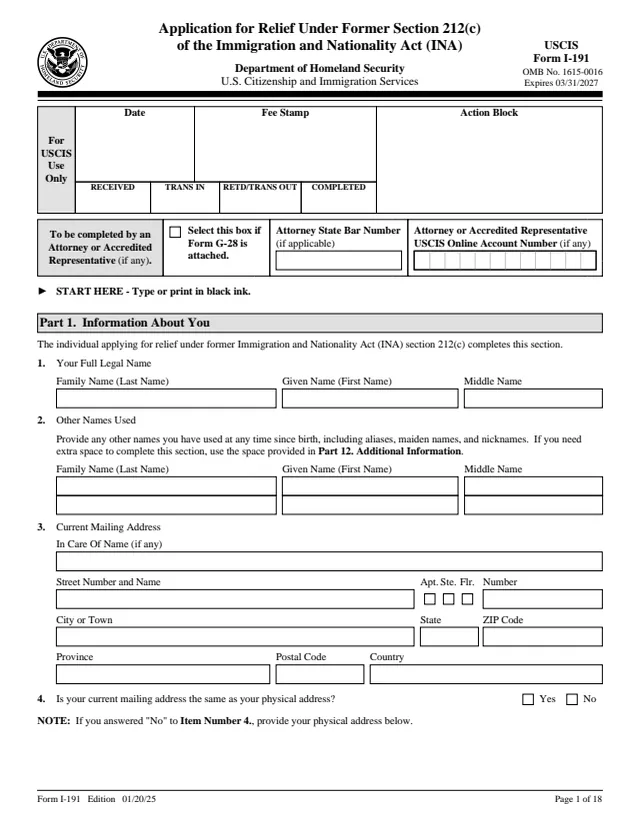
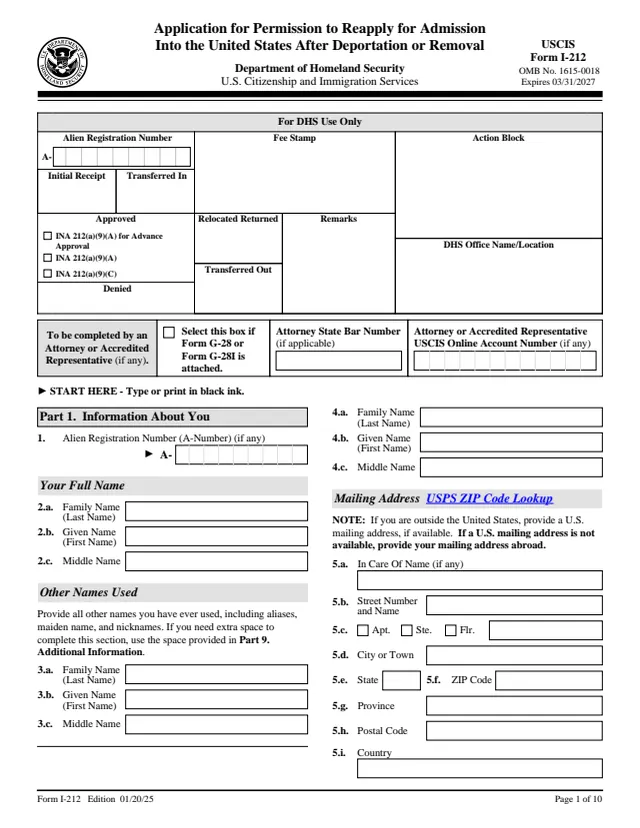
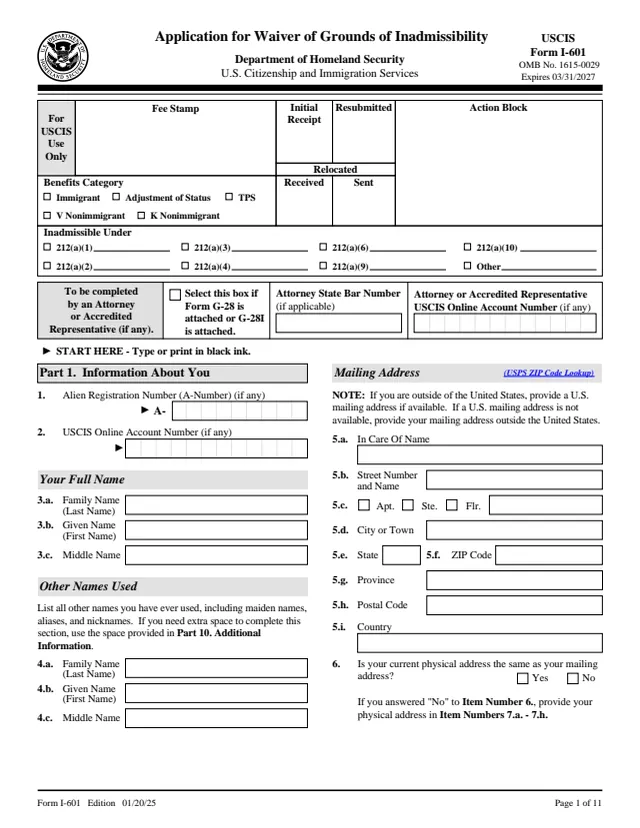
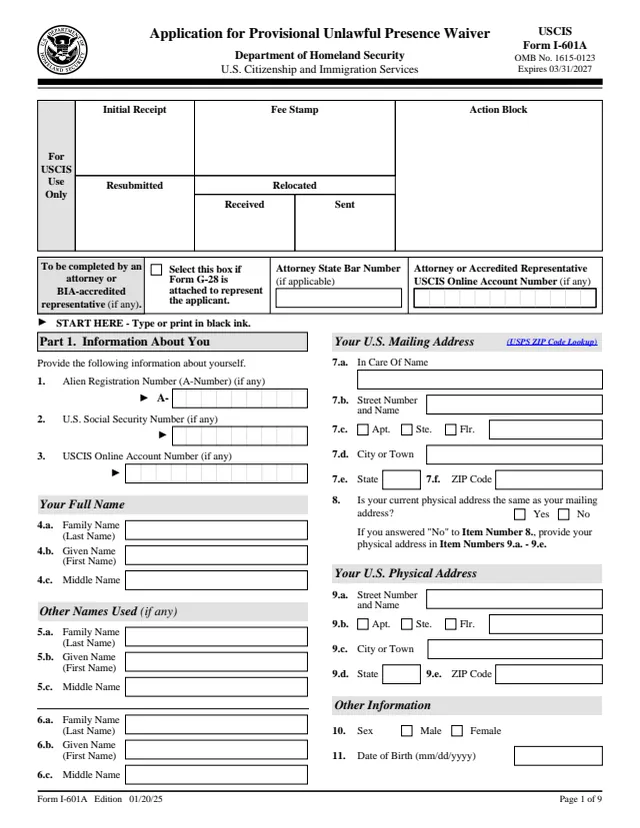
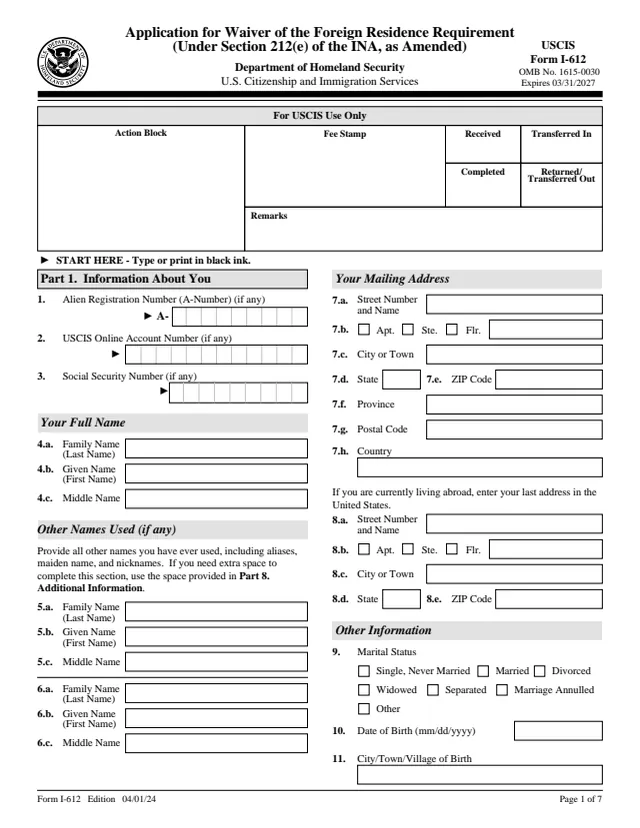
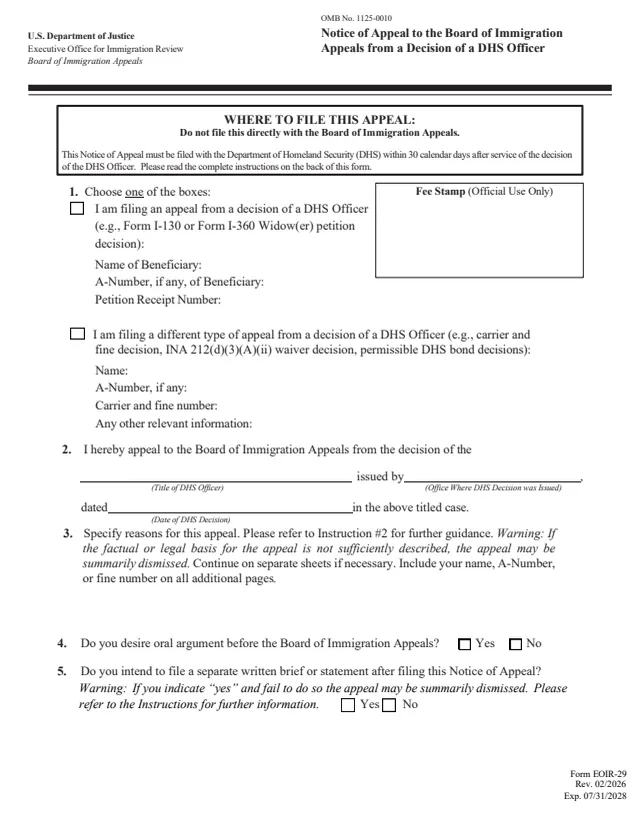
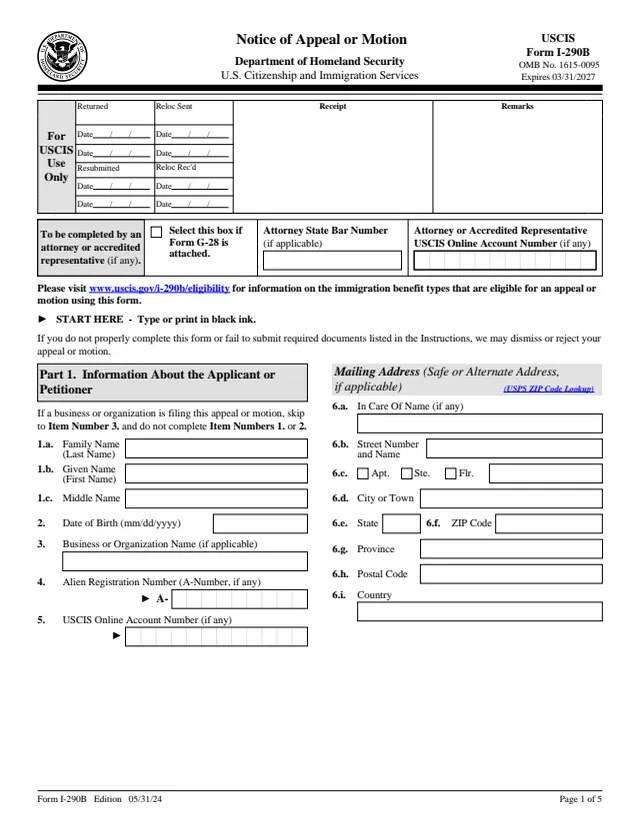
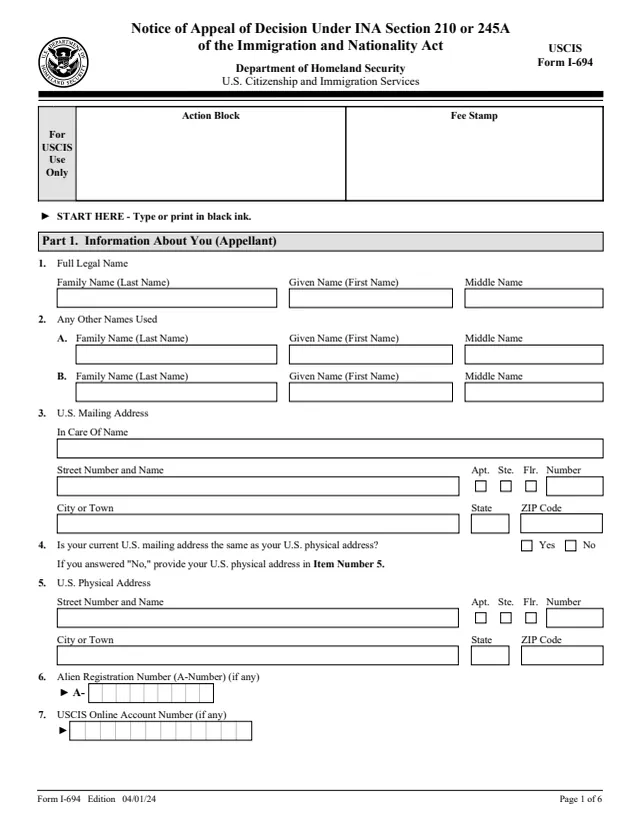
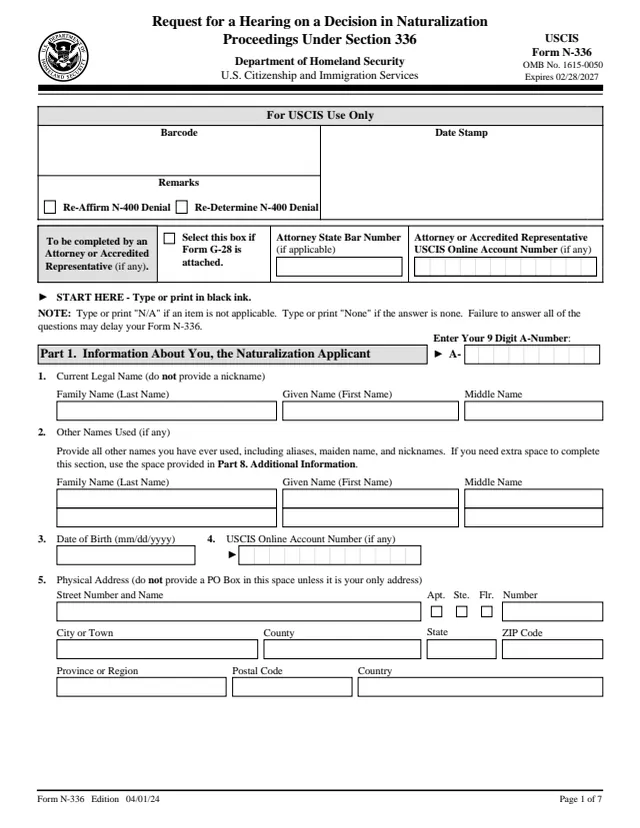
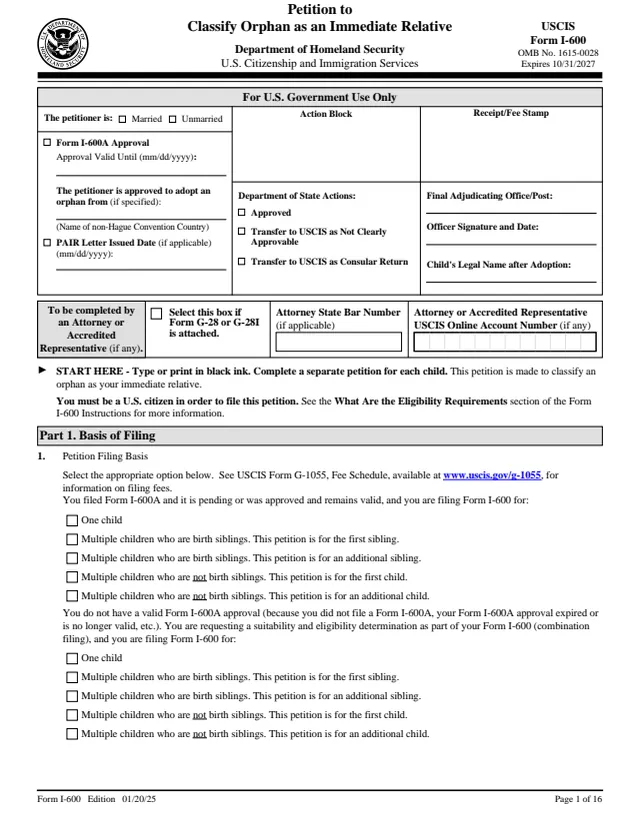
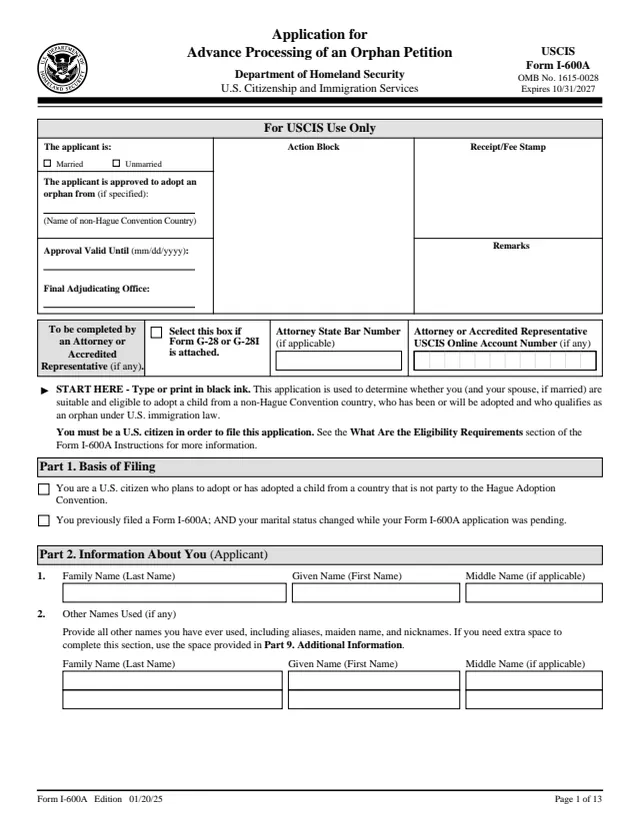
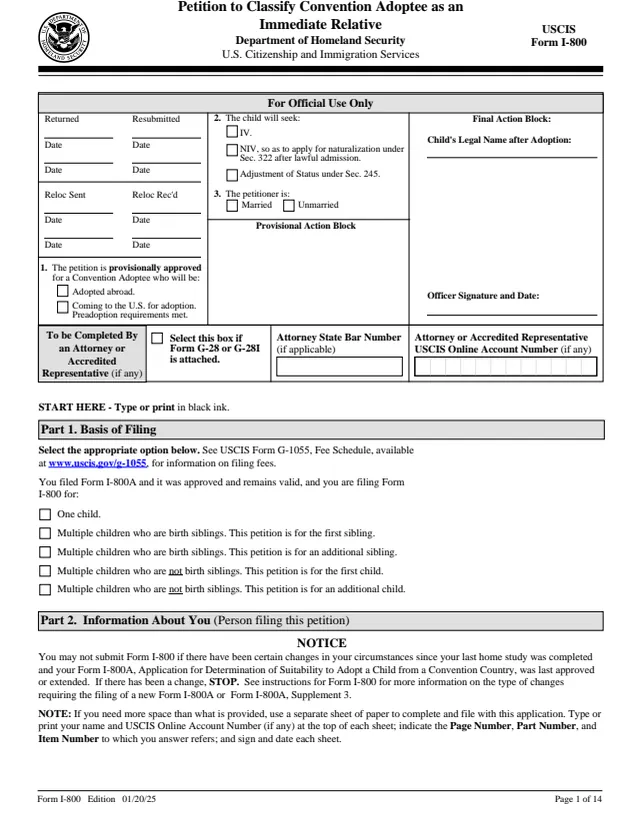
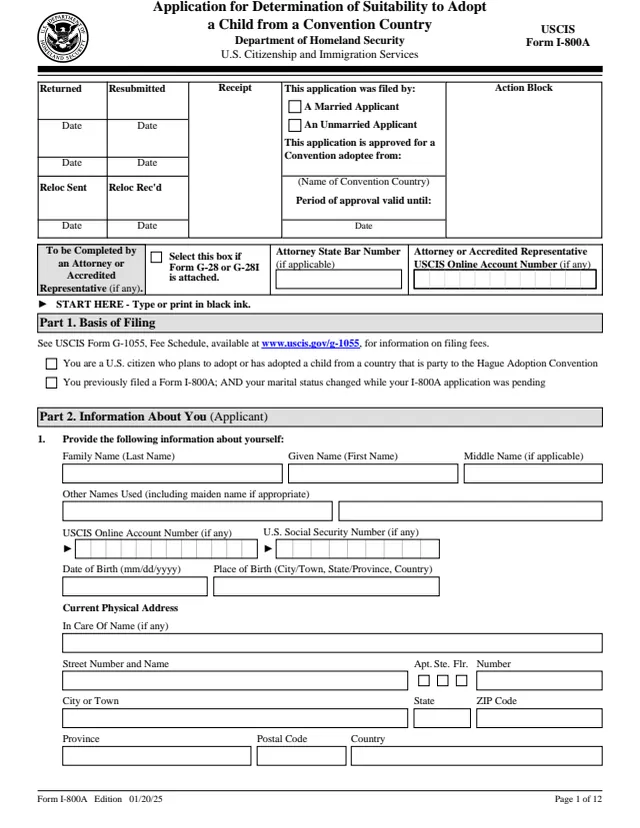
Immigration forms (USCIS)
USCIS forms are filled as standard PDFs, so the data barcode Adobe Acrobat adds to some of them is not generated. USCIS processes forms with or without it. Print, sign in ink, and check the edition date before you file.
VA veterans benefits forms
CMS Medicare & Medicaid forms
U.S. Courts federal court forms
GSA federal standard forms
Federal Student Aid loan forms
What is the indox forms library?
The forms library collects official U.S. government forms in one place, from IRS tax forms to USCIS immigration forms, so you can fill one in your browser for free.
Search by form number, such as W-9 or 1040, or browse by topic. Open a form and it loads in the editor with a real field for every box. Filling is free; sign in when you want to download or print the finished copy. Each agency publishes its forms as PDFs, and indox reads the fields from that PDF, so the layout matches the original. Check the edition date before you file.

What else can I do with my forms?
Need to sign or reshape the PDF afterwards?
The PDF tools hub covers merging, splitting, compressing and signing, and the PDF converter turns a finished form into another format.
Open the PDF tools hubPDF tools hub
Merge, split, compress, sign, OCR and more.
Form reader
Read the fields of any fillable PDF and fill them in.
Sign documents
Collect signatures on a finished PDF.
PDF converter
Every format pair that goes to or from a PDF.
Do it all with indox
No tool matches that search.
Forms FAQs
Are the forms free to fill?
Yes. Open any form and fill it in your browser for free. Sign in when you want to download or print the filled copy.
Where do the forms come from?
Each agency that issues a form, such as the IRS or USCIS, publishes it as a PDF. indox keeps a blank copy of each one and reads its fields, so the title, description and field count come from the PDF itself.
How do I find the form I need?
Type a form number or a word such as payroll in the search box, start from the popular forms, or open a topic to see every form it holds.
Why do USCIS forms not get a data barcode?
USCIS forms are filled as standard PDFs, so the barcode that Adobe Acrobat adds to some of them is not generated. USCIS processes forms with or without it.
Should I check the edition date?
Yes. Agencies retire old editions, so check the edition date on the form before you file it.
Can I sign a form here?
Yes. Forms open in the editor, and the PDF tools include signing. For USCIS forms, print and sign in ink.
Can I fill a form that is not in the library?
Yes. Drop your own PDF into the form reader and indox reads its fields the same way.