Choose the scan quality
Scan quality has three levels: Low, Medium and High. Medium is selected when the form appears. The level sets the resolution the pages are drawn at and the blur and noise added, so lower levels give softer, grainier pages.
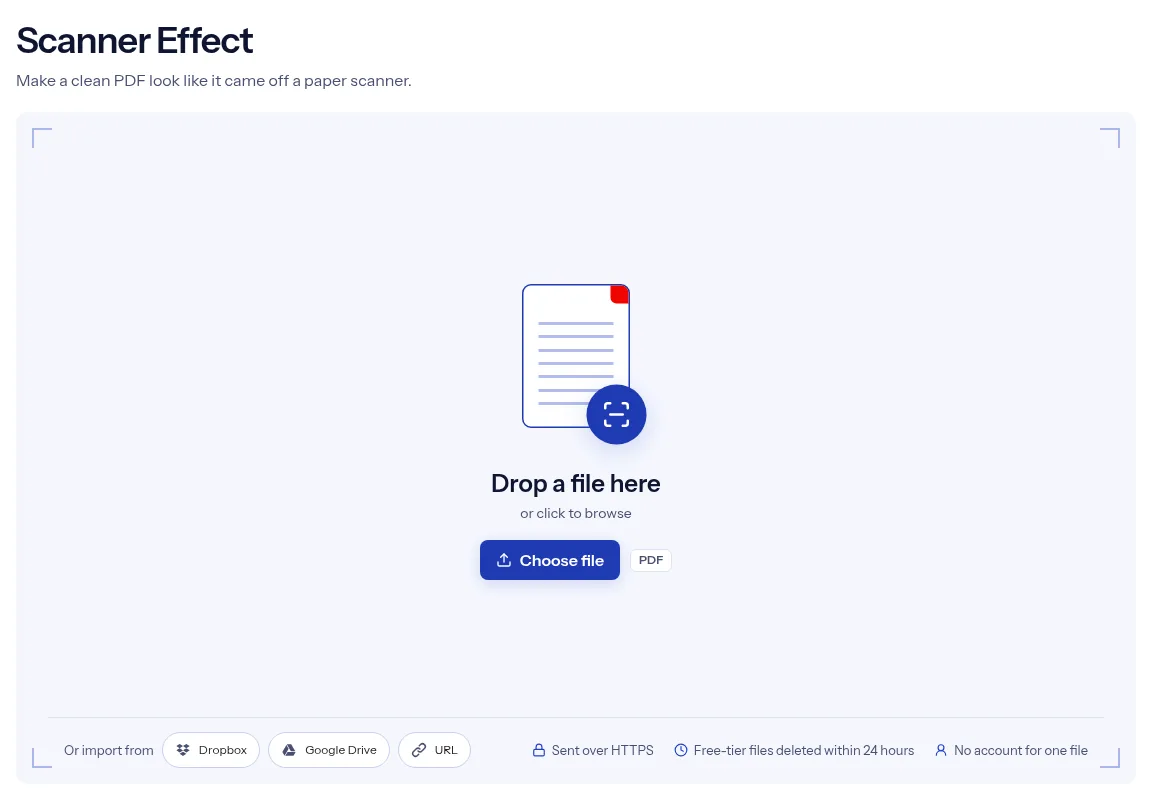
or drop a file anywhere here
Files other than PDF are converted first. Signing in raises the size limit.
A scanner effect restyles a clean, digitally made PDF so that its pages resemble paper that went through a scanner. On this page you add one PDF and set three things: Scan quality, Color and Rotation (degrees). The form opens on Medium quality, Grayscale and a rotation of 0, so you can run it without changing anything. You download one PDF. The effect is a visual treatment only. Nothing is printed, signed or scanned, and the result is not evidence that a paper original exists. When someone asks for a signed and scanned copy, a restyled file does not meet that request, and you should say plainly what the file is.
Scan quality has three levels: Low, Medium and High. Medium is selected when the form appears. The level sets the resolution the pages are drawn at and the blur and noise added, so lower levels give softer, grainier pages.
The Color menu offers Grayscale and Color, and Grayscale is the starting choice. Switch to Color when the document has charts or a logo that should keep their hues.
Rotation (degrees) takes a number from -180 to 180 and starts at 0. Whole numbers are used, and a decimal is cut down to its whole part before the effect runs.
The result is a single PDF, not a folder of page pictures. The pages come back in one document that you can send or archive as usual.
| You want | Quality and Color | Note |
|---|---|---|
| A clean copy that still looks scanned | High, Grayscale | Closest to the original page, with light blur and noise. |
| A rough, photocopied look | Low, Grayscale | Draws pages at a lower resolution with more blur and noise. |
| A scan that keeps charts, logos or stamps in color | Medium or High, Color | Grayscale would remove the hues. |
| Pages that look as if they were put in slightly crooked | Any, Rotation 0 | The engine already adds a small random tilt. Set a Rotation value only for a larger one. |
Drop the clean PDF on the upload box above, or press Choose file to browse for it.
Pick a level in Scan quality, choose Grayscale or Color, and enter an angle in Rotation (degrees) or leave it at 0.
Press Run Scanner Effect and wait for the job to finish. Choose Download, then look at the pages at full zoom.
The effect has three controls and each one is a plain choice: a quality level, grayscale or color, and an angle. Because the form is prefilled, a first try needs no decisions, and later tries can change one setting at a time. One file can be processed without an account. The PDF is uploaded over HTTPS, and on the free tier the upload and the restyled copy are deleted automatically within 24 hours after the job finishes. This page is direct about what the effect is: a look, applied by software to a digital file. The page gives no preview, and the pages come back as pictures, so the text in the result cannot be selected or searched.
| What you see | Why | What to do |
|---|---|---|
| The text cannot be selected or searched | The pages were turned into pictures | Run OCR PDF on the result to add a text layer back. |
| The file is much bigger than the original | Picture pages take more space than text and vector shapes | Shrink it with Compress PDF. |
| Small print is hard to read | Lower quality draws pages at a lower resolution with more blur | Run the original again at High. |
| Pages look tilted even with Rotation 0 | The engine adds a small random tilt of its own | This is part of the effect. Check each page in the result. |
| The job fails on a large file | Every page is drawn as a picture, which is heavy for a long file | Split it with Split PDF, run the parts, and keep them as separate files. |
A mockup of a printed form or letter can call for a scanned finish. Run the layout through the effect and place the result in the presentation.
Students who will work with scanned sources can practice on pages that look scanned. Restyle a clean worksheet and hand out both versions.
An OCR or archiving pipeline needs scan-like samples that hold no real data. Make a clean test PDF, apply the effect and feed the result to the system.
Facts checked on October 16, 2026
No tool matches that search.
It restyles the pages so they resemble paper that went through a scanner, using the quality level, color choice and angle you set. You get one PDF back.
They are the three Scan quality levels, and Medium is selected at the start. The level sets the resolution the pages are drawn at and the blur and noise added, so lower levels give softer, grainier pages.
Grayscale is the starting choice. Pick Color if the pages carry colored charts, photos or a logo that you want to keep in color.
Rotation (degrees) passes an angle to the effect. It takes a number from -180 to 180, uses the whole part and begins at 0. To turn pages by a clean quarter turn, use Rotate Pages.
No. Each page is drawn as a picture, so the words become part of the image. OCR PDF adds a searchable text layer back.
No. The file is still a digital document with a visual effect. Do not present it as a scan of a signed paper original.
No account is needed to run the effect on a single file. The tool is marked free.
Free-tier uploads and their scanner-effect results are deleted automatically within 24 hours after the job finishes. Download the restyled PDF before that window closes.