Drop a file and get a PDF
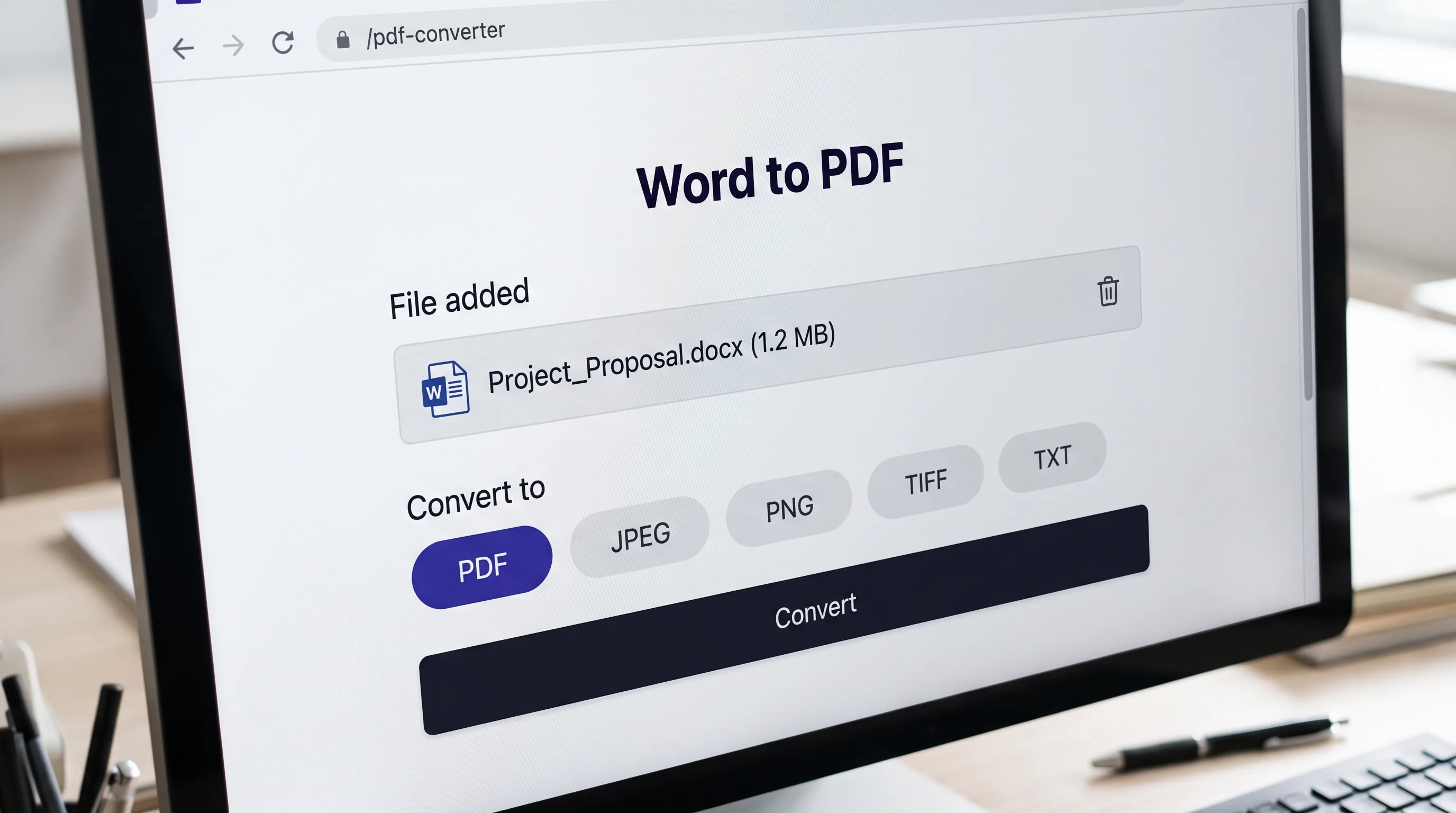
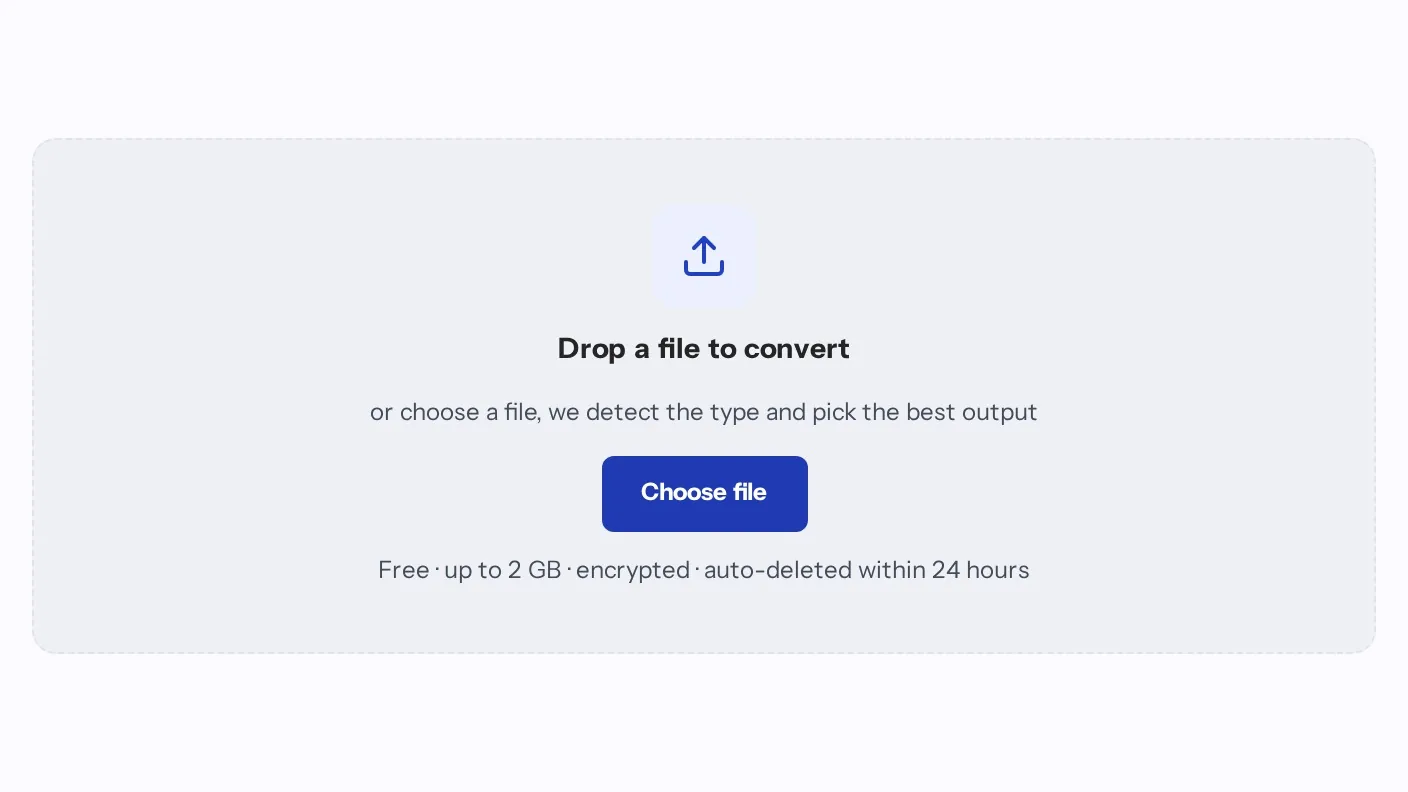
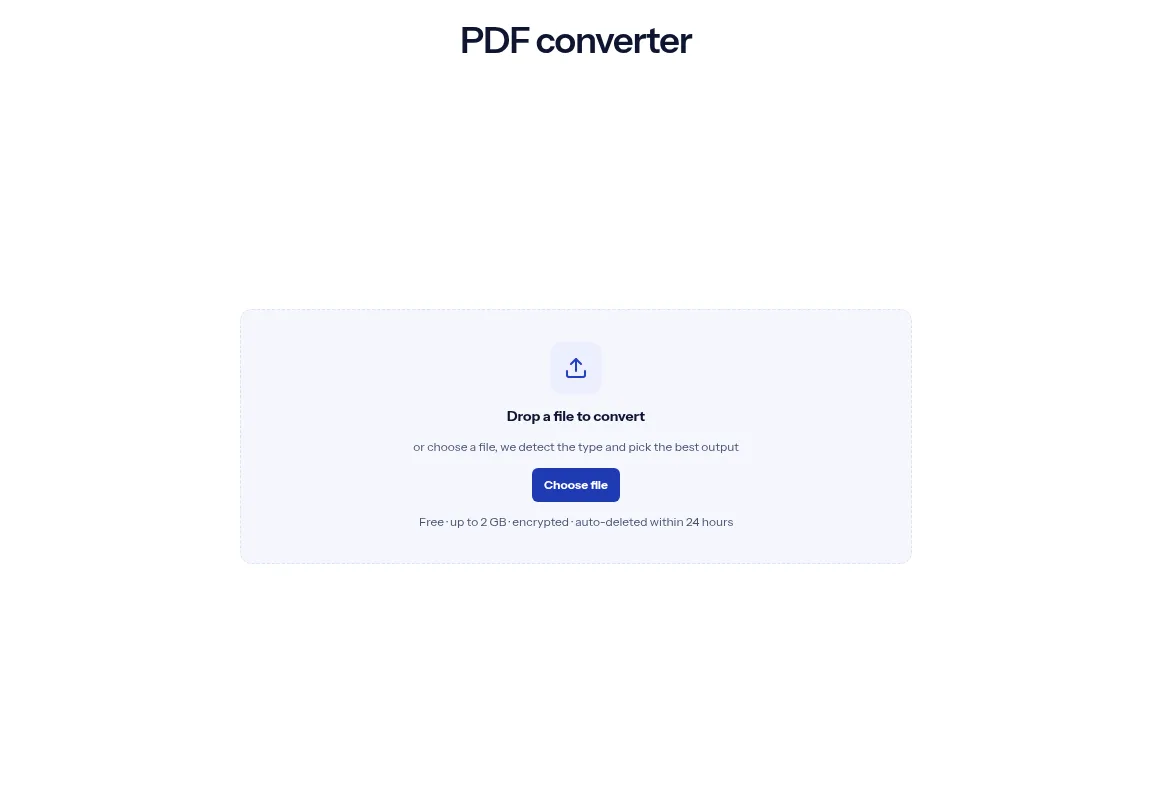
Drop a file on the box, or choose one. The box checks the file type and converts it to PDF. The PDF keeps your file's base name.
A PDF converter changes a document into a PDF. Add a Word, Excel, PowerPoint, OpenDocument, RTF, text, CSV, HTML or Markdown file and you get a PDF back. This box makes PDFs only, so it refuses PDFs and images. Drop a file in the box above and download the result. A single conversion needs no account, files are encrypted in transit, and free-tier files are deleted within 24 hours.
Drop a file on the box, or choose one. The box checks the file type and converts it to PDF. The PDF keeps your file's base name.
The box converts to PDF only and offers no other target, so there is no format to pick. It takes one file per run: the first file you pick.
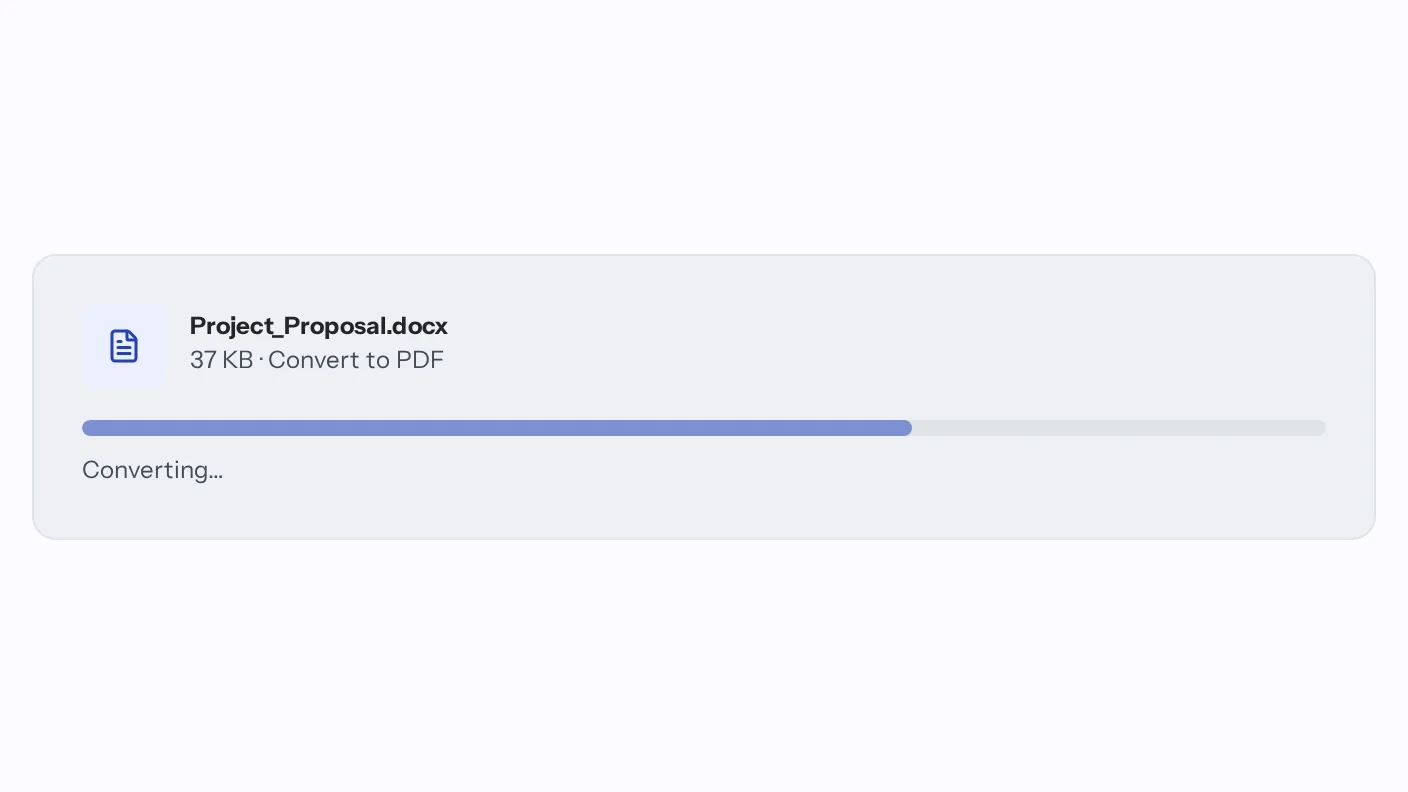
The conversion starts as soon as you pick the file, and the box shows the file name while it runs. If a job takes longer than usual, the page says so and the job keeps running.
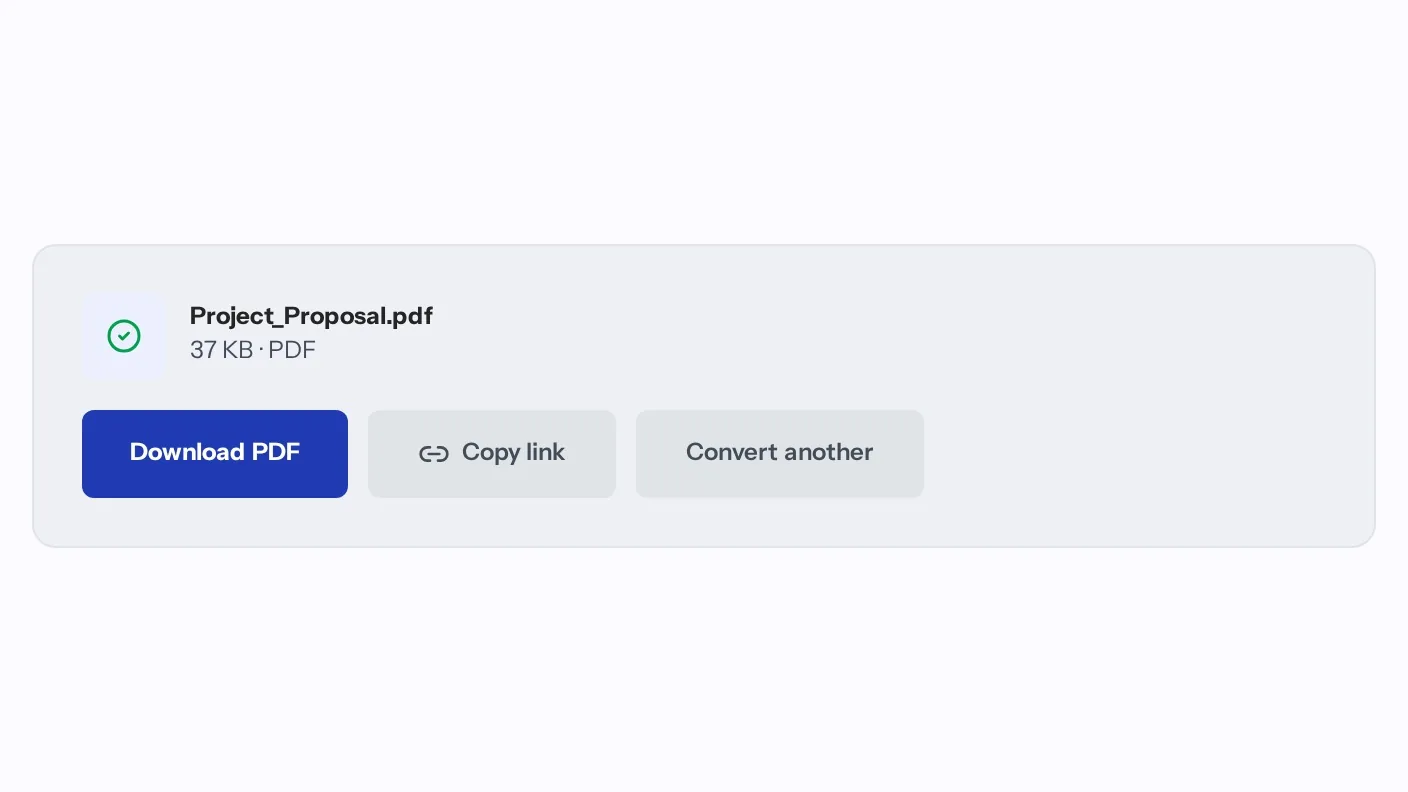
When the job finishes you can download the new file, copy a link to it or start another conversion. A clear message appears if a file type is not supported.
Drop your file on the box or choose it from your device. It accepts doc, docx, odt, rtf, txt, ppt, pptx, odp, xls, xlsx, ods, csv, html, htm and md files.
The conversion to PDF starts as soon as you add the file. There is no output format to choose.
Download the PDF when the job finishes. It is encrypted in transit, and free-tier files are deleted within 24 hours.

One box turns common document files into PDF, so you do not need a different site for each type. It converts to PDF only: it does not turn a PDF into another format and does not accept images.
| What you see | Why | What to do |
|---|---|---|
| The box says the file type is not supported | It accepts document files only: doc, docx, odt, rtf, txt, ppt, pptx, odp, xls, xlsx, ods, csv, html, htm and md. A PDF or an image is refused | Turn an image into a PDF with JPG to PDF, or a PDF into a Word file with PDF to Word. |
| A file with an uncommon extension is refused | The check goes by the ending of the file name, so a document saved as .pages or .key does not pass | Export it from its own app as docx, pptx or xlsx, then add that file. |
| The page says it is still converting | The job kept running after the page stopped waiting. That is not a failure | The job keeps running. Wait a moment, then check your conversions. |
| The size on the finished card looks the same as before | The card shows the size of the file you added, not the size of the PDF | Look at the size of the downloaded PDF on your device. |
The conversion catalog lists each supported pair for documents and media. Open one to convert a file on its own page.
Open the conversion catalog
Turn a Word, Excel or PowerPoint file into a PDF so you send one fixed file.

Turn an Excel sheet, a CSV, a text file or a Markdown file into a PDF you can send.
Save an HTML file as a PDF to archive it or send it.
Facts checked on October 16, 2026
No tool matches that search.
Yes. A single conversion needs no credit card. Paid plans are for high-volume or API usage.
No. You can convert a file without signing up. An account is never required to run a single conversion.
Every upload is encrypted in transit over HTTPS and processed on indox infrastructure. Free-tier files and their outputs are deleted automatically within 24 hours after conversion.
Yes. The base name stays the same. report.docx comes back named report.pdf.
The upload box shows the size limit before you add a file.
No. This box only makes PDFs. Use the PDF to Word page for that direction.
doc, docx, odt, rtf, txt, ppt, pptx, odp, xls, xlsx, ods, csv, html, htm and md files convert to PDF. PDFs and images are refused.
Not in this box, which refuses PDFs and images. Use the JPG to PDF page for an image, and OCR PDF to make a scanned PDF searchable.
Yes. The same engine is available as a REST API. The docs quickstart shows how to authenticate, start a conversion, poll it and download the result.