The heavy encoding runs off your machine
Rebuilding VP8 or VP9 video as H.264 is heavy work. It runs on indox infrastructure, not on your own machine, so nothing is installed and a single recording needs no account. Files travel over HTTPS.
The WebM your browser recorded becomes an MP4 that iPhones, televisions and most editing software open.
Converting WebM to MP4 gives you a video that opens almost everywhere, including iPhones, older Safari versions, televisions and most editing software. The one thing to know is that this is a full re-encode: a VP8 or VP9 picture is rebuilt as H.264, so it takes longer than a simple rewrap and costs a small amount of quality.
Transfers use HTTPS, and files converted on the free tier are deleted within 24 hours, so the result is not a long-term archive. Quality depends on the source file, so open the MP4 file once before you share it.
WebM (web media container based on Matroska)
An open, royalty-free video container built for the web and based on Matroska. It carries VP8, VP9 or AV1 video with Vorbis or Opus audio, and it is what browser screen recorders and many web downloads produce.
MP4 (MPEG-4 Part 14)
The most widely supported video container, standardised as MPEG-4 Part 14. Players, phones, televisions and editors generally expect it to hold H.264 or HEVC video with AAC audio, although the container can technically carry other codecs too.
A short 1280 × 720 clip with sound, saved as WEBM, converted on indox.org


Rebuilding VP8 or VP9 video as H.264 is heavy work. It runs on indox infrastructure, not on your own machine, so nothing is installed and a single recording needs no account. Files travel over HTTPS.
Because VP8 and VP9 frames are decoded and compressed again, an hour-long screen recording is a much longer job than a short clip. The progress bar tracks the job, and you can cancel and start over if you added the wrong take.
WebM playback is unreliable on iPhones and older Macs. When the MP4 is ready you can download it or share it with a link, so the person receiving it gets a file their device opens. On the free tier the file is deleted within 24 hours, so send the link promptly.
Drag the WebM onto the box or choose it from your device; files in Dropbox, Google Drive or at a URL can be imported. Keep the original if it has a transparent background, which the MP4 will lose.
Once the output format shows MP4, start the conversion. Every frame is decoded and compressed again, so give a long screen recording time; the progress bar shows the job.
Open the downloaded MP4 and drag through the timeline to confirm that the duration shows and seeking works. In an editor, listen near the end for audio that has drifted out of sync.
You get an MP4 in which a VP8 or VP9 picture has been rebuilt as H.264, the format QuickTime, iMovie, Premiere Pro and PowerPoint expect, while AV1 video and the audio are copied across when the MP4 can hold them. The re-encode costs a small amount of quality, and the MP4 is often somewhat larger than the WebM. No software is installed, and a single recording needs no account.
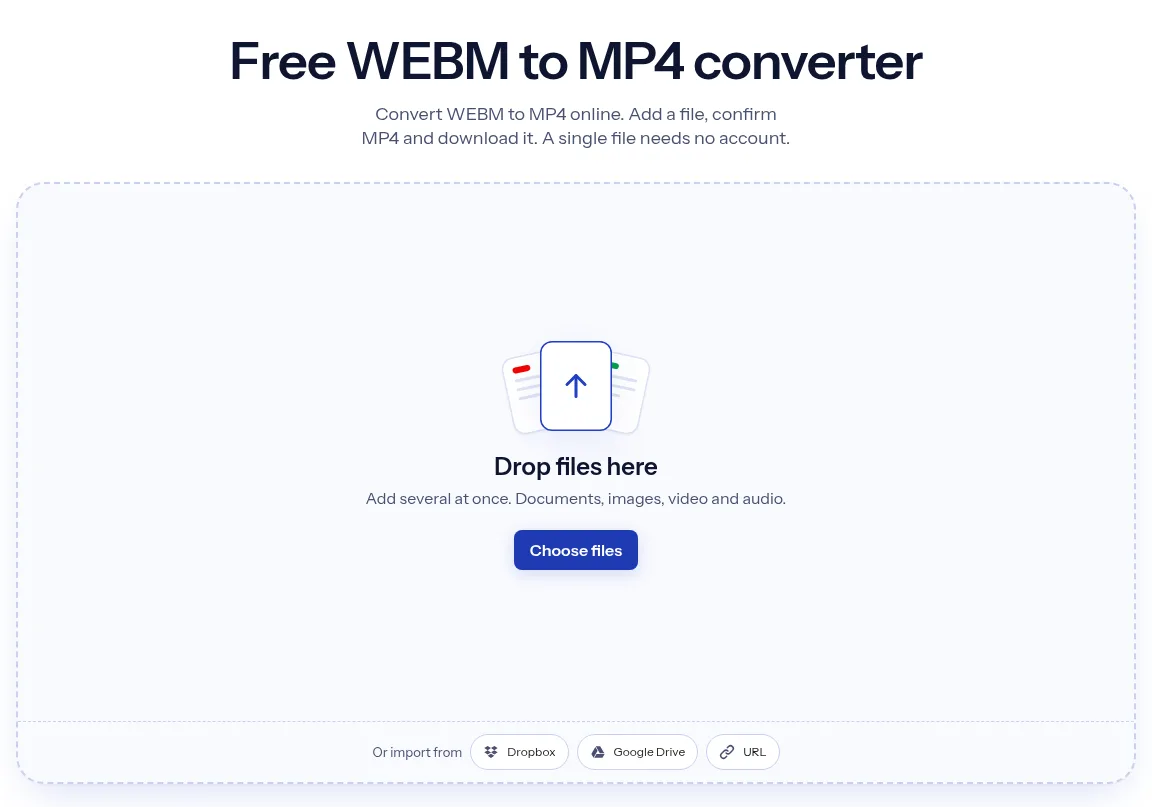
The upload box shows the live size limit before you add a file. Signing in raises it, and paid plans raise it further.
WEBM in, MP4 out. Pick another output on the converter if you need a different format.
Files are encrypted in transit over HTTPS and processed on indox infrastructure.
Free-tier files are deleted automatically within 24 hours after the job finishes.
| What you see | Why | What to do |
|---|---|---|
| The MP4 still does not play on an older device | A WebM that holds AV1 video is not re-encoded, so the MP4 holds AV1 rather than H.264 | Play it in a current browser or desktop player, or export the clip from its source as VP8 or VP9 and convert again |
| The conversion takes much longer than a simple rewrap | VP8 and VP9 video is decoded and encoded again, frame by frame | Give long recordings time, and cancel if you added the wrong file |
| The picture is a little softer than the WebM | Re-encoding to H.264 is a second lossy pass over the video | Keep the WebM as your master and use the MP4 only where WebM is refused |
Older video files at a smaller size
iPhone and Mac video that plays anywhere
Video for phones, TVs and editors
The sound from a video
| Compared on | WebM | MP4 |
|---|---|---|
| What it is | An open, royalty-free media file format designed for the web | The MPEG-4 file format, ISO/IEC 14496-14 |
| Video codecs | VP8 or VP9, as the WebM project describes it | Commonly AVC (H.264) and HEVC; AV1 also fits in MP4 |
| Audio codecs | Vorbis or Opus | AAC is among the listed subtypes |
| Intended use | Video on the web | Web and other online applications, mobile devices and broadcasting |
Facts checked on October 16, 2026
No tool matches that search.
Yes, slightly. Both formats use lossy video codecs, and moving from VP8 or VP9 to H.264 means decoding the picture and compressing it again, which discards a little more detail. On a clean source the difference is usually hard to see. On a recording that was already heavily compressed, blockiness and banding can become more noticeable.
No. Renaming changes the label, not the contents, so the file is still a WebM container holding VP9 and Opus streams. A forgiving player such as VLC may open it anyway by inspecting the data, but an iPhone, iMovie or a strict uploader will still reject it. The streams have to be re-encoded and written into a real MP4 structure.
Because Apple was late to support the codecs WebM uses. Older versions of iOS and Safari cannot decode VP8 or VP9 at all, and newer ones support them only partly, with behaviour that varies by version and device. The Photos app, iMovie and QuickTime Player expect H.264 or HEVC in an MP4 or MOV file instead.
Usually because H.264 needs more data than VP9 to reach the same visual quality. VP9 is noticeably more efficient, so matching the look of the source produces a larger file. The opposite also happens: a WebM recorded at a generous bitrate can shrink once it is re-encoded.
WebM files written live by a browser recorder often lack a stored duration and a seek index, because the recorder streams data out before it knows how long the clip will be. Players then show a blank timeline or cannot skip ahead. Converting writes a complete MP4 with a proper index, which usually fixes both problems.
No. Transparent WebM clips store an alpha channel alongside VP8 or VP9 video, and standard H.264 in MP4 has nowhere to keep it. The transparent regions are filled with a solid colour. If you need transparency for overlays or animated stickers, keep the WebM, or use a format designed for alpha such as ProRes 4444 in MOV.
Drop files here
Add several at once. Documents, images, video and audio.