Name a file after its title
The job detects the title in the document and uses it as the file name. A PDF saved under a number or a random string comes back with a name you can recognize in a folder listing.
or drop a file anywhere here
Files other than PDF are converted first. Signing in raises the size limit.
Auto renaming a PDF means giving the file a name taken from what the document says, in place of a name like document(3) or a string of digits. You add one PDF here and start the rename, and indox looks for the document's title and returns the PDF under a file name built from it. The tool takes the largest text it finds as the title. A Fall back to the first text on the page checkbox is shown, but it changes nothing in the engine indox runs. You do not type the name yourself, and you do not see it until the file downloads. One rename runs without an account.
The job detects the title in the document and uses it as the file name. A PDF saved under a number or a random string comes back with a name you can recognize in a folder listing.
Fall back to the first text on the page is unchecked when the options appear. In the engine indox runs, a title is missing only when the document has no text at all, and then the fallback has no text to use either, so checking the box changes nothing.
Before the file is stored, indox removes characters that file systems reject, such as colons, quotes, question marks and asterisks. It trims stray dots and spaces, cuts a very long name at 120 characters and ends the name in .pdf.
The new name travels with the download, so the file lands in your downloads folder already renamed. The PDF on your device keeps its old name until you delete or replace it.
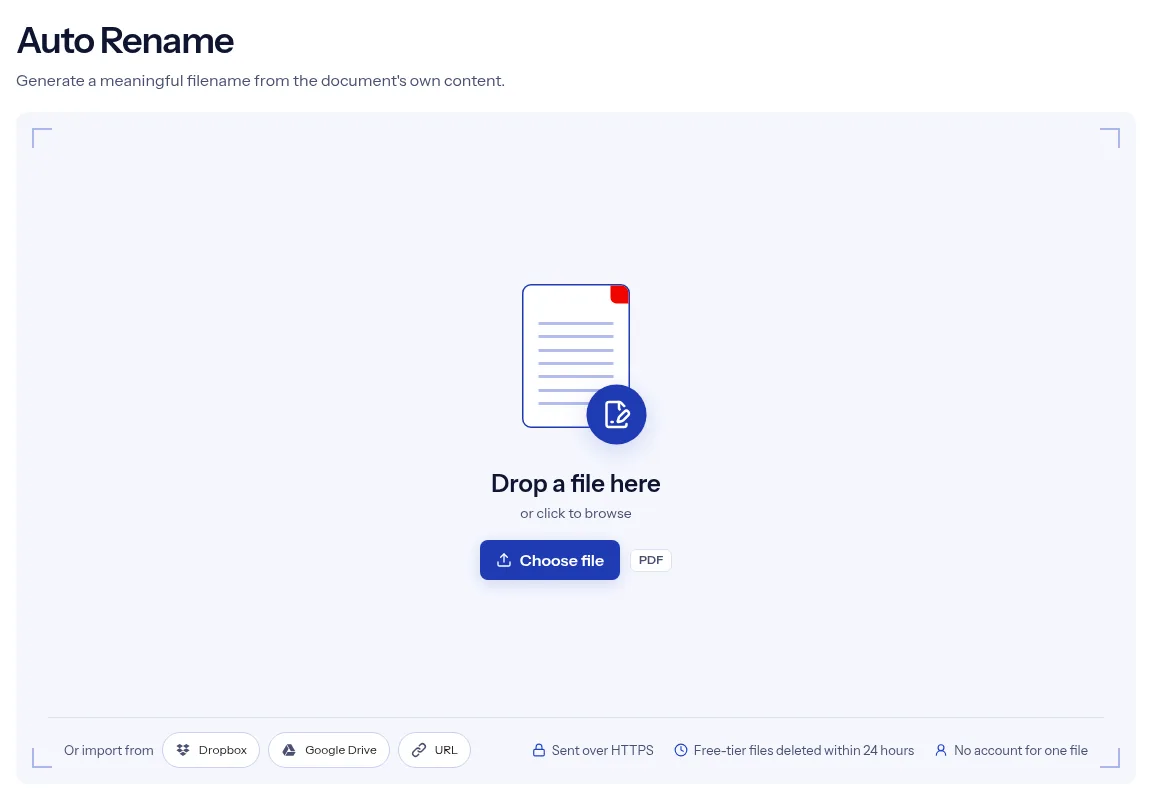
Drop the badly named file on the upload box or use Choose file. The auto rename tool takes one PDF per run.
Fall back to the first text on the page changes nothing in the current engine, so leave it unchecked. The name comes from the largest text in the document either way.
Press Run Auto Rename, then Download. Read the name of the saved file, and rename it by hand if the title is not what you expected.

Renaming by hand means opening each file, reading the first page and typing. This page does the reading for you. The name it produces is cleaned of characters that file systems reject, and it arrives on the download with no extra step. A single rename runs without an account. The PDF travels over HTTPS, and on the free tier indox deletes files automatically within 24 hours after the auto rename job finishes. The page is also honest about control: you cannot preview or edit the name here, so treat the result as a suggestion and check it.
| What you see | Why | What to do |
|---|---|---|
| The name is a banner or a chapter heading | The engine picks the text in the largest type size near the start, and that is not always the title | Rename the downloaded file by hand, or run it again on a copy that opens with a clear title. |
| A scan gets the old name or an odd one | A scan has no text layer, so there is nothing to read | Run OCR PDF first, then rename the searchable copy. |
| Words from separate lines run together | Neighboring lines in the same type size are joined into one name | Shorten the name on your device after you download it. |
| Part of the title is missing from the name | Characters that file systems reject are removed | This is expected. Rename the file by hand if you need those characters. |
| The title inside the PDF did not change | Only the file name changes | Set the stored title with Edit PDF Metadata. |
Portals often hand out PDFs called document.pdf or a row of digits. A name taken from the title tells you what the file is without opening it.
Papers downloaded from journals and archives often arrive under an ID number. A title-based name makes a reading folder easier to scan.
Reports and contracts come in by email with names like final_v3. Renaming by title keeps a shared folder readable for everyone.
Facts checked on October 16, 2026
No tool matches that search.
From the title the tool detects in the document: the largest text among the first 200 lines. The Fall back to the first text on the page checkbox changes nothing, because a title is missing only when the document has no text, and then the fallback has no text either.
Not here. The page has no name box and no preview. If the result is not right, rename the downloaded file on your device.
On the file you download. The page shows Download when the job is done but does not display the name, so check your downloads folder.
No. The upload box accepts one file, so every PDF you want renamed is a separate run. Choose Convert another to start the next one.
A scan with no text layer gives the tool no text to name the file from, so the file keeps its own name and the fallback box cannot help. Run OCR PDF on the scan first so the pages contain text, then rename the searchable copy.
The tool is built to change the file name and offers no setting that edits pages or text. It also leaves the title stored inside the file to Edit PDF Metadata.
No. Auto Rename is on the free tier, and one rename runs without an account.
Not for long on the free tier: the PDF you sent and the copy carrying its new file name are deleted automatically within 24 hours after the job finishes. Both are transferred over HTTPS.