CMS-20037
APPLICATION FOR ACCESS TO CMS COMPUTER SYSTEMS
- Agency
- CMS
- Revision
- 2010-06-01
- Fillable fields
- 169
- Pages
- 3
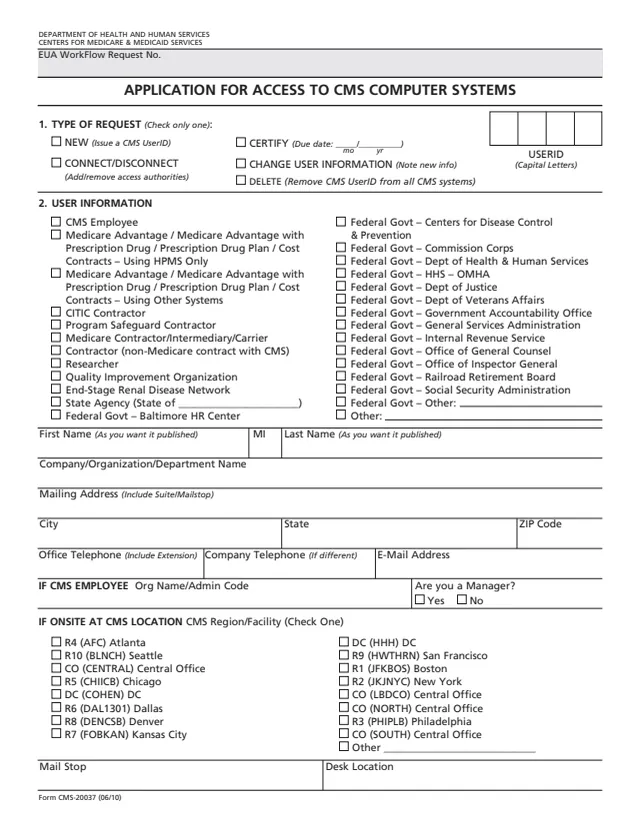
Form CMS-20037: APPLICATION FOR ACCESS TO CMS COMPUTER SYSTEMS
N/A
How to fill out Form CMS-20037 online
- 1
Open the form
Press Fill CMS-20037 online. The official form opens in your browser, ready to type into.
- 2
Fill in the fields
Click a field and type. Move through the form at your own pace, nothing is sent anywhere until you choose.
- 3
Download or print
Save the filled form as a PDF or print it. You do not need an account to download it.
Why fill Form CMS-20037 on indox
You get the real form, filled in a browser tab, with nothing standing between you and the finished PDF.
- Fill the form right in your browser, no software to install
- Free to fill and free to download, with no account
- The official blank straight from the CMS, not a copy someone retyped
- Works on a phone, tablet or computer
More forms in CMS administration
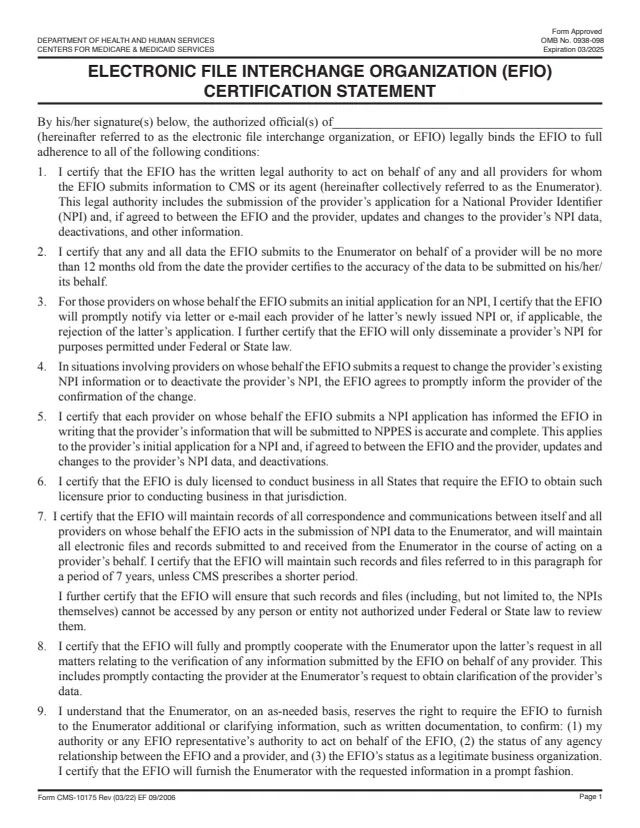
CMS-10175
Electronic File Interchange Organization (EFIO) Certification Statement
8 fields, 3 pages
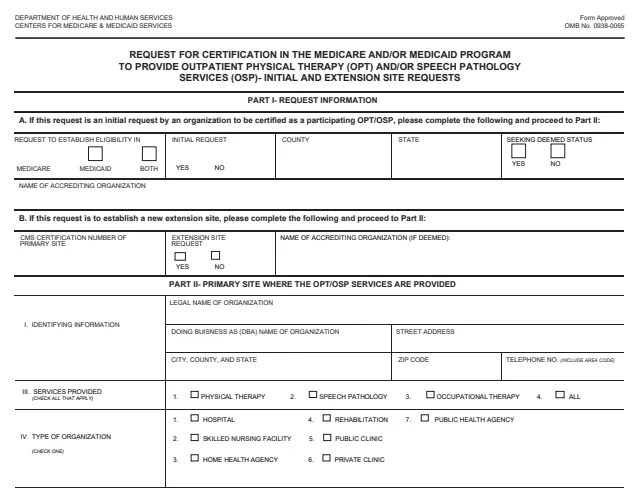
CMS-381
MODEL LETTER REQUESTING IDENTIFICATION OF EXTENSION LOCATIONS
116 fields, 6 pages
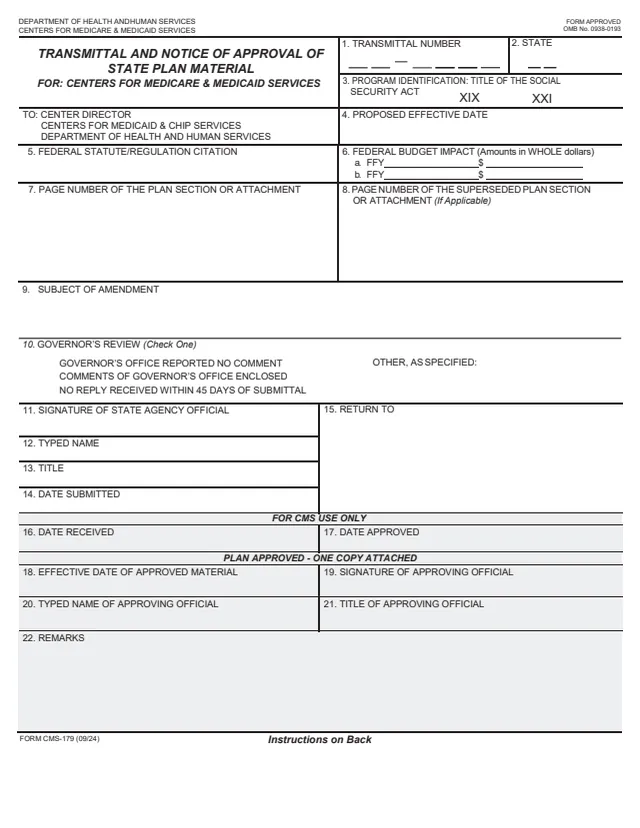
CMS-179
TRANSMITTAL AND NOTICE OF APPROVAL OF STATE PLAN MATERIAL
30 fields, 2 pages
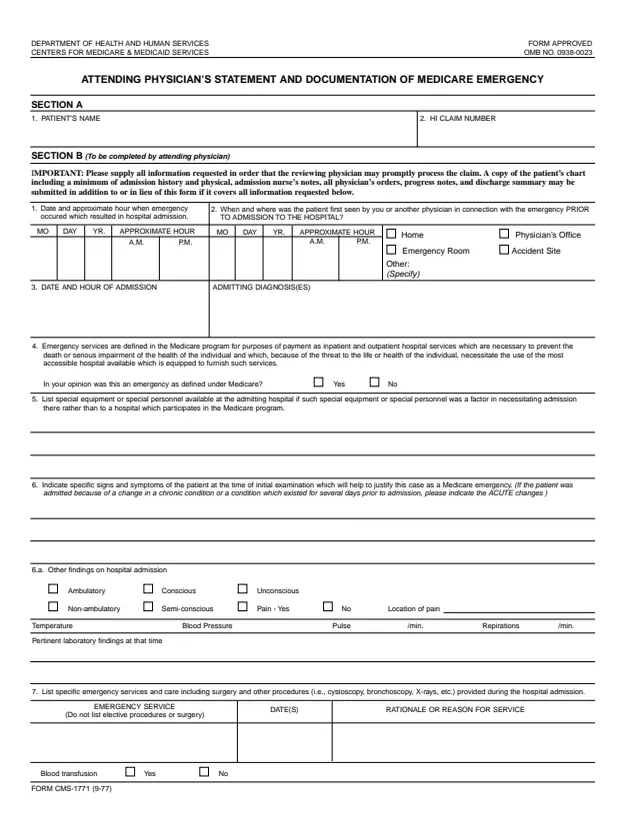
CMS-1771
ATTENDING PHYSICIANS STATEMENT AND DOCUMENTATION FOR MEDICARE EMERGENCY
65 fields, 2 pages
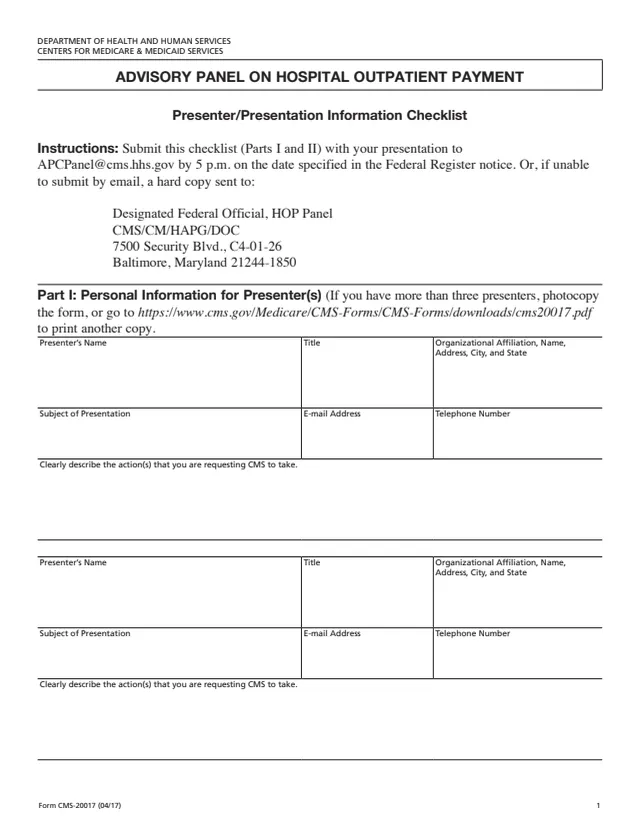
CMS-20017
ADVISORY PANEL ON HOSPITAL OUTPATIENT PAYMENT
22 fields, 2 pages
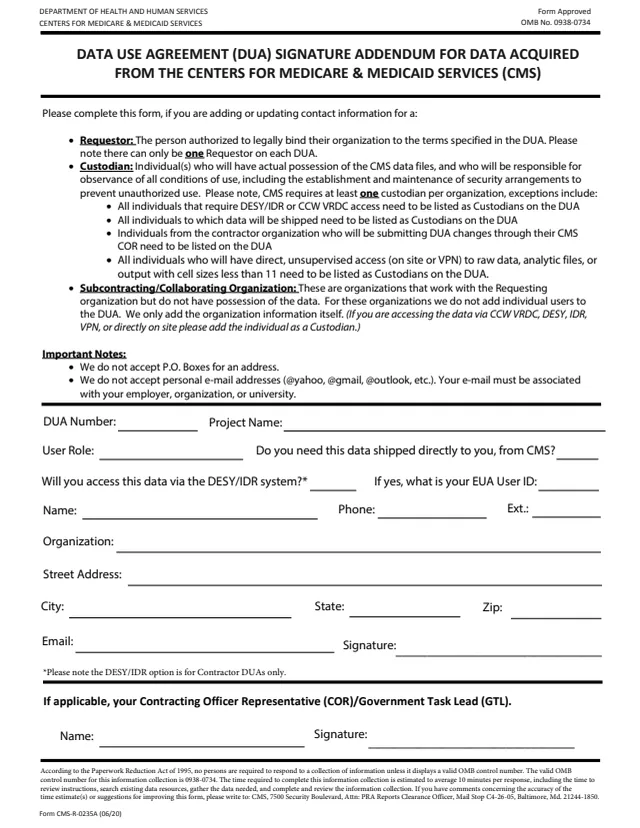
CMS-R-0235A
Addendum to Data Use Agreement (DUA)
16 fields, 1 page
Do it all with indox
No tool matches that search.