SF135
Records Transmittal and Receipt
- Agency
- GSA
- Revision
- 1985-07
- Fillable fields
- 21
- Pages
- 2
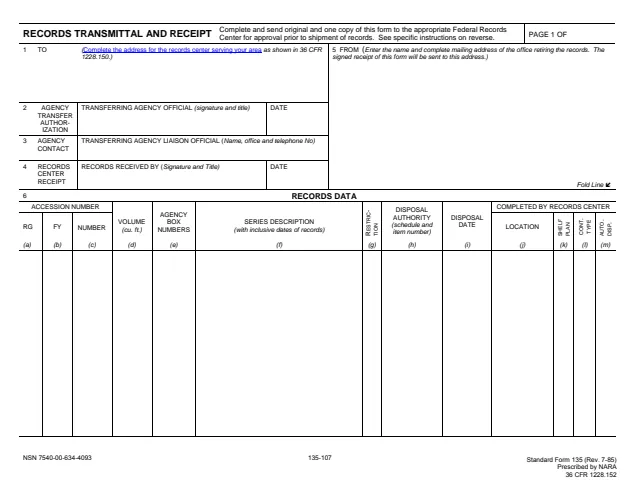
Form SF135: Records Transmittal and Receipt
How to fill out Form SF135 online
- 1
Open the form
Press Fill SF135 online. The official form opens in your browser, ready to type into.
- 2
Fill in the fields
Click a field and type. Move through the form at your own pace, nothing is sent anywhere until you choose.
- 3
Download or print
Save the filled form as a PDF or print it. You do not need an account to download it.
Why fill Form SF135 on indox
You get the real form, filled in a browser tab, with nothing standing between you and the finished PDF.
- Fill the form right in your browser, no software to install
- Free to fill and free to download, with no account
- The official blank straight from the GSA, not a copy someone retyped
- Works on a phone, tablet or computer
More forms in Records management
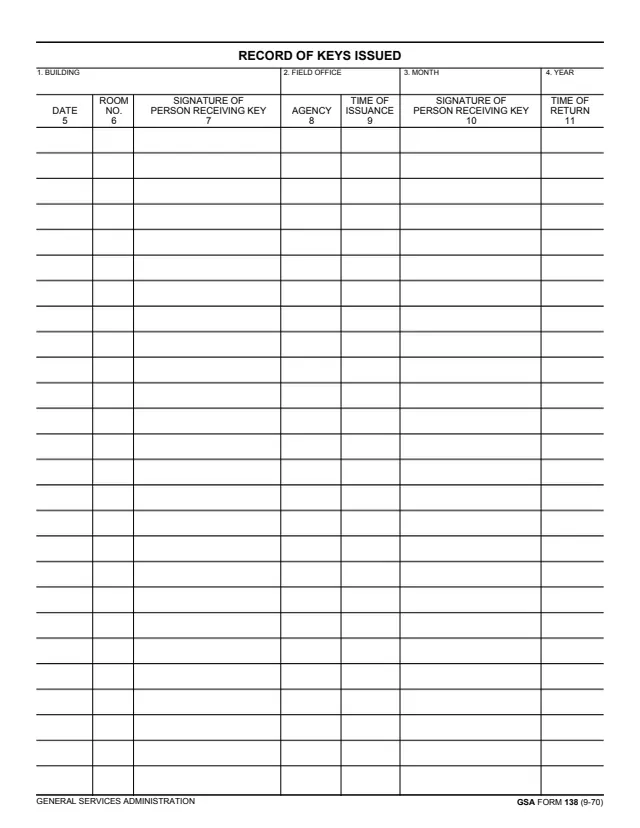
GSA138
Record of Keys Issued
476 fields, 2 pages
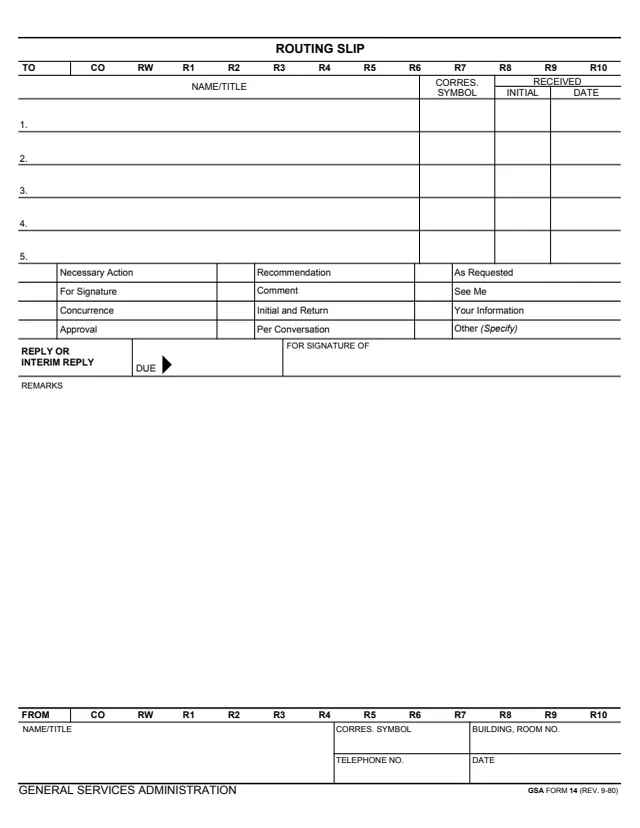
GSA14
Routing Slip
66 fields, 1 page
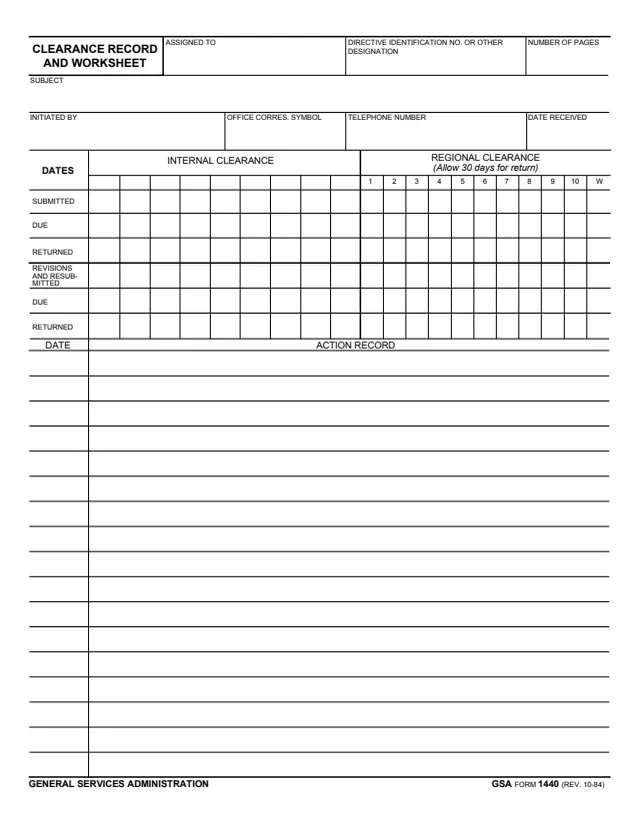
GSA1440
Clearance Record and Worksheet
227 fields, 2 pages
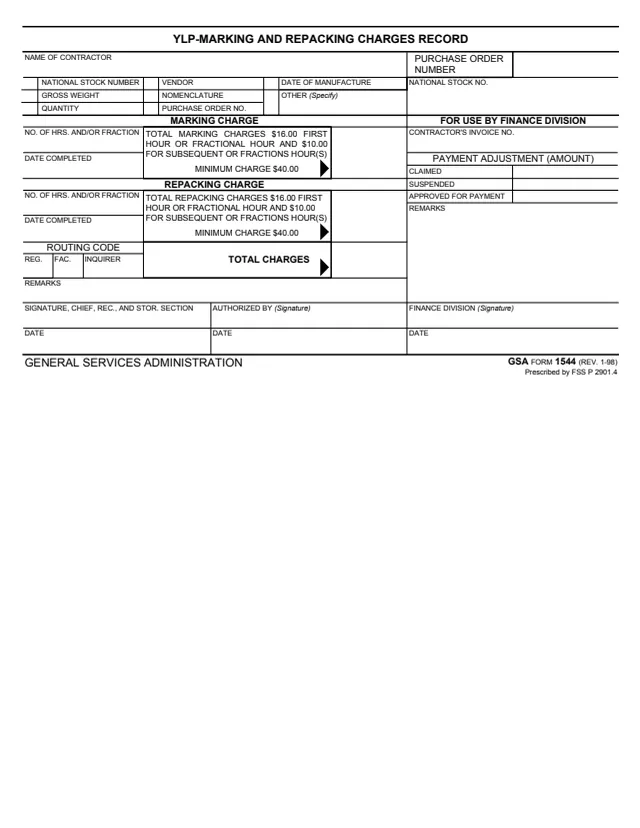
GSA1544
YLP Marking and Repacking Charges Record
37 fields, 1 page
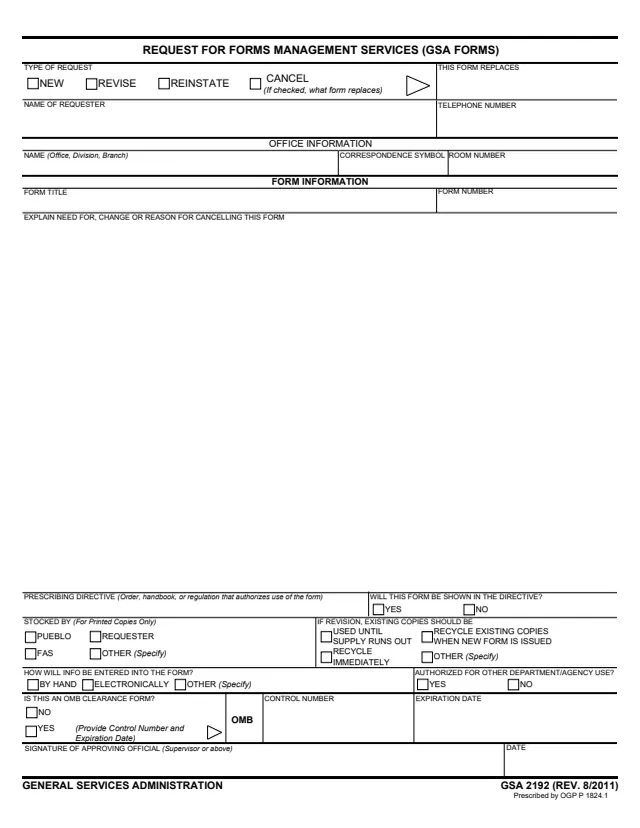
GSA2192
Request for Forms Management Services (GSA Forms)
24 fields, 1 page
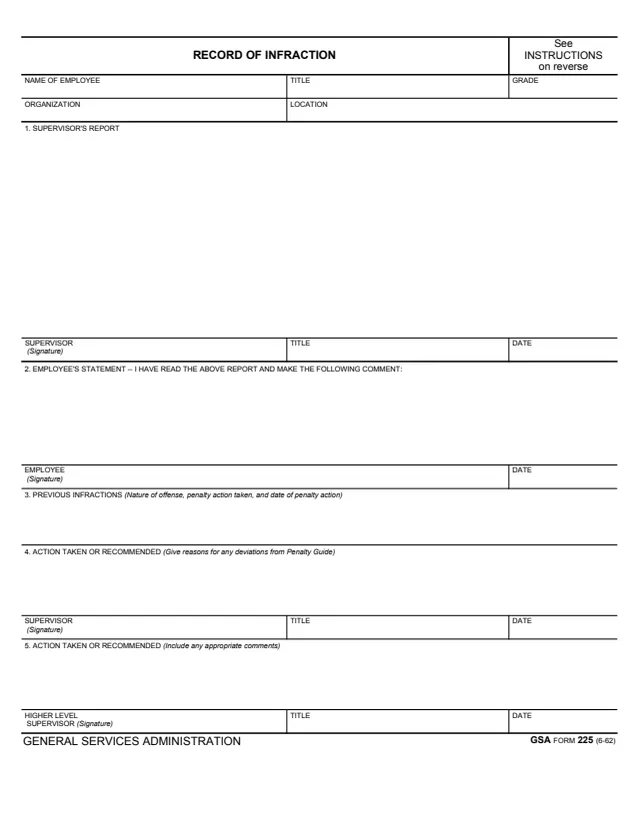
GSA225
Record of Infraction
21 fields, 2 pages
Do it all with indox
No tool matches that search.