Check whether two versions match
The report opens with a field named identical. It is true when the text of every page is the same in both files and false as soon as one page differs. The changed_pages number tells you how many pages to look at.
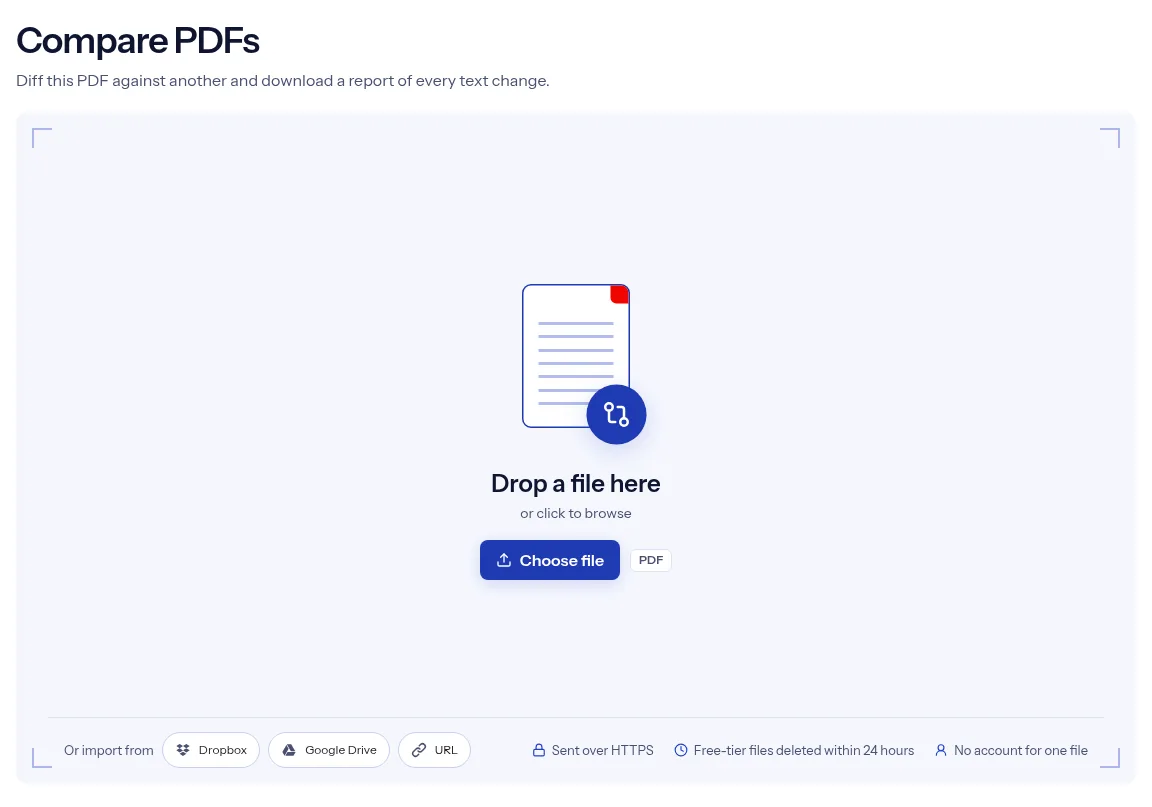
or drop a file anywhere here
Files other than PDF are converted first. Signing in raises the size limit.
Comparing two PDFs means finding what changed between two versions of a document. This tool compares their text. You add one PDF, paste a direct link to the second in Other PDF URL, and run the job. indox reads the text of every page in both files, matches page 1 with page 1, page 2 with page 2 and so on, and lists the lines that were added or removed on each page. The result is a JSON report you download, not a marked-up PDF. The file you upload is treated as the original and the linked file as the version it is compared against. One comparison runs without an account.
The report opens with a field named identical. It is true when the text of every page is the same in both files and false as soon as one page differs. The changed_pages number tells you how many pages to look at.
Each changed page carries two lists. The added list holds the lines found only in the linked PDF, and the removed list holds the lines found only in the PDF you uploaded. Pages with the same text are marked as not changed.
base_pages is the page count of your upload and compared_pages is the page count of the linked file. Extra pages in the longer version are compared with nothing, so their text lands in a single list.
JSON opens in a text editor or a browser, and a script can read it too. That makes the output practical for an automated check of documents your software generates.
Drop the older version on the upload box, or select Choose file to pick it.
Put the address of the newer version in Other PDF URL. It has to be a direct link to the PDF file itself.
Select Run Compare PDFs. When the job is done, select Download to save the JSON report, then open it in a text editor.
The compare page asks for two things, a PDF and a link, and returns one structured answer. The report says whether the two texts are identical, counts the changed pages and lists the exact lines behind each change, so you can go straight to the pages that matter. A single comparison runs without an account. The PDF you upload is sent over HTTPS, and files on the free tier are deleted automatically within 24 hours after the comparison finishes. This page is also plain about scope: the tool compares text and nothing else.
| What you see | Why | What to do |
|---|---|---|
| Every page after an insertion shows as changed | Pages are paired by number, so one extra page shifts everything behind it | Take out the extra page, or compare matching ranges cut with Extract Pages. |
| The report says identical, but the files differ | Only text is compared, or the pages are scans with no text layer | Run OCR PDF on both files, then compare again. |
| One changed word shows a whole line | Lines are compared as a whole | Read the removed and added line side by side. |
| The job fails on the second file | The link must return the PDF itself from a public address, without a sign-in | Open the link in a private window. It should download the PDF. |
| The page asks for a password | The page has no password field | Remove it with Unlock PDF first. |
A counterparty sends back a revised agreement as a PDF. The report lists the lines that changed, so you read those clauses first.
Two exports of the same manual should differ only where you edited. A comparison shows each page that changed and the wording on it.
An invoice or report template is rebuilt after a code change. The identical field gives a simple pass or fail check against a known good file.
Facts checked on October 16, 2026
No tool matches that search.
Paste a direct link to it in Other PDF URL. The upload box takes one file, so the second PDF has to be online at an address indox can reach without signing in.
The PDF you upload. Lines that exist only in the linked file are listed as added, and lines that exist only in your upload are listed as removed.
A JSON file with identical, base_pages, compared_pages, changed_pages and a pages list. Each entry in the list has the page number, a changed flag and, for changed pages, the added and removed lines.
No. It reads the text of each page and ignores pictures, fonts, colors and layout. A change that leaves the words the same will not appear in the report.
Only after OCR. A scan without a text layer has no text to read, so its pages come out empty. Run OCR PDF on both files before you compare them.
Pages are paired by number. One extra page early in a version shifts everything behind it, and each shifted page is then compared with a different page.
Yes. Compare PDFs is on the free tier, and a single comparison runs without an account.
On the free tier, the PDF you uploaded and the comparison report are deleted automatically within 24 hours after the job finishes. The upload and the download both use HTTPS.