Free JPG to PDF converter

You get your photo or scan set on a PDF page, ready to submit, print or file as a document.

Converting JPG to PDF places your picture on a page so photos and scans can be sent as a document rather than loose image files. The pixels are not altered for the better: a blurred photo of a receipt is just as blurred in the PDF, and any text in it remains part of the picture.

Transfers use HTTPS, and files converted on the free tier are deleted within 24 hours, so the result is not a long-term archive. Quality depends on the source file, so open the PDF file once before you share it.

Need more PDF options? Open the PDF Converter hub.

FromJPGLossy

JPEG (Joint Photographic Experts Group)

The most widely used photo format, produced by nearly every camera, phone and scanner. JPEG compression shrinks files by discarding detail the eye tends to miss, and a JPG is a single image with no pages.

ToPDFLossless

PDF (Portable Document Format)

A document format (ISO 32000) made of pages that can hold text, vector graphics and images together. A PDF reader shows the same page on any device, which is why offices, courts and upload portals commonly ask for it.
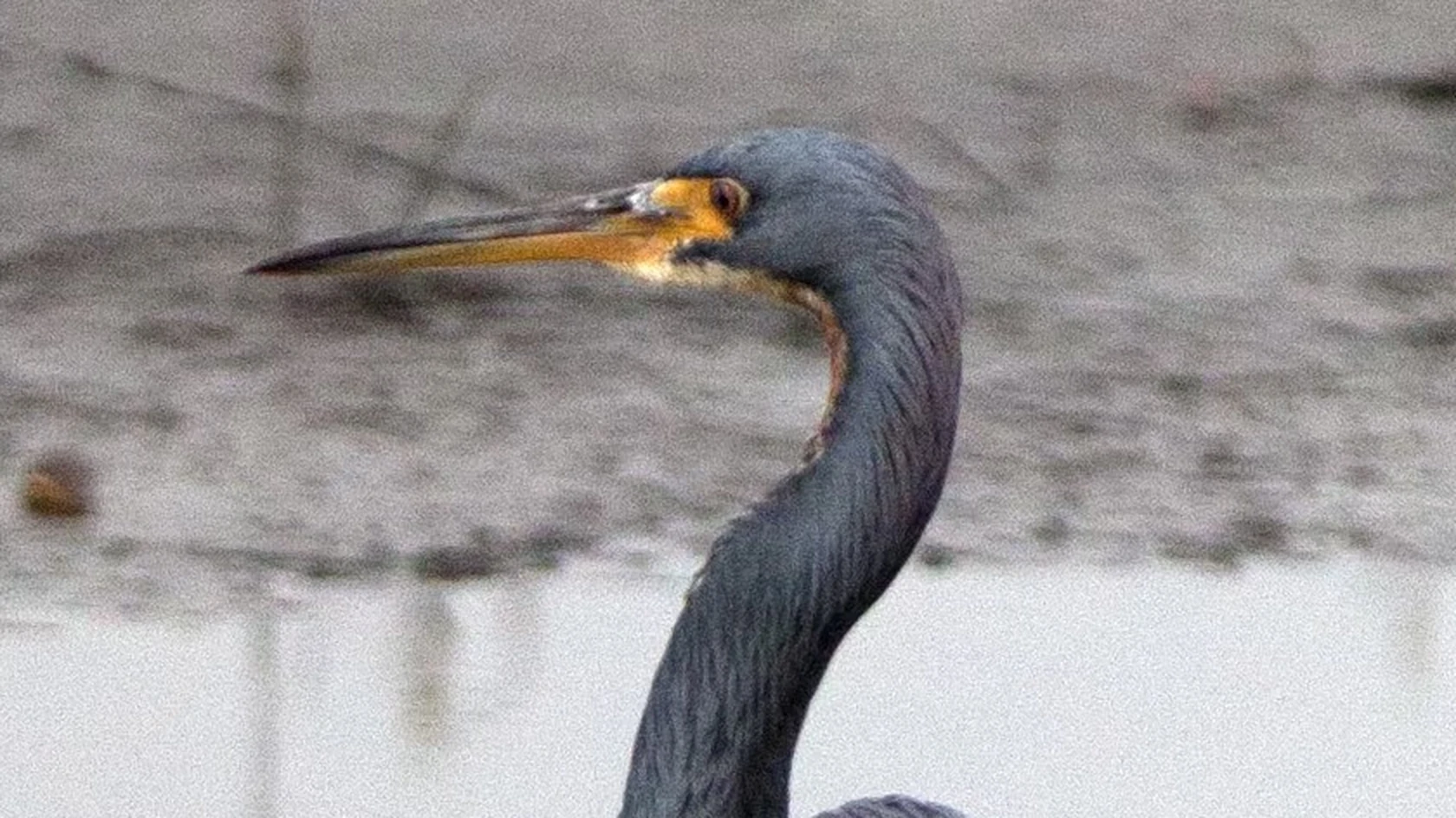
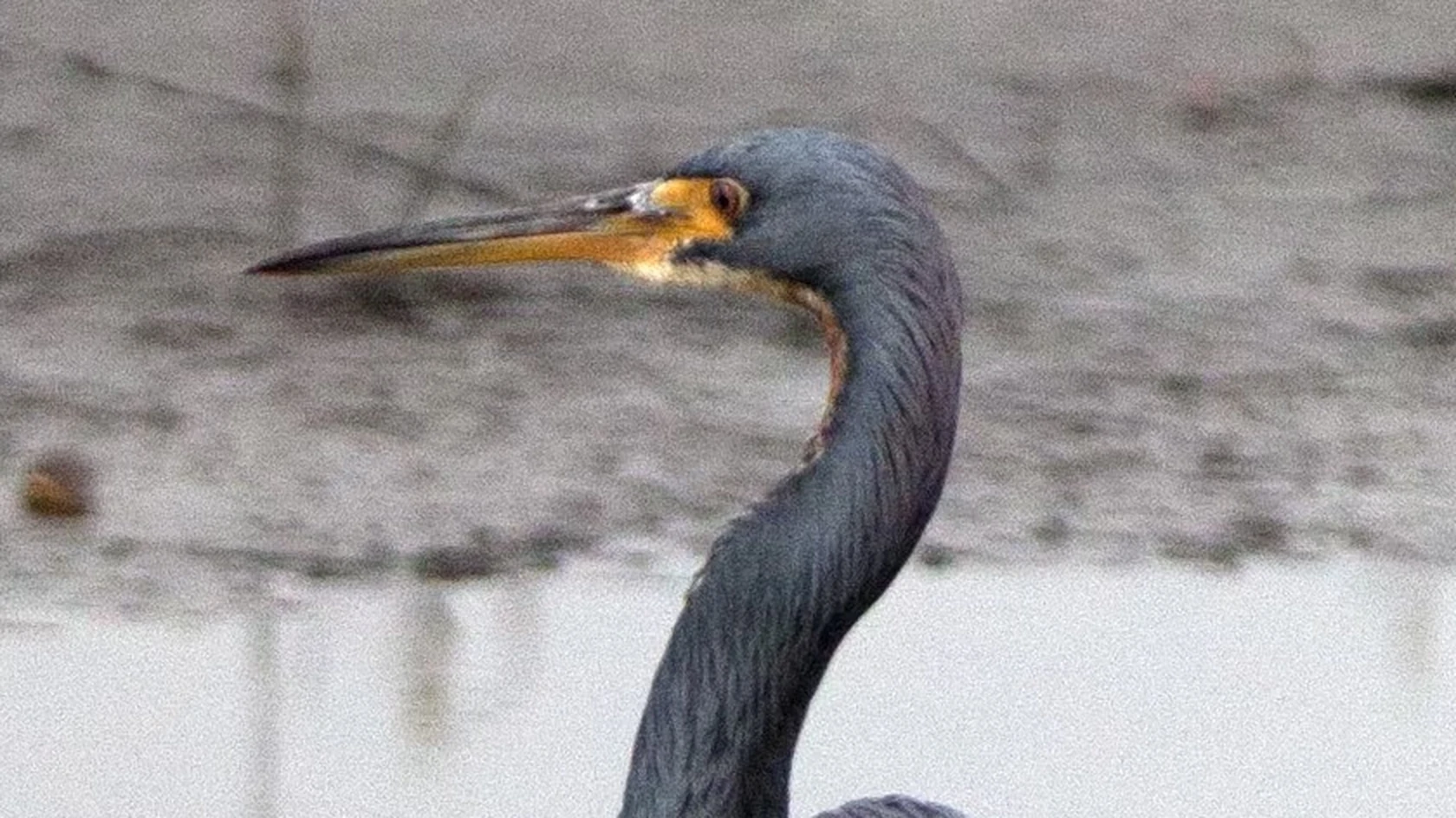
A 3024 × 4032 photo saved as JPG, then converted on indox.org

JPGthe original
3.9 MB
PDFfrom indox, 2% smaller
3.8 MB
A heron's head and beak in the original JPG file, enlarged
The same part in the PDF file made by indox, enlarged
Measured on indox.org on 16 October 2026: the file we uploaded and the file we downloaded. Drag the handle to compare the same part.

Why use indox to convert JPG to PDF?

A PDF from a phone photo, nothing to install

A phone photo of a passport, receipt or signed form is enough to start from. The page is put together on indox infrastructure, so no scanning app or PDF software is installed, and one document can be made without an account.

One PDF for each JPG you add

Photograph a month of receipts, add the JPGs together, and each one becomes a separate PDF. The job appears on a progress bar and can be cancelled if a picture was added by mistake.

A document to download or send as a link

When the PDF is ready, download it for the upload portal, or share it with a link so the recipient can open and print it. On the free tier the file is removed within 24 hours, so save your own copy.

What happens to your picture

Stays

  • The picture, shown on one page of the PDF
  • Your original JPG, which is not touched

Changes

  • The picture is passed through a JPEG encoder again before it is placed on the page, so it is compressed a second time
  • A picture becomes a page: the PDF is a page-oriented document and opens in any PDF reader
  • Text inside the photo stays part of the picture and cannot be selected or searched
  • The page size is chosen by the converter, not by the picture

How do I convert JPG to PDF online?

  1. 1

    Add the JPG photo or scan

    Choose the photo from your phone or computer, drop it on the box, or import it from Dropbox, Google Drive or a URL. Use a sharp, evenly lit picture, because the PDF cannot make a blurred one clearer.

  2. 2

    Confirm PDF and start the job

    Confirm that the output is set to PDF, then start the job. A progress bar shows it until the document is ready.

  3. 3

    Download the PDF and check the page

    Download the PDF and open it in a reader before sending. Check that a sideways photo did not stay sideways, and look at the page size if you plan to print.

What do I get from indox's JPG to PDF converter?

You get a normal PDF with your picture on a page, the kind of file that application portals, accounts teams and print shops ask for. The picture is placed, not improved: its resolution is unchanged, and any text in it stays part of the image, so it cannot be searched or copied. The upload travels over HTTPS, and the free tier keeps files for no more than 24 hours.

  • A PDF page that opens in any document reader
  • Several photos in, a separate PDF for each
  • No account needed for a single photo
  • Progress on screen, and a cancel button if you need it
  • Uploads encrypted in transit over HTTPS
The indox JPG to PDF converter: drop a file or choose one to convert it to PDF

What are the limits for JPG to PDF?

Size

The upload box shows the live size limit before you add a file. Signing in raises it, and paid plans raise it further.

Formats

JPG in, PDF out. Pick another output on the converter if you need a different format.

Privacy

Files are encrypted in transit over HTTPS and processed on indox infrastructure.

Deletion

Free-tier files are deleted automatically within 24 hours after the job finishes.

Limits worth knowing

  • Resolution is unchanged. A small or heavily compressed JPG will look soft or blocky when the PDF is printed at full page size.
  • The page is a flat image, so nothing in it is searchable or accessible to a screen reader without separate text recognition.
  • A sideways photo can stay sideways. Phones record rotation as an EXIF tag, and not every converter honours it, so check the orientation of the result.
  • Page size and margins depend on the converter: the page may match the image's proportions or be a standard size such as A4 or Letter.

When the result is not what you expected

What you seeWhyWhat to do
Text in the PDF cannot be selectedThe text is part of the picture, and nothing here recognises charactersRun text recognition on the PDF, for example with OCR PDF
The picture looks softer in the PDFA second JPEG compression was applied when the picture was placed on the pageStart from the original camera file or a higher-quality scan
The page does not match the picture's shapeThe converter picks the page sizeCheck the result before you print it

What do the free and paid plans add?

Free

  • All converters
  • Daily credit refresh
  • Email support

Basic

  • Access to all features
  • AI Extract
  • Priority conversions
  • Email support
Highest priority

Premium

  • Everything in Basic
  • Highest priority queue
  • Larger file limits
  • Priority support

Pay-As-You-Go

  • No subscription
  • Credits never expire
  • Opt-in auto-refill
  • Access to all features
See prices

Who can use a JPG to PDF converter?

  • Visa and job applicants

    Application portals often take PDF only. A photographed passport, ID card or certificate becomes a PDF you can upload.

  • Employees filing expenses

    Accounts teams tend to file everything as PDF. Convert each photographed receipt so it arrives as a document, not a loose image.

  • People returning signed forms

    You signed a paper form and photographed it with your phone. As a PDF, the recipient can open it in a reader and print it.

When to use it

  • Submitting a photographed passport, ID card or certificate to a visa or job application portal that only takes PDF.
  • Sending photographed expense receipts to an accounts team that files everything as PDF documents each month.
  • Giving a print shop a poster or photo in the PDF format its ordering system requires.
  • Returning a signed form you photographed with your phone, as a document the recipient can print.

Where can I read more about converting files?

Sources

Facts checked on October 16, 2026

Do it all with indox

View all 123 tools

JPG to PDF FAQs

Does converting JPG to PDF reduce quality?

Slightly, in this converter. The JPG is decoded and compressed as JPEG again when the PDF is built, so a small extra loss is possible. Zoom in on the PDF to compare fine detail, and keep the original JPG if you need it untouched.

Can I search or copy the text in a PDF made from a JPG?

No, not straight after converting. The page contains a photograph, and the letters in it are only patterns of pixels. To make them selectable the PDF has to go through optical character recognition, which adds an invisible text layer over the image. Accuracy then depends on how sharp, straight and evenly lit the photo was.

Why is my PDF so much bigger or smaller than the JPG?

The picture is compressed as JPEG again when the PDF is built, so the size can land above or below the original JPG. Large photos straight from a modern phone produce large PDFs.

What page size will the PDF have?

That depends on the converter and the image. Some tools make the page exactly the shape of the picture, others centre it on A4 or Letter with margins. A JPG also stores an optional resolution value in dots per inch, which may be used to work out the physical size. Check the result in a reader before printing.

Is a JPG inside a PDF accepted as an official document?

It is accepted wherever the requirement is simply a PDF upload, which covers most application forms and portals. The file is technically a normal PDF. Some organisations add their own rules, such as a maximum file size, a minimum scan resolution or a text-searchable PDF, so read the upload instructions before sending it.

Is JPEG the same as JPG?

Yes. They are two extensions for the same format. A .jpeg file converts to PDF in exactly the same way. Related extensions such as .jfif are also JPEG data, while .jp2 (JPEG 2000) is a different format despite the name.