Free PDF to DOCX converter

Turn a PDF you can only read into a Word file whose text rewraps as you type, ready to correct, reuse or review.

Converting PDF to DOCX gives you a Word file whose text you can change, instead of a fixed page you can only read. Because a PDF records where characters sit rather than how paragraphs are built, the converter has to reconstruct the structure, so plain one-column documents come through cleanly and complex layouts usually need some tidying.

Transfers use HTTPS, and files converted on the free tier are deleted within 24 hours, so the result is not a long-term archive. Quality depends on the source file, so open the DOCX file once before you share it.

Need more PDF options? Open the PDF Converter hub.

FromPDFLossless

PDF (Portable Document Format)

A page description format standardised as ISO 32000. It stores glyphs, images and vector shapes at fixed coordinates on each page, with no built-in notion of paragraphs, columns or table cells unless the file was specifically tagged with structure.

ToDOCXLossless

DOCX (Office Open XML Document)

Microsoft Word's Office Open XML document format, a zipped set of XML files. Content is stored as paragraphs, runs, tables and styles that reflow when edited, and it opens in Word, Google Docs, LibreOffice Writer and Apple Pages.
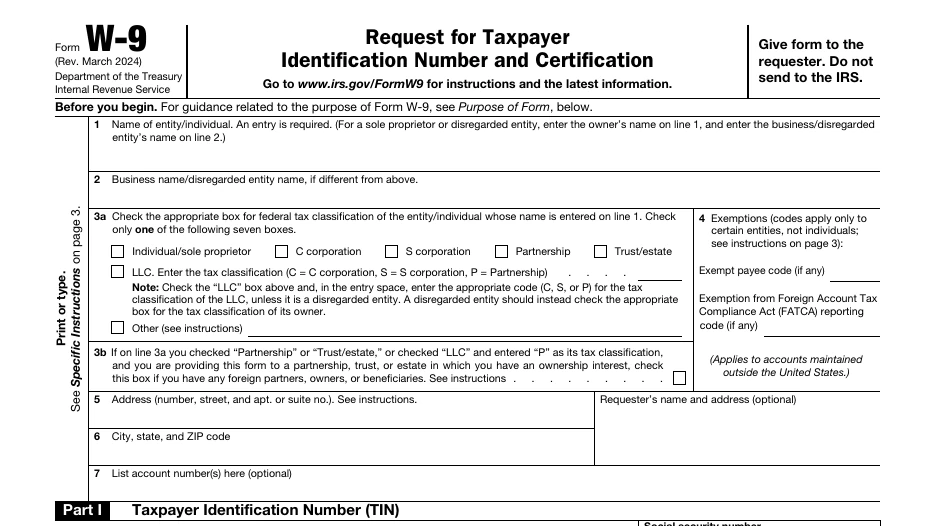
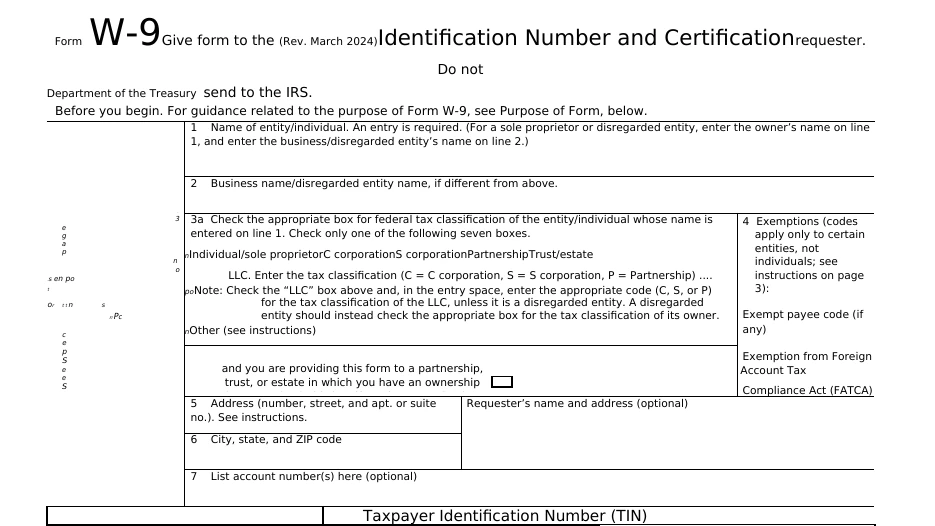
IRS Form W-9 (public domain, 6 pages), converted on indox.org

PDFthe original
141 KB
DOCXfrom indox, 56% smaller
62 KB
The top of Form W-9 in the original PDF file, enlarged
The same part in the DOCX file made by indox, enlarged
Measured on indox.org on 16 October 2026: the file we uploaded and the file we downloaded. Drag the handle to compare the same part. The DOCX is shown as LibreOffice opens it.

Why use indox to convert PDF to DOCX?

Get the text back when the Word file is lost

When only the PDF of a contract, policy or CV is left, the converter regroups its characters into lines, paragraphs and headings in a DOCX you can edit. Nothing is installed, and a single PDF needs no account.

Convert a report and its appendices together

Add several PDFs at once by dropping them on the box, choosing them from your device, or importing them from Dropbox, Google Drive or a URL. Each PDF returns its own DOCX, so separate documents stay separate.

Pass the editable copy on for review

Download the DOCX or send a share link, so a translator or colleague can open it in Word and work with tracked changes and comments. Free-tier files are deleted within 24 hours, so keep your own copy.

What happens to your PDF

Stays

  • Your original PDF, which is not touched
  • The words on pages that have a text layer, as text you can edit
  • Pictures placed on the pages

Changes

  • Layout: a PDF stores text at fixed positions, so paragraphs, lines and tables are rebuilt from those positions
  • Scanned pages: indox runs no text recognition in this conversion, so a page that is only a picture has no text to rebuild
  • Fallback: if the layout cannot be analysed, each page is placed in the DOCX as a picture so you still get a readable document

How do I convert PDF to DOCX online?

  1. 1

    Add a PDF that has selectable text

    Drop the PDF on the upload box or choose it from your device. Try selecting a sentence in your PDF reader first: if nothing highlights, the pages are scans and will arrive as pictures.

  2. 2

    Confirm DOCX and start the conversion

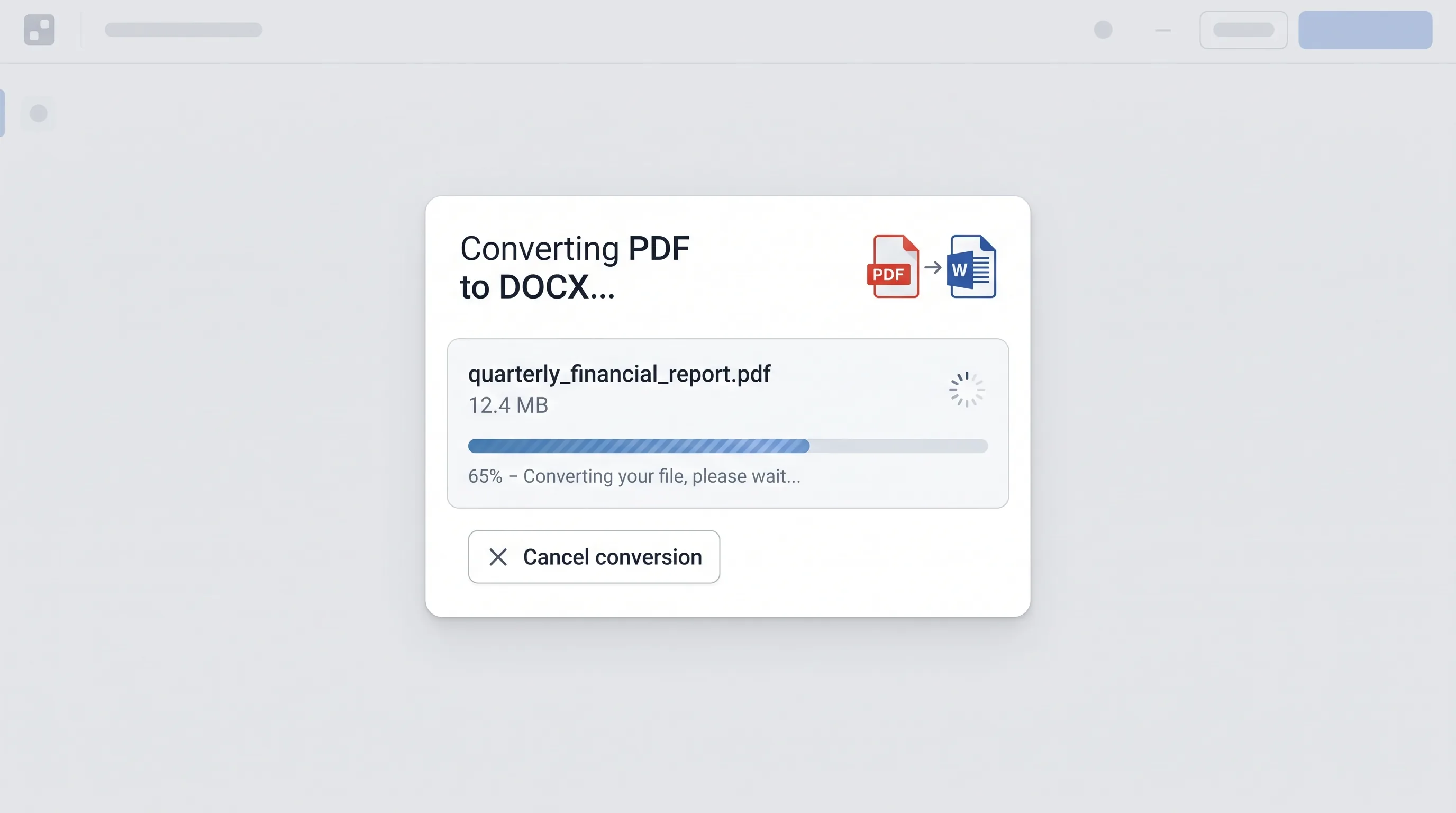
    With DOCX confirmed as the output, start the conversion. A progress bar follows the job while paragraphs and tables are rebuilt, and you can cancel it if you added the wrong PDF.

  3. 3

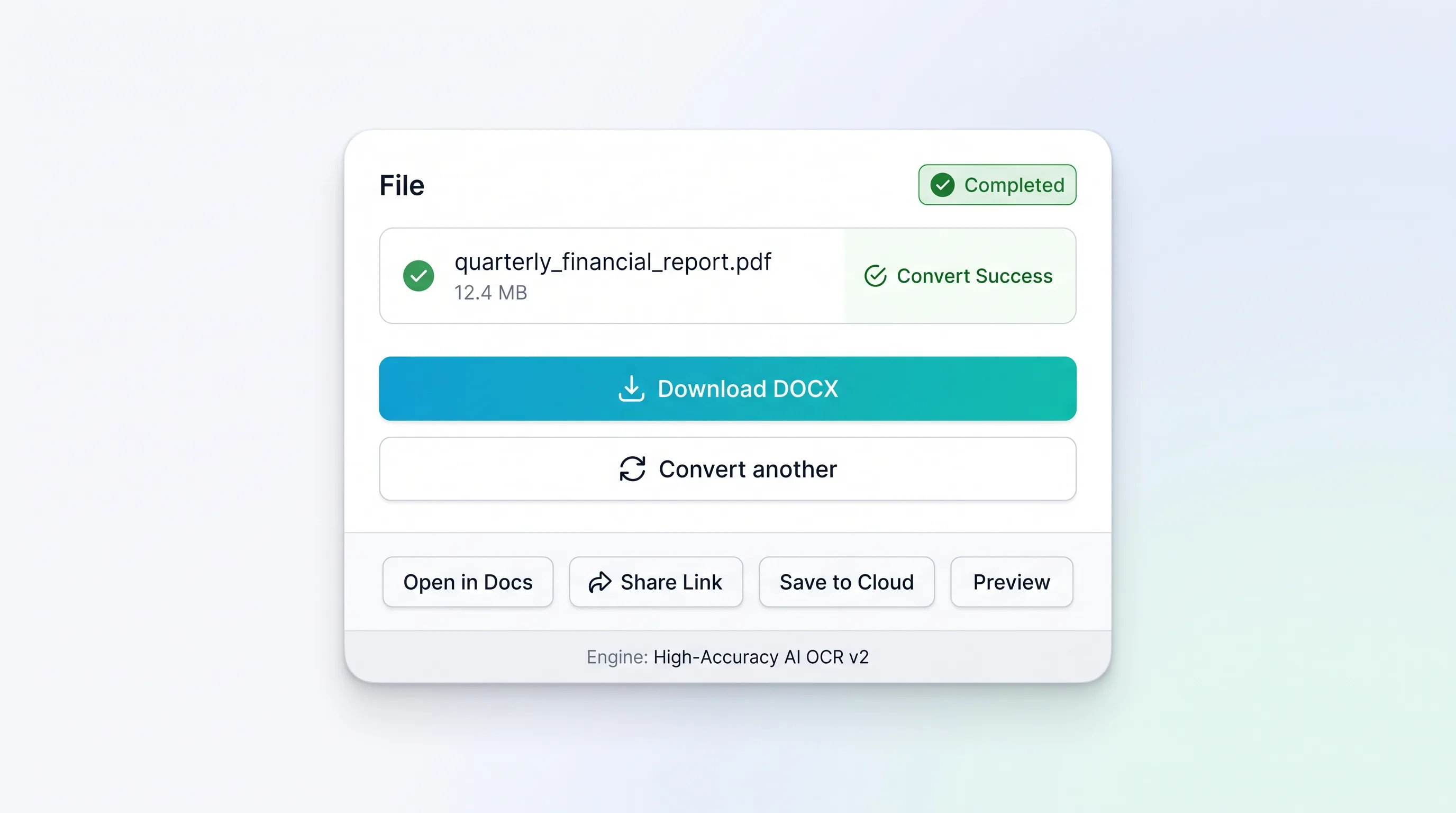
    Download the DOCX and review it in Word

    Look at tables, columns and fonts first. Borderless tables may arrive as tabbed text, multi-column pages can read in the wrong order, and Word substitutes any font your computer does not have.

What do I get from indox's PDF to DOCX converter?

You get a DOCX built from the text layer of your PDF, with characters regrouped into lines, paragraphs and headings that rewrap as you type. Headers, footers, page numbers and footnotes may become proper Word elements or stay as ordinary body text. Documents that began in a word processor convert most closely. Scanned pages come out as images, and a PDF with an open password cannot be read until the password is removed.

  • Simple bordered tables usually return as real Word tables
  • Photographs normally carried over at their stored resolution
  • Opens in Word, Google Docs, LibreOffice Writer and Apple Pages
  • No install, and no account for a single PDF
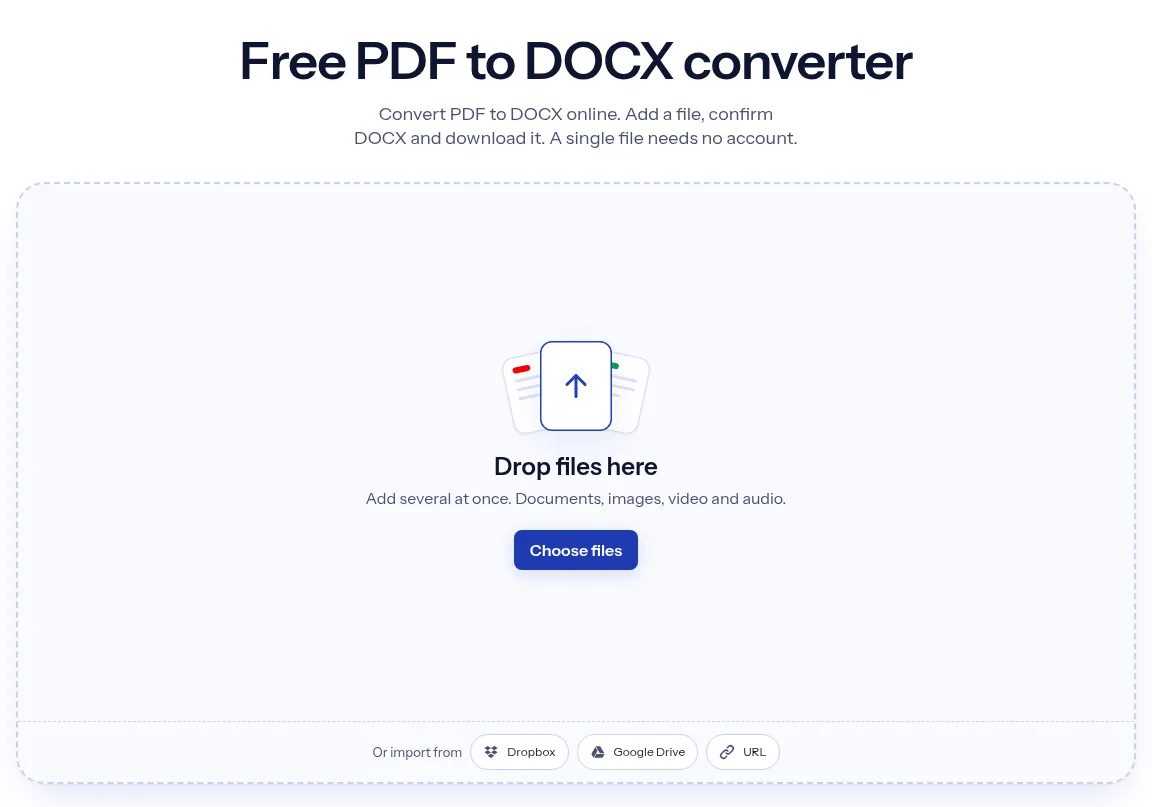
The indox PDF to DOCX converter: drop a file or choose one to convert it to DOCX

What are the limits for PDF to DOCX?

Size

The upload box shows the live size limit before you add a file. Signing in raises it, and paid plans raise it further.

Formats

PDF in, DOCX out. Pick another output on the converter if you need a different format.

Privacy

Files are encrypted in transit over HTTPS and processed on indox infrastructure.

Deletion

Free-tier files are deleted automatically within 24 hours after the job finishes.

Limits worth knowing

  • A scanned PDF holds photographs of pages with no text layer, so the DOCX contains images rather than editable words unless the text is recognised first.
  • Multi-column pages, sidebars and text wrapped around pictures are the hardest to rebuild, and the reading order can come out wrong.
  • Fillable form fields, digital signatures and annotations generally do not transfer as working equivalents, and a signature is no longer valid on the edited copy.
  • A PDF protected by an open password cannot be read without that password, so its content cannot be converted until it is unlocked.

When the result is not what you expected

What you seeWhyWhat to do
The pages arrived as pictures, and the text cannot be editedA scanned PDF holds no text, and this conversion does not recognise text in images. A layout failure also falls back to page picturesRun OCR PDF first so the PDF has a text layer, then convert it again
A table is plain text or boxes instead of a Word tableThe converter rebuilds tables from positions, and borderless or irregular tables are harder to read backFix the table in Word, or convert the page to pictures with PDF to JPG if it only needs to be seen
Lines break in different places than in the PDFA PDF fixes where each line ends, while Word reflows paragraphs to the pageCheck the converted text against the PDF and adjust the paragraph settings in Word

What do the free and paid plans add?

Free

  • All converters
  • Daily credit refresh
  • Email support

Basic

  • Access to all features
  • AI Extract
  • Priority conversions
  • Email support
Highest priority

Premium

  • Everything in Basic
  • Highest priority queue
  • Larger file limits
  • Priority support

Pay-As-You-Go

  • No subscription
  • Credits never expire
  • Opt-in auto-refill
  • Access to all features
See prices
Related conversionsHTML to PDFEPUB to PDF

PDF vs DOCX: what is the difference?

Compared onPDFDOCX
StandardISO 32000-1 for PDF 1.7Office Open XML, ISO 29500 and ECMA-376
What it representsFormatted, page-oriented documents that can hold text, images and graphicsWord processing documents, the default format of Word since Word 2007
RoleGenerally a final-state format for delivery to end usersDesigned to carry the full semantics and functionality of the older binary .doc format
EditingBuilt to present a finished page, not to be reflowedBuilt for writing and revising text

Who can use a PDF to DOCX converter?

  • Contract and policy owners

    Contract and policy owners

    The original Word file has been lost and only the PDF remains, so they convert it to update a clause or a date without retyping the whole document.

  • Job seekers updating a CV

    Job seekers updating a CV

    A CV saved as PDF months ago needs a typo or a date corrected, and a DOCX gives them text they can change in Word.

  • Translators and reviewers

    Translators and reviewers

    They need a text-based PDF as a Word file so that colleagues can mark it up with tracked changes and comments.

When to use it

  • Updating an old contract or policy when the original Word file has been lost and only the PDF remains.
  • Reusing paragraphs from a report or paper in a new document without retyping or fixing broken line ends.
  • Correcting a typo or a date in a CV that was saved as PDF months ago.
  • Preparing a text-based PDF for translation or review, where colleagues need tracked changes and comments in Word.

Where can I read more about converting files?

Sources

Facts checked on October 16, 2026

Do it all with indox

View all 123 tools

PDF to DOCX FAQs

Can I convert a PDF to Word and keep the formatting?

Mostly, for documents that started life in a word processor. Single-column text with headings, lists and simple tables usually keeps its fonts, sizes and spacing closely. Exact fidelity is not realistic for brochures, magazines or forms, because the PDF never stored the structure Word needs and the converter has to infer it from positions on the page.

Why can't I edit the text after converting a scanned PDF?

Because a scan is a picture of text, not text. A scanner or phone camera saves each page as an image, and the PDF simply wraps those images. Until optical character recognition turns the shapes into letters, there is nothing for Word to edit. You can test a PDF by trying to select a sentence in your reader.

Why do the fonts look different in the Word file?

Word displays a document with the fonts installed on your computer, and it swaps in a default when one is missing. The PDF looked right because it carried its own embedded copy of each font, often only the characters actually used. Installing the original typeface, or choosing a close match in Word, restores the appearance.

Do tables convert correctly from PDF to DOCX?

Simple tables with visible borders usually do. A PDF has no table object, only lines and separately placed pieces of text, so the converter guesses rows and columns from the ruling and the alignment. Tables without borders, with merged cells or split across two pages are the ones most likely to need rebuilding by hand.

Is DOCX the same as DOC?

No. DOCX is the XML-based format Word has used by default since 2007, while DOC is the older binary format from Word 97 to 2003. Every current word processor opens DOCX, including Google Docs, LibreOffice and Pages. DOC is only needed for very old software, and Word can save a DOCX down to it.

Will images and charts from the PDF appear in Word?

Photographs and other bitmap images normally carry over at the resolution stored in the PDF. Charts and diagrams are different: in the PDF they are vector drawings or flattened pictures, with no data behind them, so in Word they arrive as pictures or loose shapes that cannot be edited as charts.