List every term on its own line
The Words or phrases to redact box takes one term per line. A line can hold a word, a name or a phrase, and it may contain a comma. The field is required, so the job does not start while the box is empty.
or drop a file anywhere here
Files other than PDF are converted first. Signing in raises the size limit.
Redacting text means covering it so that a reader cannot see it. On this page you add one PDF and type the words or phrases to cover, one per line, in the Words or phrases to redact box. indox sends that list to its PDF engine with two instructions: draw a filled box over the text that matches, and convert the PDF to images. The page states the consequence before you start: text in the whole document stops being selectable. If the engine reports an error, indox fails the whole job and does not return your PDF unredacted.
The Words or phrases to redact box takes one term per line. A line can hold a word, a name or a phrase, and it may contain a comma. The field is required, so the job does not start while the box is empty.
Tick Match whole words only when a short term, such as a surname, also appears inside longer words. The box is clear when the page opens.
Tick Treat each term as a regular expression to describe a pattern, such as the shape of an account number. The page marks this option as Advanced, and an invalid expression fails the job.
Box color opens with #000000, which is black. To use another fill, type a six-digit hex code with a leading #, such as #FFFFFF. A value in any other form fails the job after the upload.
| You want to cover | Use | Check after |
|---|---|---|
| A name or a phrase | One term per line, no options | Try to select and search for the covered words. |
| A short word that also sits inside longer words | Tick Match whole words only | Look at the neighboring words for boxes you did not want. |
| A pattern, such as an email address or a card number | Tick the regular expression option and write a pattern. Stirling's guide lists examples | Test the pattern on a sample page before you run the whole file. |
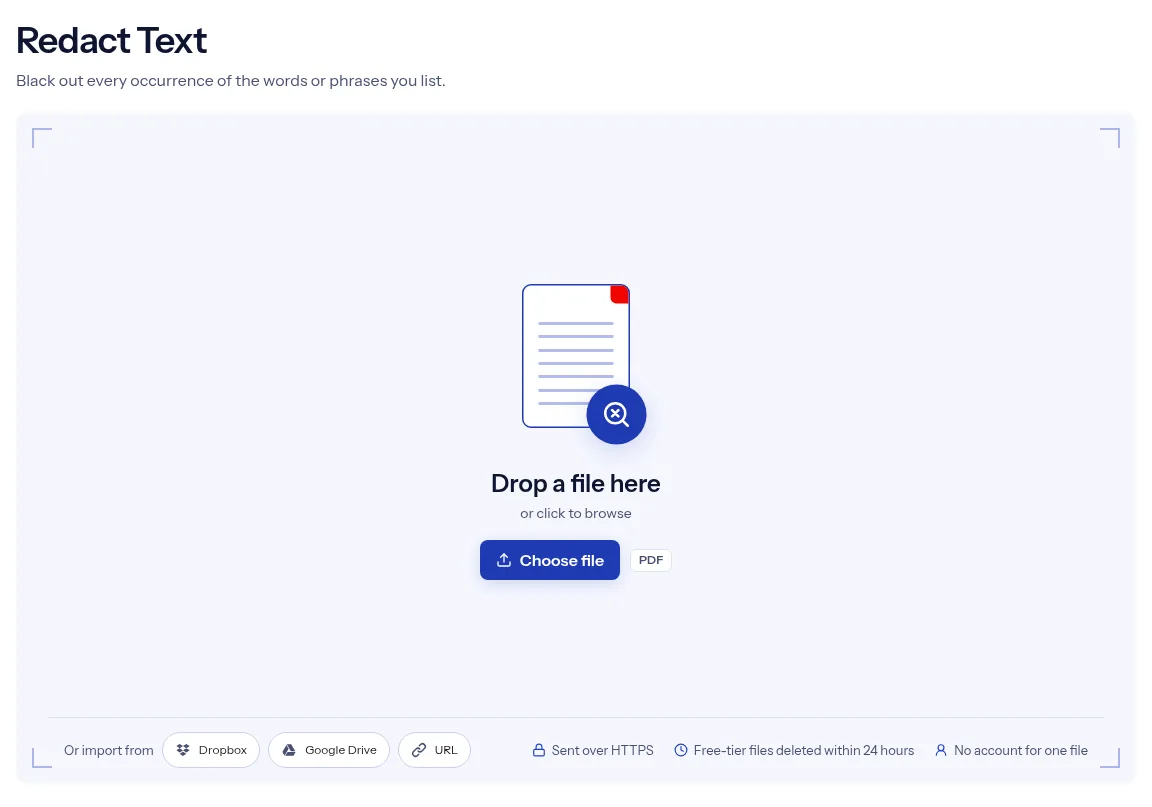
Drop one PDF on the upload box, or use Choose file to pick it.
Enter one term per line in Words or phrases to redact. Tick Match whole words only or Treat each term as a regular expression if you need them.
Press Run Redact Text and wait for the progress bar. Choose Download, then look at every box before you send the file to anyone.

The page shows every setting the job uses: a list of terms, two checkboxes and a color. The note under the terms box names the trade before you start: the result is rasterised, so text in the document stops being selectable. Redaction on indox is strict about failure. When the redaction step cannot run, the job fails, because a PDF that still shows the words you wanted covered is worse than an error message. A single redaction job runs without an account. The upload travels over HTTPS, and indox deletes free-tier files automatically within 24 hours after the job finishes.
| What you see | Why | What to do |
|---|---|---|
| The result has no boxes at all | No term matched, and then the engine returns the document as it was | Check the spelling, then search the original for the exact text, spacing included. |
| A word is still visible | The term did not match, or the word is part of a picture | Fix the term. Text inside a scan is a picture, so run OCR PDF first and redact the searchable copy. |
| A short term covers more than you meant | Without Match whole words only, a term also matches inside longer words | Tick Match whole words only and run the original again. |
| The job fails after you press Run | The pattern is not a valid regular expression, or the box color is not a six-digit hex code | Correct the pattern or write the color as #000000. |
| You cannot select or search the result | The pages were converted to images | Run OCR PDF on the result to make it searchable again. |
A report or letter has to go out with a client name or a case number covered. List both, run the job and read each page of the result.
Payslips, invoices and statements repeat one account or ID number across many pages. A single line in the terms box asks for it to be covered wherever the engine matches it.
Interview transcripts and survey exports name the people who took part. Cover the names before the document goes into an appendix or a shared folder.
Facts checked on October 16, 2026
No tool matches that search.
Every job does two things. It draws a box over the matched text, and it converts the PDF to images, after which text in the document can no longer be selected. indox does not inspect the result for you, so try to select and search for the covered words before you share the download.
The job always converts the pages to images, and this page has no option to keep live text. To make the visible text searchable again, run the result through OCR PDF.
Put each word or phrase on its own line. indox caps how many terms a job may carry and how long each term may be, and a list over either cap fails the job.
It tells the engine to match a term as a complete word and not as part of a longer one. It is off until you tick the box.
The job fails and you see an error in place of a file. Correct the pattern, add the PDF again and rerun the job.
Not on this page. It accepts text terms and has no way to mark a region, so pictures, stamps and handwriting stay visible.
No. The catalog lists Redact Text as a free tool, and a single job runs without signing in.
The file is uploaded over HTTPS when you press Run Redact Text. On the free tier, indox deletes the upload and the result automatically within 24 hours after the job finishes.