No file open

Sign a PDF with a certificate

or drop a file anywhere here

Dropbox
Google Drive

Files other than PDF are converted first. Signing in raises the size limit.

You add
One PDF to sign
You set
Signer name, reason and location, all optional
You get
A PDF with an invisible certificate signature

A certificate signature is a digital signature made with a cryptographic certificate and stored inside the PDF, which lets a PDF reader tell whether the file changed after it was signed. On this page you add one PDF, fill in Signer name, Reason and Location if you want them recorded, and select Run Certificate Sign. indox signs the file with a certificate kept on its own servers and returns a signed copy. The signature is invisible, so nothing is drawn on the pages. You cannot upload your own certificate or private key, which means the certificate belongs to indox and the signer name is an unverified label. The tools catalog marks Certificate Sign with the pro badge.

What can you do when you certificate sign a PDF?

Sign without bringing a certificate

The page has no upload for a certificate or a key file, so one PDF is all you add. indox signs with a certificate stored on its servers. If none from a certificate authority is configured there, the signing service generates a self-signed one and uses that.

Record who signed, why and where

Three optional text boxes feed the signature: Signer name, Reason and Location. An empty Signer name or Location is filled in as indox, and an empty Reason becomes Signed by indox.

Keep every page looking the same

The signature is invisible. indox tells its signing engine not to draw a signature box, so no page gains a stamp, an image or a line of text.

Get an error, never a fake success

If the signing service cannot be reached or rejects the PDF, the job stops and the page shows Couldn’t process file with the reason. No Download button appears for an unsigned copy.

What certificate signing keeps and changes

Stays the same

  • Every page, looking the same. The signature is invisible and nothing is drawn on the pages.
  • The page count, the text and the images.
  • The file on your device, which stays unsigned.

Changes

  • The signed copy gains a signature field holding the certificate, the signer name, the reason and the location.
  • Empty boxes fall back to indox for the name and the location, and to Signed by indox for the reason.
  • The certificate is the one indox holds. When it generates one itself, it is a 2048-bit RSA key valid for ten years, and it is self-signed.
  • The signature covers the whole document, so a PDF reader can report a change made after signing.

How to sign a PDF with a certificate in 3 steps

  1. Add the PDF you want signed

    Drop the file on the box marked Drop a file here, or select Choose file and pick the PDF from your device.

  2. Fill in the signature details

    Type a Signer name, a Reason and a Location if you want them stored in the signature. All three boxes are optional, and Output format stays on PDF.

  3. Run the signing job and download

    Select Run Certificate Sign and wait for the progress bar. When Conversion complete appears, choose Download to save the signed PDF.

Placeholder for the Sign a PDF with a certificate demo, which will show a real run

Why sign a PDF with indox?

You do not need a certificate of your own to use this page, because indox signs with one it already holds. That choice also sets the limit of what the signature says: it shows that the file was signed through indox and lets a reader see whether it changed afterward, and it does not vouch for you as a person. The signature stays off the page, so every page looks the same before and after. Your PDF reaches indox over HTTPS, and a failed signing job gives you a message instead of a file.

  • No certificate or key file to upload
  • Signer name, Reason and Location are optional
  • Invisible signature with no mark on any page
  • Signing errors are shown, with no download offered
  • PDF sent to indox over HTTPS
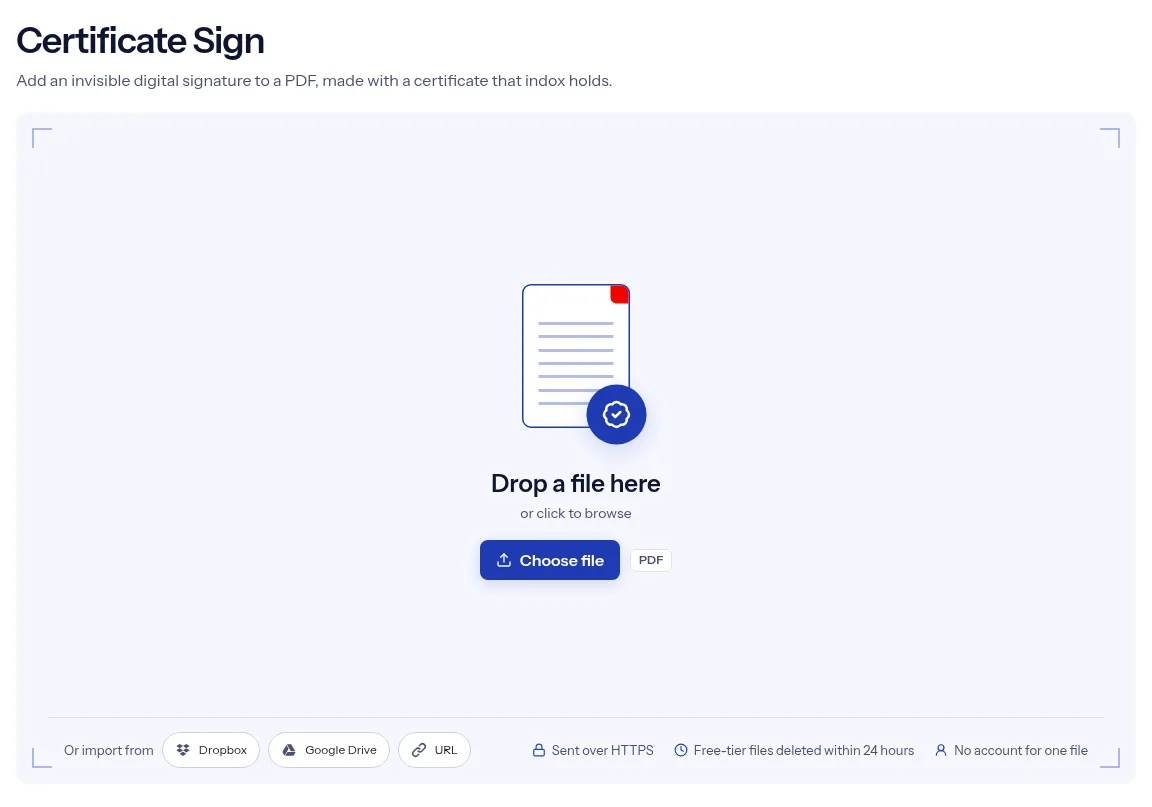
The indox Sign a PDF with a certificate tool on indox.org, ready for your file

What are the limits when you certificate sign a PDF?

Size
The free tier has a file size limit. Signing in raises it, and paid plans raise it further.
Formats
This tool works on PDF files. To change a file's type, use the PDF converter.
Privacy
Files are encrypted in transit and processed on indox infrastructure.
Deletion
Free-tier files are deleted automatically within 24 hours after the job finishes. Signed-in output stays in your history for your plan's retention period.

Limits worth knowing

  • You cannot sign with your own certificate. The page accepts no certificate or key file, so every signature carries the certificate that indox holds.
  • Signer name is free text. indox does not check that the name is yours.
  • With no certificate from a certificate authority configured, indox signs with a self-signed certificate, which PDF readers flag as not trusted. The signing service generates it while it runs and does not keep it for good, so files signed at different times can carry different certificates.
  • The download is the signed PDF alone. There is no setting for a visible signature box, and no audit trail or signing report comes with the file.
  • A PDF that needs a password to open cannot be signed here, because a signature cannot be applied to an encrypted file. Unlock it first, and never run Protect PDF or Change Permissions on the signed copy, since both rewrite the file and break the signature.

When the signature does not behave as you expected

What you seeWhyWhat to do
The reader says the signer is not trustedA self-signed certificate is not issued by an authority the reader trustsThis is expected. The signature still shows whether the file changed. For identity checks by others, sign with a certificate from a certificate authority outside indox.
You see no signature on the pageThe signature is invisible by designOpen the signature panel of your PDF reader.
The signature shows as brokenA tool rewrote the file after signing, and that includes Protect PDF and Change PermissionsMake signing the last step, and sign a clean copy again.
The job refuses a protected PDFA signature cannot be applied to an encrypted fileRemove the password with Unlock PDF and sign the open copy.
You only need a time markerCertificate signing records a signer, not a trusted timeUse Timestamp PDF.

What do the free and paid plans add?

Free

  • All converters
  • Daily credit refresh
  • Email support

Basic

  • Access to all features
  • AI Extract
  • Priority conversions
  • Email support
Highest priority

Premium

  • Everything in Basic
  • Highest priority queue
  • Larger file limits
  • Priority support

Pay-As-You-Go

  • No subscription
  • Credits never expire
  • Opt-in auto-refill
  • Access to all features
See prices

Who signs PDFs with a certificate?

  • Teams releasing a final version

    You have an approved report and want any later edit to be detectable. Sign the final PDF and share the signed copy.

  • Developers testing signed PDFs

    Your app or workflow has to handle documents that carry a certificate signature. Sign a sample here to get a file with a real signature field.

  • Senders who want a tamper check

    You distribute price lists, statements or policies as PDFs. A signed copy lets a recipient's PDF reader show whether the file was altered after indox signed it.

When to use Certificate Sign, and when to pick another tool

  • A finished PDF should show whether anyone changed it after you released it.
  • You need a sample PDF with a certificate signature for testing software.
  • You want the reason for signing and the place stored inside the file.
  • The signature has to carry a certificate issued to you or your company. This page cannot do that, because it has no certificate upload.
  • You only want a time marker in the file. Timestamp PDF adds an RFC 3161 timestamp and asks for no signer details.

Where can I read more?

Sources

Facts checked on October 16, 2026

Do it all with indox

View all 123 tools

Certificate Sign FAQs

Whose certificate signs my PDF?

The certificate belongs to indox. It is either one that indox has configured on its servers or, when none is configured, a self-signed certificate that the signing service generates.

Can I upload my own certificate or private key?

No. The page takes one PDF and three optional text values, and it has no field for a certificate or a key file.

Is the signature visible on the page?

No. The signature is stored in the file without a visible box. Open the signature panel of your PDF reader to see it.

Why does my PDF reader say the signer is not trusted?

A reader trusts a signature only when it trusts the certificate behind it. A self-signed certificate is not on a reader's trust list, so the reader warns about the signer while it can still check the file for changes.

What do Signer name, Reason and Location do?

They are written into the signature as text that a PDF reader can display. indox does not verify them, and a box left empty falls back to a default that names indox.

Can I sign a password-protected PDF?

Not on this page. A signature cannot be applied to an encrypted file, so remove the password with Unlock PDF and sign the unlocked copy.

Can I edit or protect the PDF after signing it?

Any tool that rewrites the file breaks the signature, and that includes Protect PDF and Change Permissions. Make signing the last step.

What does the pro badge on Certificate Sign mean?

In the tools catalog, Certificate Sign carries the pro badge, and the catalog filter lists that group as Pro / Dashboard. See the pricing page for what each plan includes.

Indox | Sign a PDF with a digital certificate online