Mix single pages and ranges
Separate entries with commas and write a range with a hyphen. Typing 1-3,5,8 keeps pages 1, 2, 3, 5 and 8. Spaces around the numbers are ignored.
or drop a file anywhere here
Files other than PDF are converted first. Signing in raises the size limit.
Extracting pages copies the pages you choose out of a PDF and saves them as one new, shorter PDF. Add your file, type the pages in the Pages to keep box, for example 1-3,5, and run the job. The new file holds those pages in the order you typed them, so 5,1-3 puts page 5 first. Every page you did not list is left out. You get a single PDF back, with no archive to unpack. Extraction suits the case where you want a few pages out of many. When you want almost all of them, Remove pages needs a shorter list, and Split PDF is the tool for cutting a whole document into parts.
Separate entries with commas and write a range with a hyphen. Typing 1-3,5,8 keeps pages 1, 2, 3, 5 and 8. Spaces around the numbers are ignored.
The new PDF follows your list from left to right. Typing 7,2,4 puts page 7 first, then page 2, then page 4, so one job can pull pages and rearrange them.
A page number that appears twice in the list is copied twice. Typing 1,1,2 gives a three-page file that opens with two copies of page 1.
The download is a single PDF with nothing to unzip. Pages are copied as they are and never re-rendered, so text stays selectable and images keep their quality.
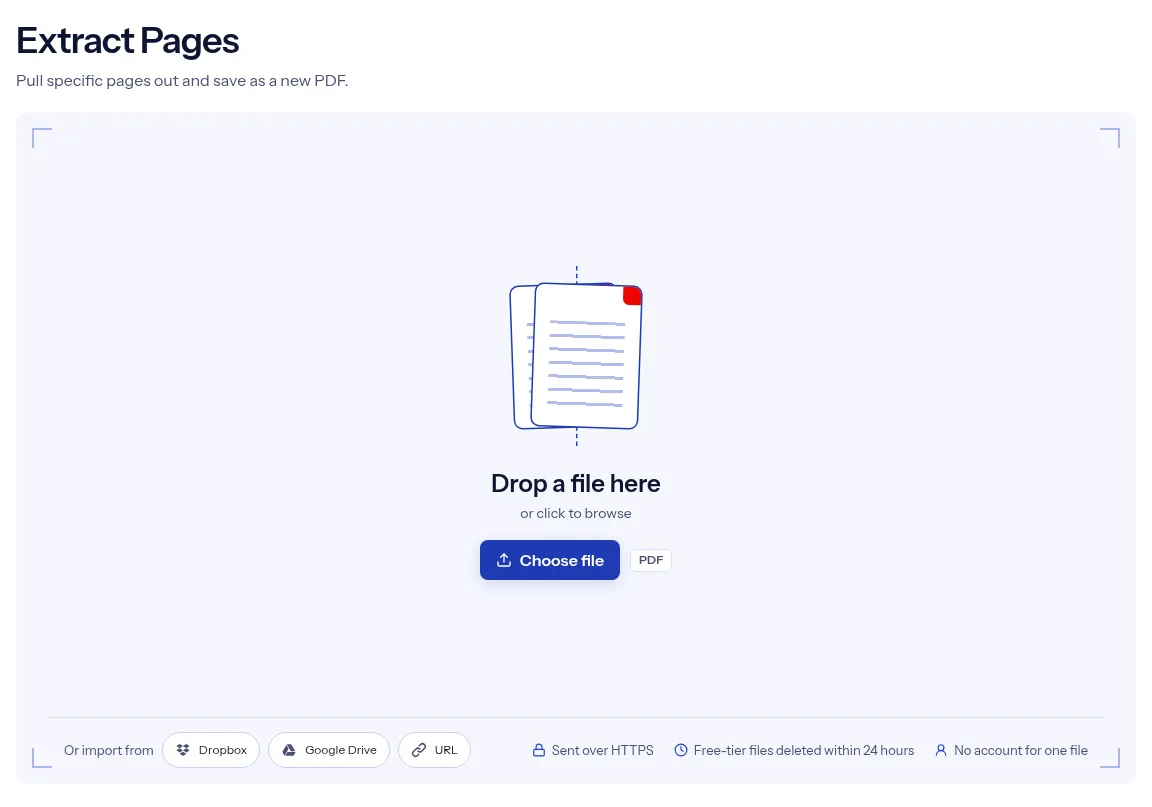
Drop the file on the upload box, or click the box to pick it from your device.
Fill in Pages to keep with page numbers and ranges, such as 1-3,5, in the order the new file should follow.
Press Run Extract Pages. When the job finishes, choose Download to save the new PDF.
You describe the result in one line of text and get exactly that. The list you type is the page order of the new file, so a single job can pull pages and rearrange them. A page number that does not exist stops the job with an error and no file, which means you never download a PDF that is quietly missing a page you asked for. You can run one extraction without creating an account. The upload is sent over HTTPS, and on the free tier the file and its result are removed automatically within 24 hours after the job ends.
| What you see | Why | What to do |
|---|---|---|
| The job stops with a message about a page entry | An entry is not a number, is zero, is an open range such as 5-, or is past the last page | Fix the entry and check the page count in a viewer. Every entry must be a page that exists. |
| The pages come out in the wrong order | A range always runs from the lower number to the higher one, so 9-7 gives 7, 8, 9 | List the pages one by one, as in 9,8,7, or put them in order with Reorder PDF Pages. |
| Bookmarks, attachments or form fields are missing | The new file is built from the copied pages only | Use Remove Pages on the pages you do not want instead. |
| You wanted several files, not one | Extraction writes a single PDF | Cut the document into parts with Split PDF. |
| The file asks for a password | The page has no password box | Remove the lock with Unlock PDF, then extract from the open copy. |
A portal asks for one certificate or transcript page, and yours sits inside a longer scan. Extract that page and upload only what was requested.
A statement or ledger export runs to many pages and the client needs two of them. Keep those pages and send a short file.
You want to share one article or figure from a long report. Extract its page range as a standalone PDF.
Facts checked on October 16, 2026
No tool matches that search.
Use page numbers separated by commas, with a hyphen for a range, for example 1-3,5,8. Page 1 is the first page in the file, whatever number is printed on it.
Yes, the new PDF follows the order of your list, so 4,1,2 puts page 4 first.
Yes, repeat its number in the list and the page is copied once for each time it appears.
The job fails and no file is created. Correct the list and run it again.
Bookmarks are not copied, and form fields may no longer be fillable. Remove pages keeps both for the pages that stay.
No, pages are copied as they are, without being re-rendered or turned into images.
Extracting returns one PDF with the pages you picked. Splitting cuts the whole document into several files and returns them in a ZIP.
No, one extraction works without an account. Signing in raises the file size limit; a paid plan adds credits but does not change that limit.