Choose 2, 4, 9 or 16 pages per sheet
Pages per sheet is a list with four choices, and the page opens on 4. Two keeps each page large, while 9 and 16 fit many pages on a sheet for an overview.
or drop a file anywhere here
Files other than PDF are converted first. Signing in raises the size limit.
N-up layout places several pages of a document together on one sheet. It is the layout behind slide handouts and proof prints: 4-up puts four pages on a sheet, so a 16-page file comes back as 4 sheets. On this page you add one PDF, choose 2, 4, 9 or 16 in Pages per sheet, and tick Add page border if you want the pages outlined. The tool opens on 4 with the border off. The result is a new PDF with fewer pages, each one holding several of yours. Sharing a sheet leaves less room for every page, so check that the text is still readable before you print a large run.
Pages per sheet is a list with four choices, and the page opens on 4. Two keeps each page large, while 9 and 16 fit many pages on a sheet for an overview.
Tick Add page border to have a border requested with the layout. The box starts empty, and the job then asks for no border.
Divide your page count by the number per sheet and round up. A 16-page PDF becomes 8 sheets at 2 per sheet, 4 at 4, 2 at 9 and 1 at 16. A 10-page file at 4 per sheet becomes 3 sheets, and the last one is not full.
The tool has no page range and no order setting, so it works on the document as it is. To leave pages out or change their sequence, run Remove pages or Reorder pages first.
| You want | Pages per sheet | Check after |
|---|---|---|
| Two pages side by side for reading | 2 | Each page gets half the sheet width, so check the margins. |
| Slide handouts or a quick reading copy | 4 | Print one sheet and read the smallest text on it. |
| A compact proof of a longer file | 9 | Small print may be hard to read at this size. |
| An overview of many pages to find one | 16 | Treat it as a thumbnail sheet. Body text will be too small to read. |
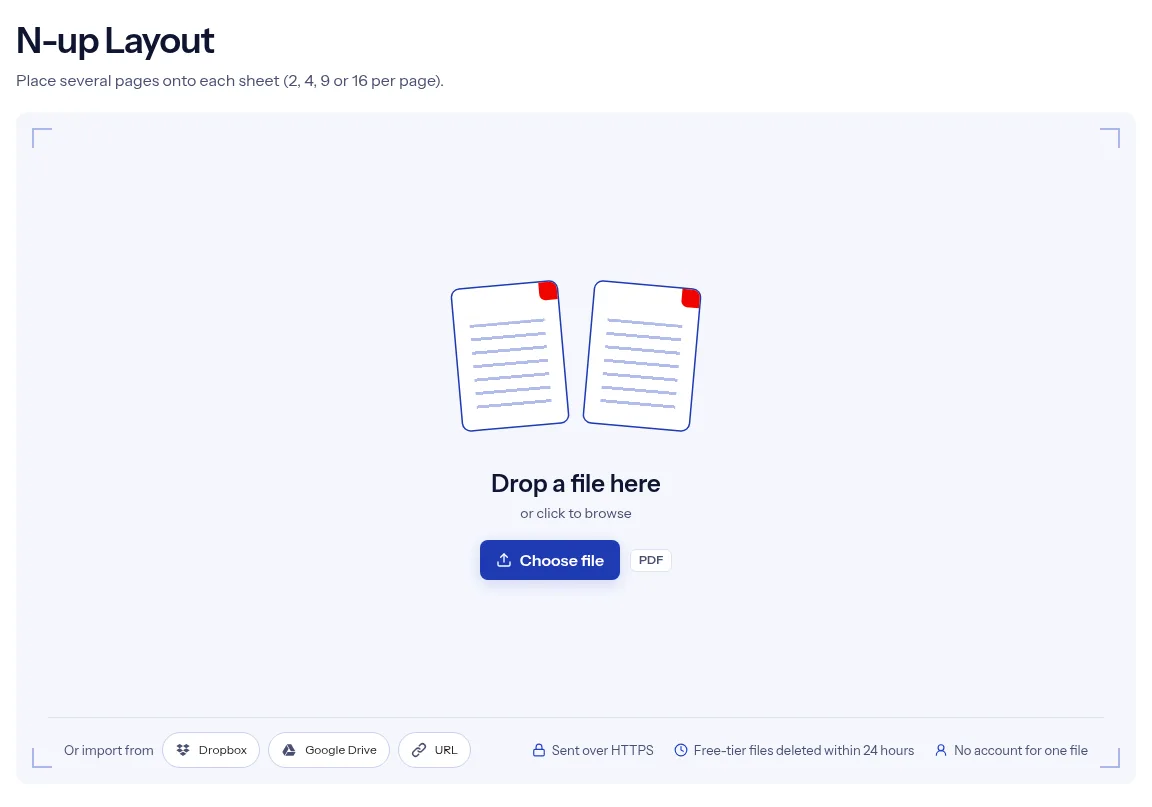
Drop the document you want on fewer sheets onto the upload box, or use Choose file. One PDF is laid out per job.
Pick 2, 4, 9 or 16 from the Pages per sheet list. Tick Add page border if you want the pages outlined.
Press Run N-up Layout and wait for the progress bar to finish. Then press Download and look at the first sheet before you print.
The layout is decided by two controls you can see at a glance: how many pages share a sheet, and whether a border is added. Nothing else from this page is sent with your file. The four choices cover the usual jobs, from two pages for a readable handout to sixteen for an overview of a whole deck. You can run one PDF without an account. The file travels over HTTPS, and on the free tier the upload and the sheet layout are deleted automatically within 24 hours after the job finishes. The page is also plain about the gaps: it has no sheet size, orientation or margin setting and no preview, so the first printed sheet is your proof.
| What you see | Why | What to do |
|---|---|---|
| The text is too small to read | Pages are scaled down to fit a cell on an A4 sheet, and 9 or 16 per sheet makes the cells small | Choose a smaller number per sheet and print one sheet to test. |
| The last sheet has empty cells | The page count does not divide evenly by the number per sheet | That is expected. If you want fuller sheets, drop pages you do not need with Remove Pages. |
| Pages sit small in the middle of each cell, with wide white bands | Each page keeps its shape inside a cell, and the sheet is always A4 portrait | A smaller number per sheet gives each page a larger cell. There is no setting for the sheet size or orientation. |
| Form fields are missing on the sheets | The engine skips copying form fields when any source page is rotated | Flatten the form first with Flatten PDF, then lay out the flattened copy. |
| You wanted a folded booklet | N-up fills sheets in reading order and does not reorder pages for folding | Use Make a PDF Booklet. |
Slides printed two or four to a sheet make a handout that learners can write on, using fewer sheets than one slide per page.
Sixteen pages on one sheet show the flow of a booklet or deck at a glance, which helps when checking page order and repeated layouts.
Drafts, receipts and reference pages do not need a full sheet each. Two or four per sheet saves paper.
Facts checked on October 16, 2026
No tool matches that search.
It means N pages placed on one sheet. 2-up is two pages per sheet, 4-up is four, and so on.
You can choose 2, 4, 9 or 16. The list is set to 4 when the page opens.
Divide the page count by the pages per sheet and round up. Twenty pages at 4 per sheet give 5 sheets, and at 9 per sheet they give 3.
It asks the PDF engine to add a border to the layout. The box is off when the page opens, so tick it only if you want the outline.
No. The tool has only the two settings shown, and the page does not state which sheet size the engine uses. Open the download to check, and run Scale Pages on it if you need a specific paper size.
No, only 2, 4, 9 and 16 are available on this page.
That depends on your document. More pages per sheet leaves less room for each one, so print a single test sheet at 9 or 16 before a full run.
The tool is marked free to use, and one PDF runs without an account. Your document goes up over HTTPS, and on the free tier it and the N-up result are deleted automatically within 24 hours after the job finishes.