Strip the signatures in one run
The tool sends a single instruction with your file: remove the certificate signatures. That instruction applies to the whole document, so you do not pick a signature, a page or a signer.
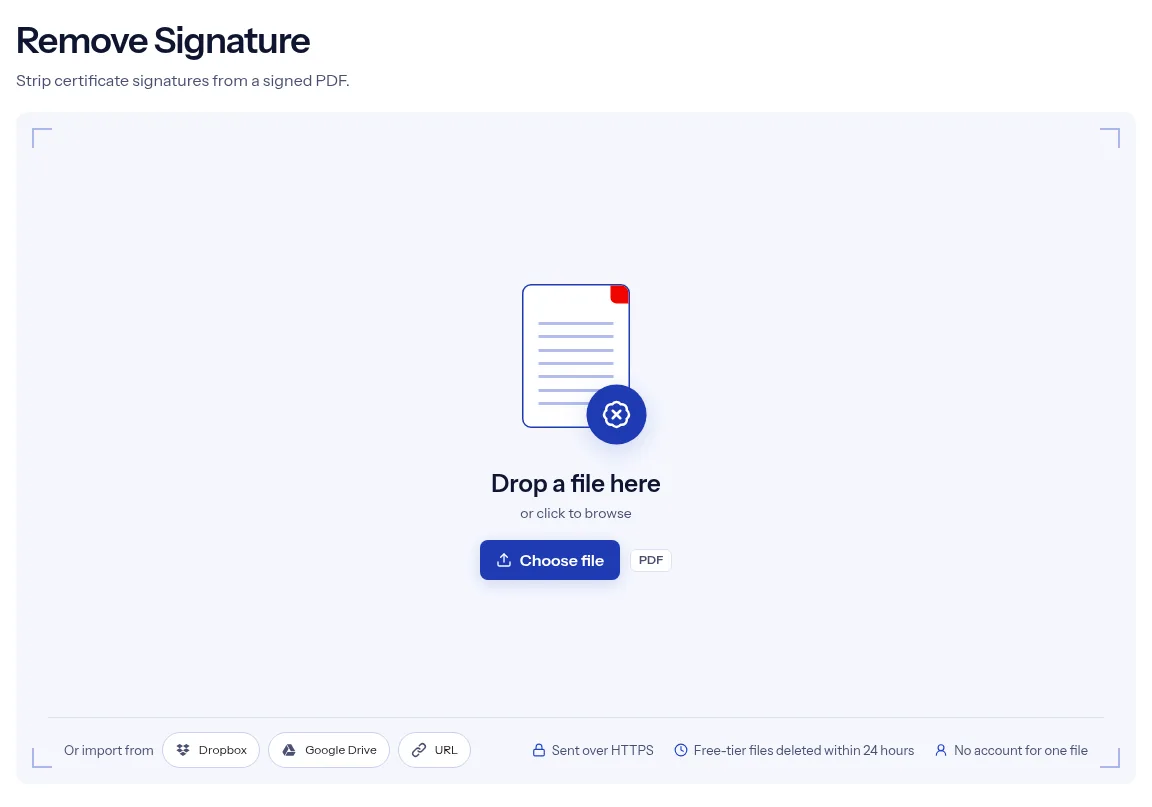
or drop a file anywhere here
Files other than PDF are converted first. Signing in raises the size limit.
A certificate signature is a digital signature stored inside a PDF. PDF readers check it and warn when the file has changed since it was signed, which gets in the way when a signed document needs one more correction. Remove Signature takes one signed PDF, strips its certificate signatures and gives you a copy without them. There is nothing to configure: add the file, select Run Remove Signature and download the result. The signed file on your device is left alone, so you keep the signed version as your record. A single job runs without an account. Removing a signature does not undo the fact that the original was signed, and the new copy is an ordinary unsigned PDF.
The tool sends a single instruction with your file: remove the certificate signatures. That instruction applies to the whole document, so you do not pick a signature, a page or a signer.
After you add the PDF, the options card shows only Output format, already set to PDF. This tool has no checkbox, no password box and no page range.
indox works on the uploaded copy and hands back a new file. The signed PDF you started with stays wherever you saved it, with its signature in place.
A finished job shows Conversion complete with a Download button. If the removal cannot run, the page shows Couldn’t process file with the reason and offers Try another.
Drop it on the upload box at the top of the page, or press Choose file to browse for it. The box takes one PDF at a time.
There is nothing to fill in. Select Run Remove Signature and watch the progress bar until the job ends.
Choose Download to save the unsigned PDF. Open it in a PDF reader and look at the signature panel to confirm the signatures are gone.

Remove Signature does one job and asks for nothing except the file. You are not asked for the signer's password, the certificate or a reason, and the page does not judge whether the signature was valid. Because the tool works on a copy, you never lose the signed version unless you delete it yourself. A single file runs without signing in, the upload goes over HTTPS, and on the free tier indox deletes the uploaded PDF and the result automatically within 24 hours after the job finishes. If the service that performs the removal is unavailable, the job fails with a message, and you are not handed your signed file back as though it had been processed.
| What you see | Why | What to do |
|---|---|---|
| The signature still shows on the page | The tool removes the signature, and what it looked like is turned into plain drawing | Edit the source document and export it again if the picture itself has to go. |
| A reader still reports a signature | The tool removes the signature fields it finds in the form, and anything stored elsewhere stays | Check the copy in a PDF reader before you rely on it. |
| You need the document signed again | The removal cannot be undone | Sign the unsigned copy with Sign a PDF with a certificate. |
| The file asks for a password | The form has no password box | Remove it with Unlock PDF, then bring the open copy here. |
A typo turned up after the PDF was signed, and the signature now stands in the way of the fix. Strip it, make the correction and have the corrected version signed again.
A records or upload system flags PDFs whose signatures it cannot verify. Keep the signed originals in your archive and submit unsigned copies where the system asks for them.
You need the same document with and without a signature to see how your software reacts. Sign a sample with Certificate Sign, then remove the signature here.
Facts checked on October 16, 2026
No tool matches that search.
It removes the certificate signatures stored in the file. Those are the digital signatures that a PDF reader lists in its signature panel.
No. The page asks for the PDF and nothing else, and it has no field for a certificate, a key or a password.
The tool is built for certificate signatures and has no setting for drawn or pasted marks. Do not count on it to erase ink that is part of a page.
No. indox processes the copy you upload and returns a new PDF, and the signed file on your computer or phone is not touched.
No. The tool has no signature list, so a run applies the removal to the whole file.
The page confirms only that the job finished. Open the downloaded copy in a PDF reader and check that its signature panel is empty.
A single job runs without signing in, because Remove Signature carries the free badge. The limits on Remove Signature go up when you sign in or take a paid plan.
Free-tier uploads and results from this tool are deleted automatically within 24 hours after the job finishes. The transfer to indox uses HTTPS.