Set the order in one line
The New page order field takes the page numbers of your current file, separated by commas. The first number you type becomes the first page of the result, the second number becomes the second page, and so on.
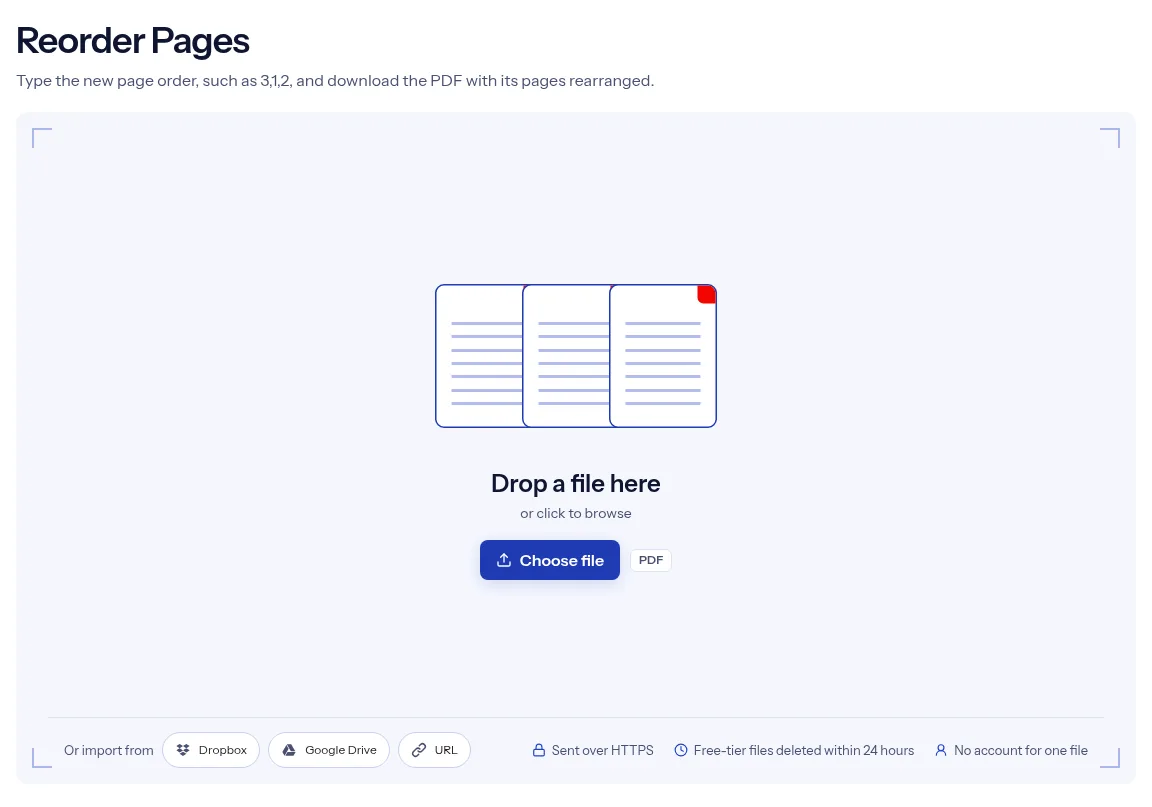
or drop a file anywhere here
Files other than PDF are converted first. Signing in raises the size limit.
Reordering a PDF changes the sequence of its pages without changing what is on them. On this page you set the sequence by typing it. Enter the current page numbers in the order you want them to appear, separated by commas. For a three-page file, 3,1,2 puts the last page first. The tool has one field, New page order. It has no page thumbnails and no dragging, so open the PDF in a viewer and write down the order before you start. The result is a new PDF to download, and the file on your device stays as it was.
The New page order field takes the page numbers of your current file, separated by commas. The first number you type becomes the first page of the result, the second number becomes the second page, and so on.
Swap two pages, bring a page to the front, or reverse a short document. Each time you write out the whole list, because the field asks for every page in the order you want.
New page order is a required field. If you press the run button while it is empty, the field is marked as required and no job starts.
Anything printed on a page moves with it, including old page numbers. If the document needs numbers, set the order here and then stamp them with the page number tool, so they follow the new sequence.
| You want | Type | What you get |
|---|---|---|
| The last page of a 10-page file first | 10,1-9 | Page 10, then pages 1 to 9. |
| A 4-page file reversed | 4,3,2,1 | Every page once, in that order. |
| Pages 2 and 3 swapped in a 5-page file | 1,3,2,4,5 | All five pages, with 2 and 3 exchanged. |
| Only some pages, in a new order | 5,2 | A PDF with two pages: 5, then 2. |
Drop the file on the box at the top of the page, or click the box and choose it. One PDF goes in per job.
In New page order, enter every page number in the sequence you want, separated by commas, for example 3,1,2.
Press Run Reorder Pages. When the result card appears, press Download and page through the file to confirm the order.
A typed order suits the job when you already know what has to move. If page 7 belongs after page 2, one line does it, with no thumbnails to load and no tiles to drag on a small screen. The tool does one thing: it takes one PDF and one list, and it returns one PDF. indox passes your list to the PDF engine as you typed it, so the result follows your line and nothing else. Your pages are moved, and no option on this page touches their content. Reordering a single file needs no sign-up. The file is sent over an encrypted HTTPS connection and, on the free tier, deleted on its own within 24 hours after the job ends.
| What you see | Why | What to do |
|---|---|---|
| The result has fewer pages than the original | Pages you did not list are left out | List every page, for example 3,1,2,4-10. |
| A page you typed twice appears once | Repeats are removed and the first position wins | This tool cannot repeat a page. |
| A number seems to be ignored | Numbers that are zero, past the last page or not numbers are skipped without an error | Count the pages and type digits only. |
| A range such as 5-1 adds no pages | Ranges count upward only | Type the pages one by one: 5,4,3,2,1. |
A stack went through the scanner in the wrong sequence, or the cover sheet came out last. Type the right sequence and the scan reads in order.
An appendix has to sit before the references, or a signed page belongs at the front. Move it with one typed line before you send the file.
Handout and assignment pages exported from different apps often land out of sequence. Put them in reading order before you print or submit.
Facts checked on October 16, 2026
No tool matches that search.
No, this tool shows no page thumbnails. You type the order in the New page order field.
Enter the current page numbers in the sequence you want, with a comma between them. For a four-page file, 2,1,3,4 swaps the first two pages.
Yes, the field asks for every page in the order you want. If the file is long, Extract pages takes ranges and keeps the order you list, which saves typing.
Write the full list with that page in its new place. To move page 5 of a five-page file to the front, type 5,1,2,3,4.
List the pages from last to first. For a three-page file that is 3,2,1.
No, a number printed on a page moves with that page and keeps its old value. Add page numbers after you reorder.
Run the tool again with a corrected list. Start from your original file, which is still unchanged on your device.
A single reorder needs no account. Signing in raises the file size limit; a paid plan adds credits but does not change that limit.